

Rule Modifiers
1 optionSwitch health protection on or off.
View rule modifiers →Spend more time exploring and working the overnight shift in Happy's Humble Burger Farm with a toggle that prevents ordinary health loss.
Start with free mods
Download Bytonian Mods for Windows and try these free features. Choose one to see how it works and any requirements.
Prevent ordinary health loss while you explore and work through the restaurant's challenges.
Enable Prevent health loss in Rule Modifiers. Switch it off to return to normal damage.
Burger preparation tutorial
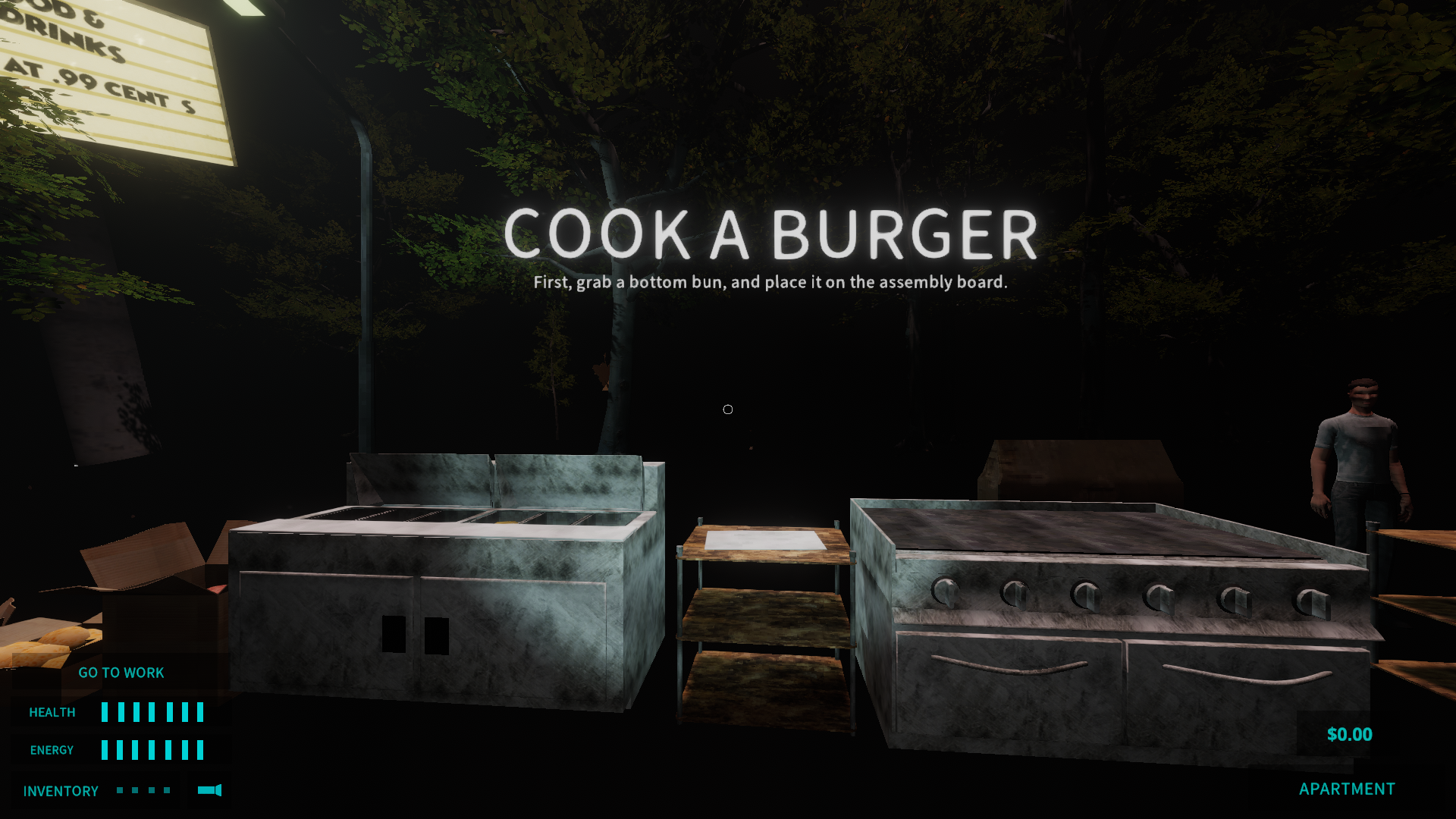
A nighttime training area in Happy's Humble Burger Farm, with the burger assembly station and health display visible.
Open Rule Modifiers and enable Prevent health loss when you want to focus on the restaurant and its unsettling surroundings. Switch it off to return to normal damage.
Switch health protection on or off.
View rule modifiers →Browse the Steam achievement names and descriptions for Happy's Humble Burger Farm. Choose and unlock achievements for free with Bytonian Mods in the Windows app.
View all achievements →Download the Windows app and follow the setup prompts.
Open Happy's Humble Burger Farm and select it in Bytonian Mods. Follow the app’s connection prompts.
Review the available options in the app and choose the ones that suit how you play.