
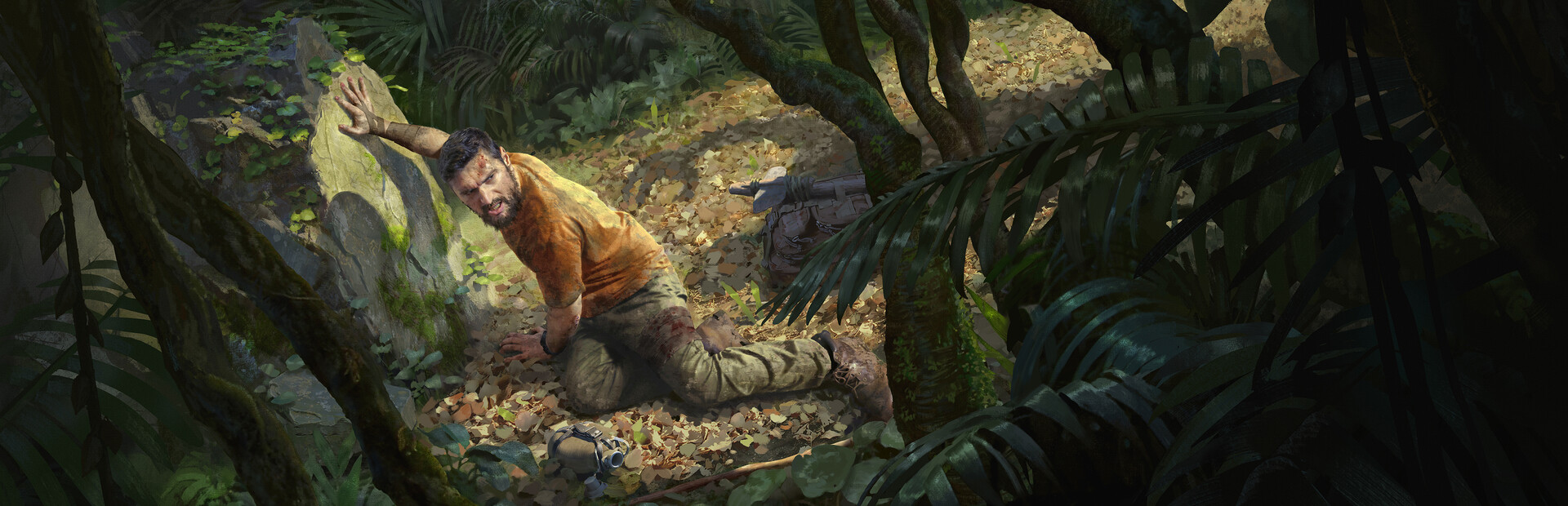
Adjust your view of the rainforest
Choose a field of view that suits your screen and the way you like to explore. This changes the gameplay view without changing your character's movement settings.

Find a comfortable view
Enable Field of View and adjust its value while looking around your world. Switch the card off when you want the game to control the view again.
Available presentation modifiers
Field of ViewFree
Choose how wide or narrow your gameplay view feels.
Enable Field of View and adjust it while looking around your world.
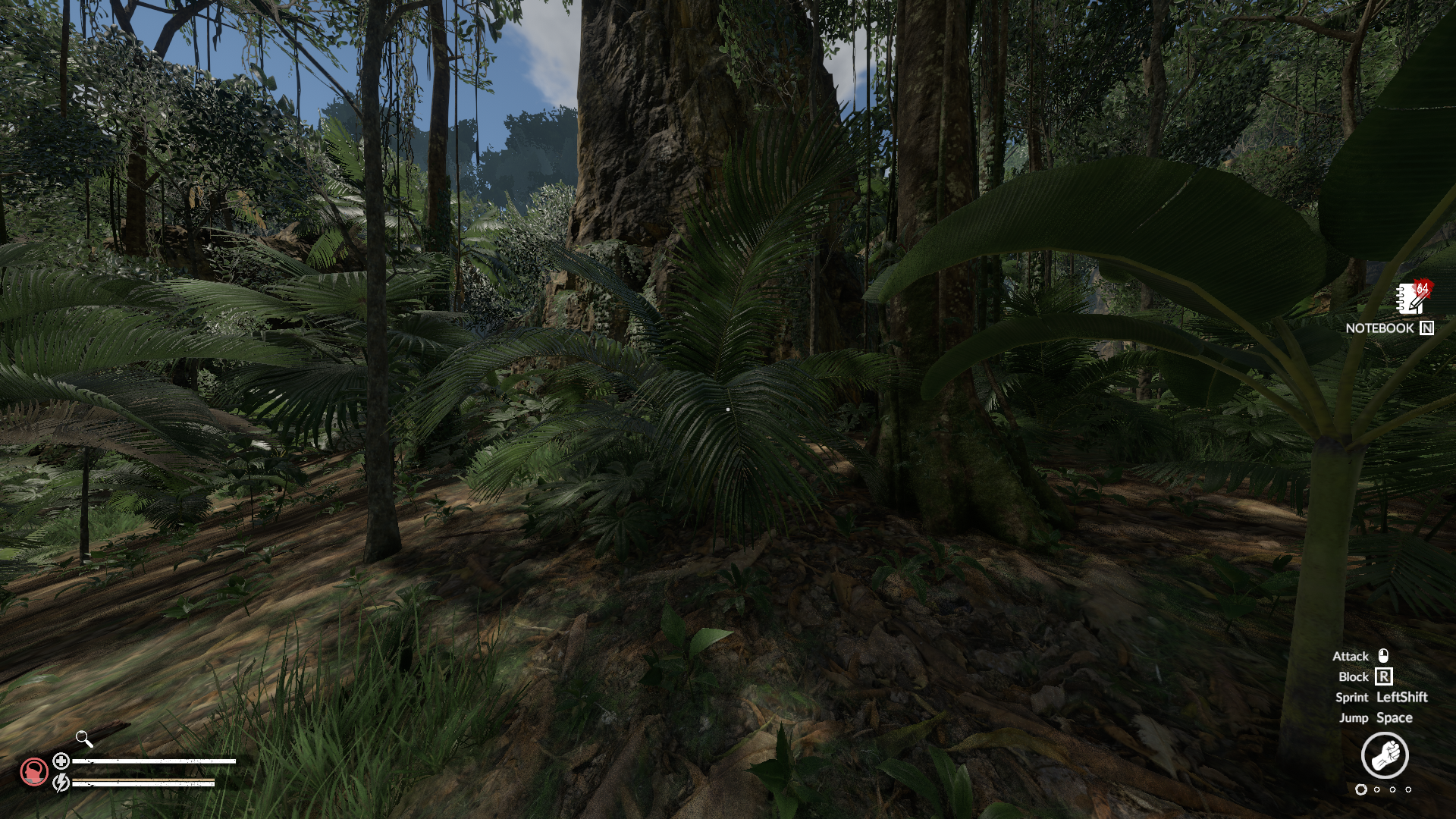
See more of the rainforest
Choose a wider field of view for a broader view of nearby paths and foliage.
More ways to customise Green Hell
- Green Hell stat modifiers
Separate controls for normal travel speed and jump strength.
- Green Hell rule modifiers
Reduce resource consumption and item wear, or change incoming damage and wildlife targeting.
- Green Hell ability modifiers
Choose one movement style, with its own travel, steering and jump settings.
- Green Hell game actions
Restore vitals, browse survival items and choose original equipment.
Using these features
Choose the feature in the Windows app after connecting your game. Check its requirements before making a change.
Setup for Green Hell →