

Fly movement for Graveyard Keeper
Choose a direct route around the landscape with directional Fly movement. Adjust the flight speed to suit the distance you want to cover.

Use your chosen controls
Enable Movement and select Fly. Use the left, right, rise and descend controls to move, and adjust Normal flight speed in the expanded settings.
Return to normal movement
Turn Movement off to hand control back to the game at your current location.
Available ability modifiers
MovementFree
Move freely around the landscape with adjustable Fly movement.
Enable Movement, choose Fly and use your left, right, rise and descend controls. Adjust Normal flight speed in the expanded settings, then turn Movement off to return control to the game.
Supported movement styles: Fly
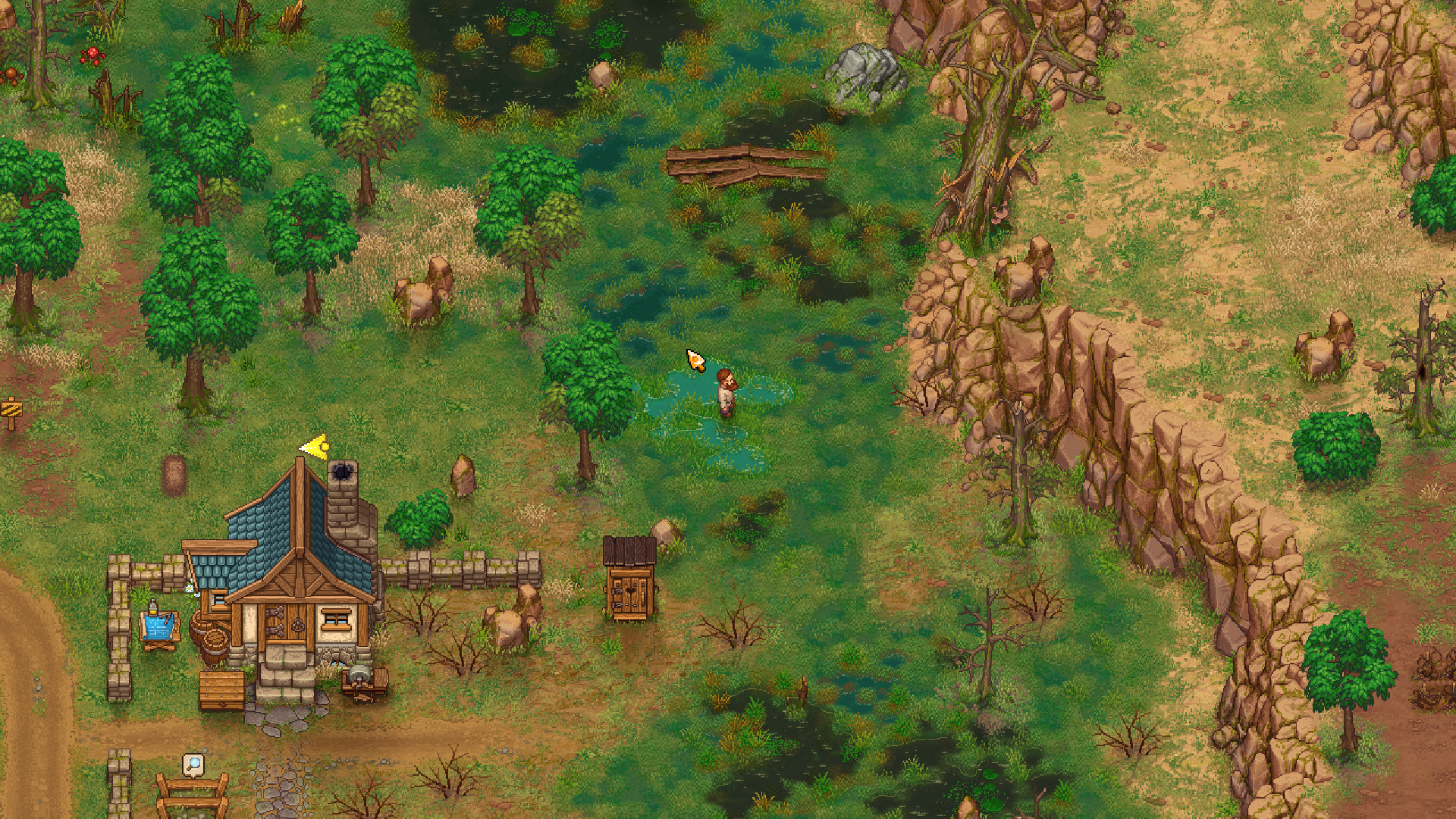
Explore freely with Fly movement
Choose Fly to move around the landscape using your direction keys, with adjustable flight speed.
More ways to customise Graveyard Keeper
- Graveyard Keeper stat modifiers
Choose the percentage of normal energy cost to spend.
Using these features
Choose the feature in the Windows app after connecting your game. Check its requirements before making a change.
Setup for Graveyard Keeper →