

Keep extra labels off screen
Hide lobby information, version text or both. The two controls work independently, so you can choose which labels stay visible.

A clearer game view
Hide Lobby Info removes the lobby label from the bottom of the screen. Hide Version Info removes the version label. Turn either control off to restore its label.
Available presentation modifiers
Hide Lobby InfoFree
Hide the lobby information label.
Turn the control off to restore the label.
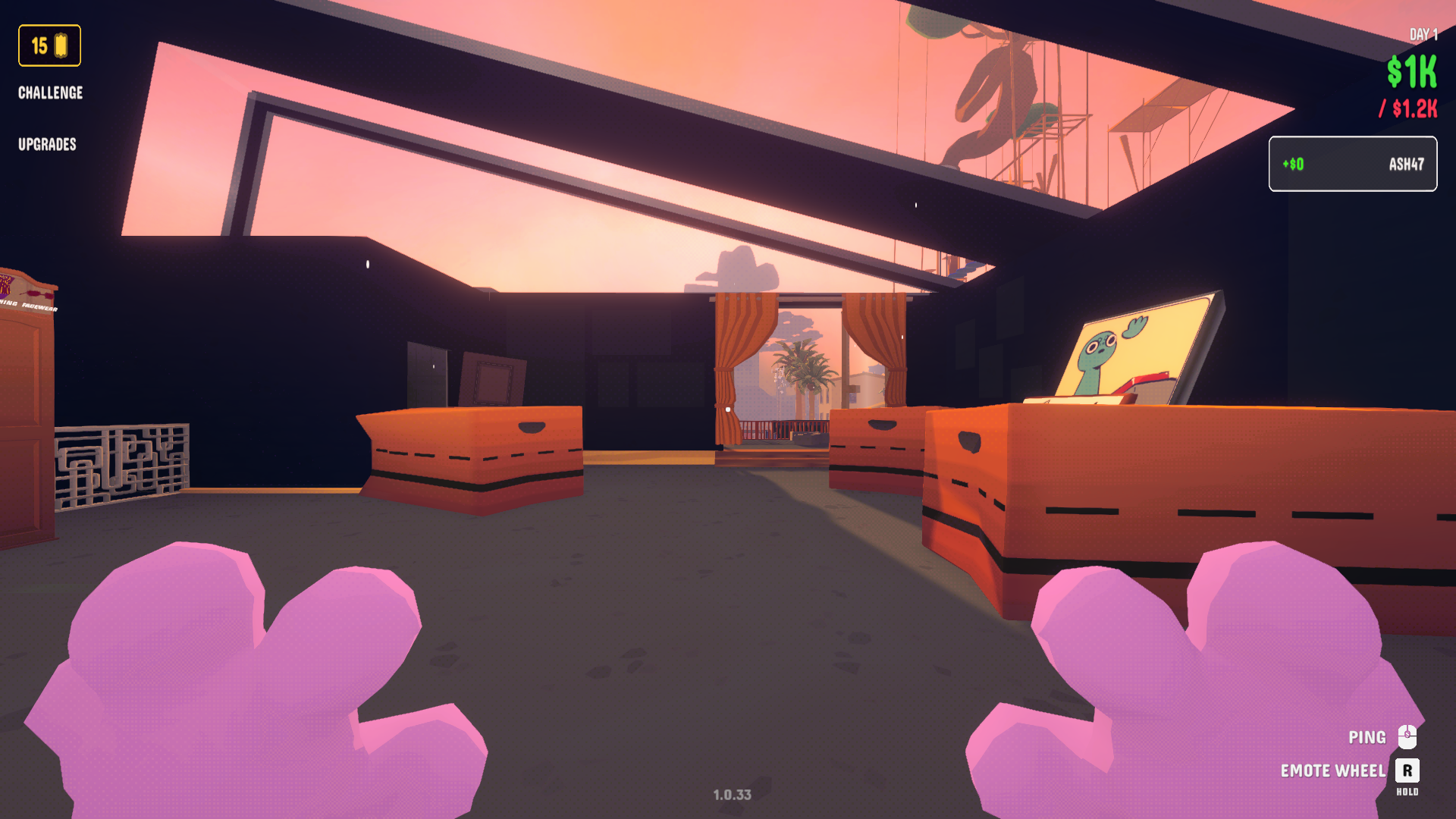
Keep your lobby details off screen
Hide the lobby information while keeping the rest of your game view visible.
Hide Version InfoFree
Hide the version label at the bottom of the screen.
Turn the control off to restore the label.
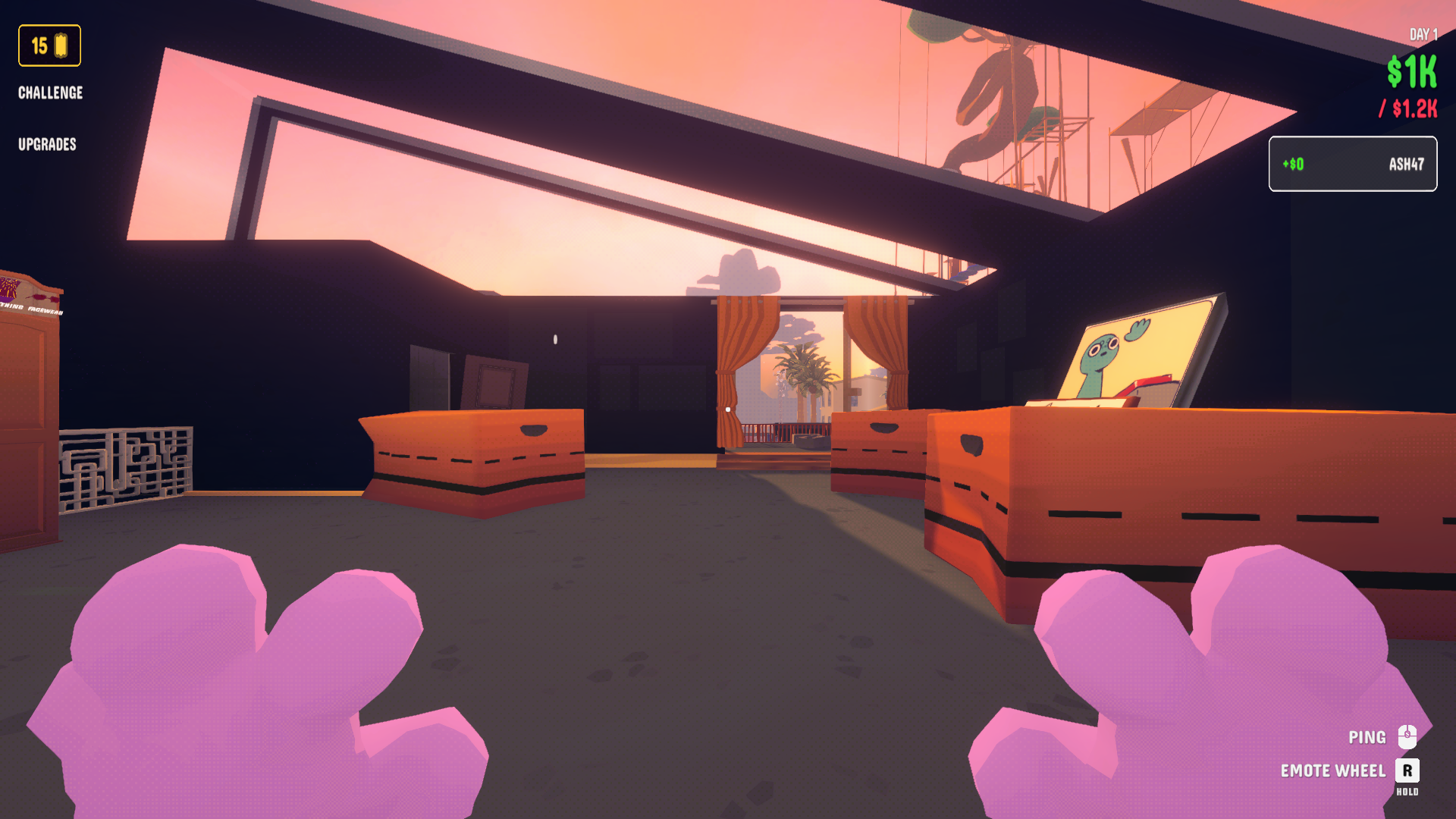
Hide the version label
Remove the version text from the bottom of your game view. Lobby details are also hidden in this example.
More ways to customise Gamble With Your Friends
- Gamble With Your Friends resources
Set shared cash or tickets in your private hosted game.
- Gamble With Your Friends ability modifiers
Fly above the streets, walk freely or glide with Board movement.
- Gamble With Your Friends game actions
Reroll lobby shop items and browse free Spawn objects.
Using these features
Choose the feature in the Windows app after connecting your game. Check its requirements before making a change.
Setup for Gamble With Your Friends →