
Presentation Modifiers
1 optionA free toggle replaces the dialogue typing effect with a full-line display.
View presentation modifiers →Read each conversation at your own pace in Galactic Delivery. The free Instant Dialogue control shows the full line immediately while you decide when to continue.

Start with free mods
Download Bytonian Mods for Windows and try these free features. Choose one to see how it works and any requirements.
Show dialogue lines in full without waiting for the letters to appear.
Switch on Instant dialogue text while Instant Dialogue is enabled. Turn it off to restore the typing effect for new lines.
You continue conversations and choose responses as usual.
Show dialogue lines in full, then choose when to continue the conversation. Keep the original typing effect whenever you prefer it by switching the toggle off.
Install Bytonian Mods for Windows, open Galactic Delivery and enable Instant Dialogue. Switch on Instant dialogue text to use the full-line display.
Begin the delivery day
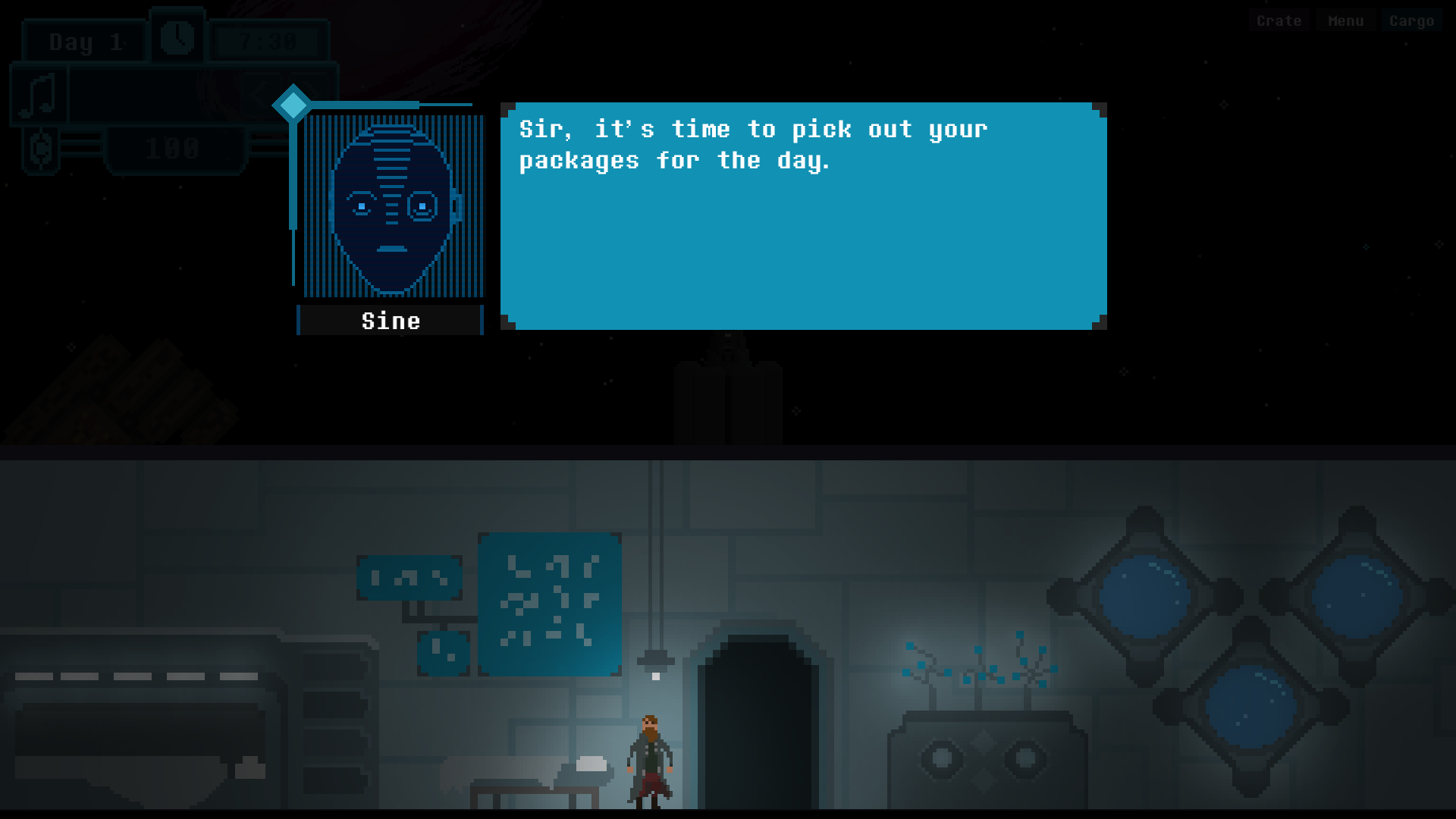
Sine introduces the day's package selection aboard your ship.
A free toggle replaces the dialogue typing effect with a full-line display.
View presentation modifiers →Browse the Steam achievement names and descriptions for Galactic Delivery. Choose and unlock achievements for free with Bytonian Mods in the Windows app.
View all achievements →Download the Windows app and follow the setup prompts.
Open Galactic Delivery and select it in Bytonian Mods. Follow the app’s connection prompts.
Review the available options in the app and choose the ones that suit how you play.