
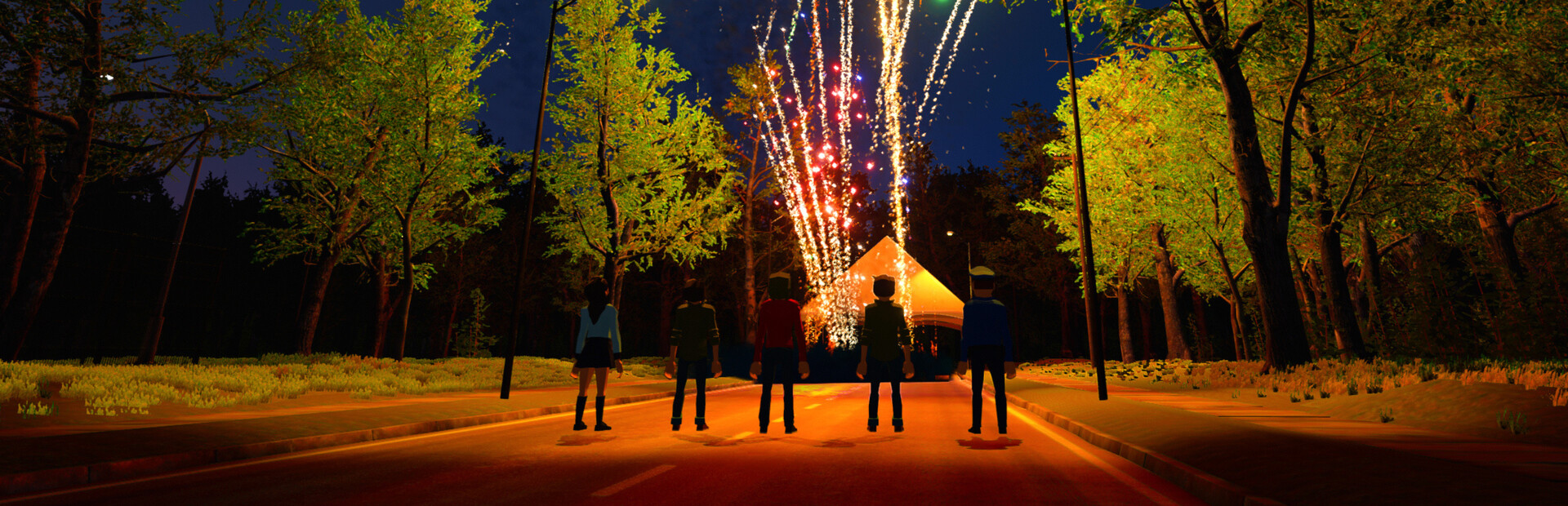
Game Actions
2 optionsControl a growing chain of firecrackers in a single-player world.
View game actions →Set off a growing family of firecrackers in your single-player world and watch each explosion create the next generation.

Start with free mods
Download Bytonian Mods for Windows and try these free features. Choose one to see how it works and any requirements.
Start a growing family of firecrackers in a single-player world.
Look toward open ground and select Start Firework Family. Each tracked explosion creates two descendants, up to four generations.
One family can run at a time. It creates at most 31 firecrackers and stops after 90 seconds.
Stop a firecracker family from creating further generations.
Select Stop Firework Family while a family is running.
Fireworks already lit finish normally. Available in a single-player world.
Look toward open ground and start the family. Each tracked explosion creates two descendants, up to four generations.
Stop further creation whenever you like. Fireworks already lit continue normally.
Control a growing chain of firecrackers in a single-player world.
View game actions →Browse the Steam achievement names and descriptions for Fireworks Mania - An Explosive Simulator. Choose and unlock achievements for free with Bytonian Mods in the Windows app.
View all achievements →Download the Windows app and follow the setup prompts.
Open Fireworks Mania - An Explosive Simulator and select it in Bytonian Mods. Follow the app’s connection prompts.
Review the available options in the app and choose the ones that suit how you play.