

Stat Modifiers
3 optionsAdjust movement, block ordinary damage and try an optional detection aid.
View stat modifiers →Restore health, choose your movement speed and use optional exploration aids as you search Sunnyside High in Fear the Spotlight. Field Tools lets you choose the help you want while solving puzzles and navigating encounters.

Start with free mods
Download Bytonian Mods for Windows and try these free features. Choose one to see how it works and any requirements.
Restore your living character's health to its normal maximum.
Resume normal exploration and press Restore Health.
Does not revive a character after death.
Choose a slower or faster pace for normal walking, running and sneaking.
Enter a percentage and turn Movement Speed on. Change the percentage while enabled or switch off for normal speed.
Block ordinary damage to your controlled character during normal exploration.
Turn on for protection and switch off for normal damage.
Scripted death sequences are not changed.
Use Avoid Detection as an aid for ordinary sight and sound detection during exploration.
Turn on when you want to try the detection aid; switch off for normal detection.
Keep following the game's prompts during scripted encounters.
Game Actions contains Restore Health. Exploration Controls groups damage protection, movement speed and Avoid Detection. You can choose each toggle separately.
Open your story, enable Field Tools and resume normal exploration. Close menus and finish dialogue or loading before using an action. Choose a speed percentage, then turn Movement Speed on; changing the percentage updates the pace while it is enabled.
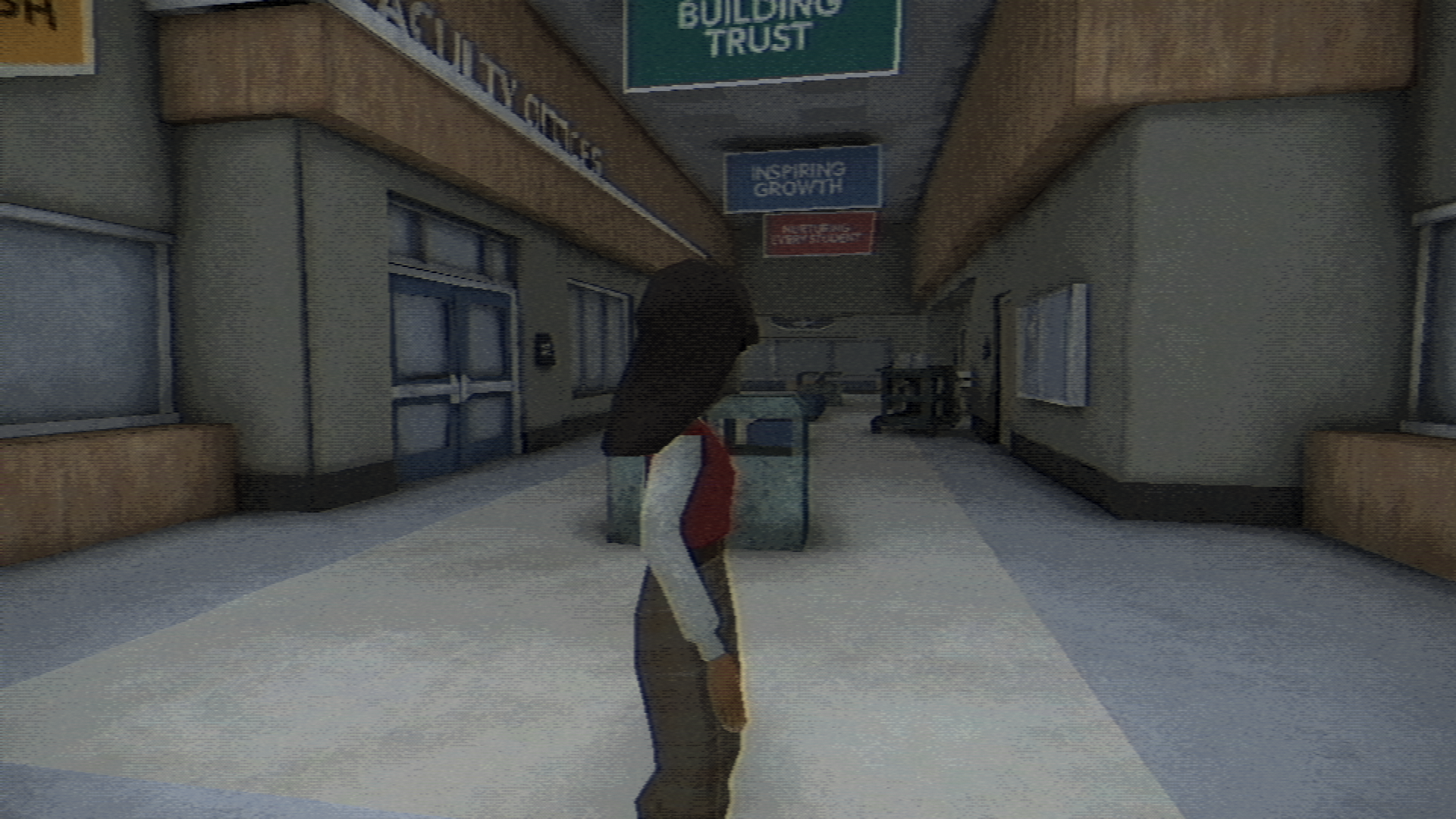
Explore Sunnyside High
Follow Vivian through the school corridors in Fear the Spotlight.
Adjust movement, block ordinary damage and try an optional detection aid.
View stat modifiers →Refill health without changing its normal maximum.
View game actions →Browse the Steam achievement names and descriptions for Fear the Spotlight. Choose and unlock achievements for free with Bytonian Mods in the Windows app.
View all achievements →Download the Windows app and follow the setup prompts.
Open Fear the Spotlight and select it in Bytonian Mods. Follow the app’s connection prompts.
Review the available options in the app and choose the ones that suit how you play.