
Fat Dude Simulator Camera Distance
Choose how far the camera follows your character with the free Camera Distance control. Pull it back for a wider view of the forest or choose a closer view.
Adjust the view while playing
Enable Camera Distance and adjust the Distance setting to find a view you like. The camera moves toward your chosen distance using the game's usual camera motion.
Turn the control off to restore the normal follow distance. Nearby scenery can still bring the camera closer.
Available presentation modifiers
Camera DistanceFree
Choose a comfortable camera distance and see more around your character.
Enable Camera Distance and adjust the distance while you play.
Nearby scenery can still bring the camera closer.
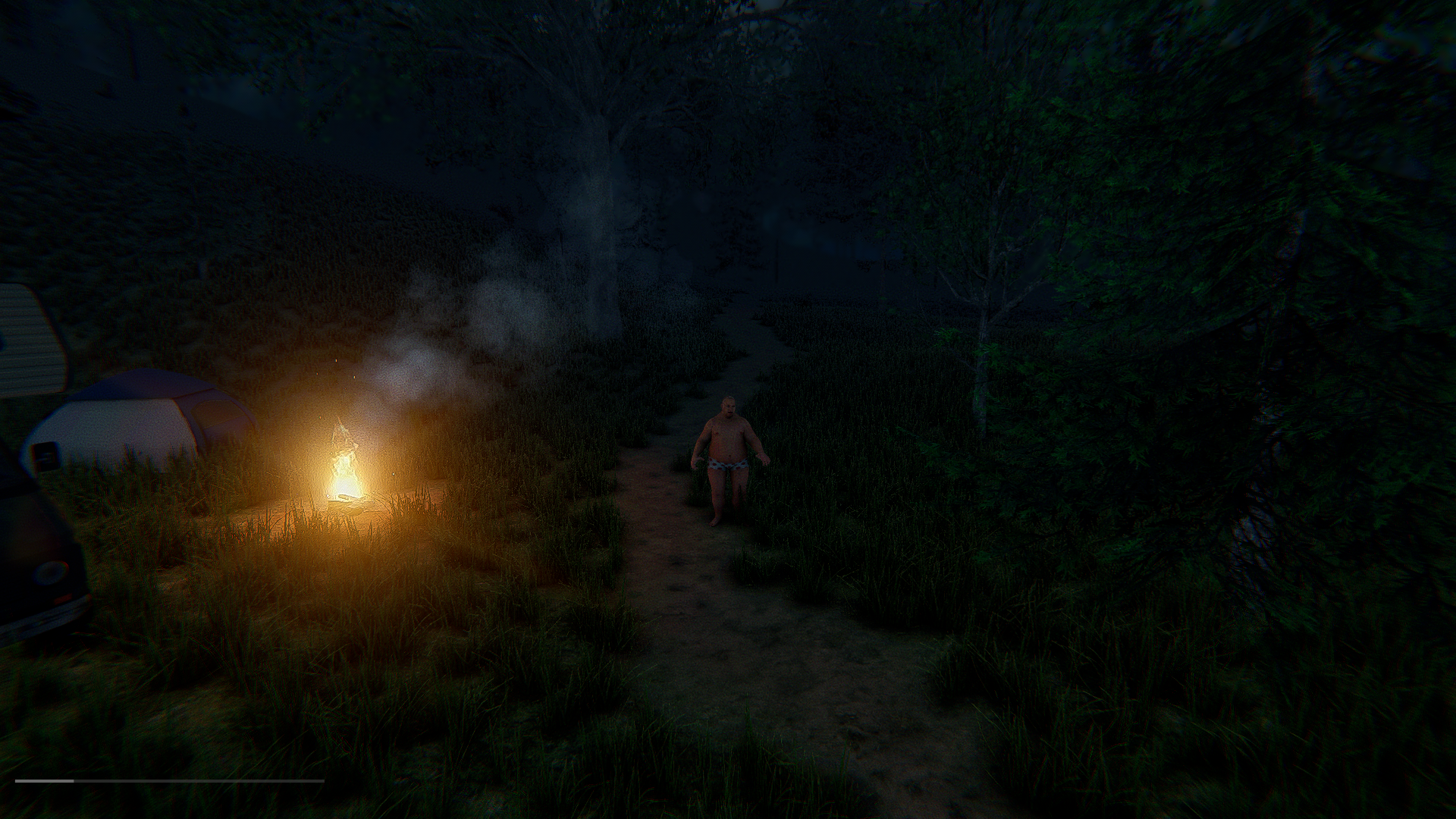
See more of the forest
Pull the camera back for a wider view around your character. Nearby scenery can still bring it closer.
More ways to customise Fat Dude Simulator
- Fat Dude Simulator stat modifiers
Adjust normal walking pace in Fat Dude Simulator with a live percentage control, while keeping the usual walking style.
- Fat Dude Simulator rule modifiers
Prevent incoming monster damage in Fat Dude Simulator while your character is alive, without refilling current health.
- Fat Dude Simulator ability modifiers
Switch between Fly, Free Walk and Board in Fat Dude Simulator, then turn Movement off to return to the usual controls.
Using these features
Choose the feature in the Windows app after connecting your game. Check its requirements before making a change.
Setup for Fat Dude Simulator →