
Resources
2 optionsSet loaded rounds and reserve supplies separately.
View resources →Plan your next breach with ammunition to suit the mission. Fast and Low combines first-person tactical action with a partner at your side, and these free controls let you adjust your equipped firearm's ammunition during desktop solo play.
Start with free mods
Download Bytonian Mods for Windows and try these free features. Choose one to see how it works and any requirements.
Choose how many rounds are loaded in your equipped firearm before the next encounter.
Refresh the card, then set a total or add and subtract loaded rounds. Resume play and finish any weapon animation before editing.
The firearm's normal loaded-round limit applies, including a chambered round where supported.
Choose a reserve supply for your equipped firearm so you can prepare for more reloads during a solo mission.
Refresh the card to read the current reserve, then enter a total or add and subtract rounds. Reloading continues to use reserve ammunition normally.
The Ammunition controls give you separate choices for the rounds in your firearm and those held in reserve. Firing and reloading continue normally, so you can choose your supplies without an automatic refill.
Open Fast and Low in the Bytonian Mods Windows app, start a desktop solo mission and equip a firearm. Resume play and finish any weapon animation before changing ammunition. Refresh the relevant card to read the current amount.
Ammunition for Your Next Solo Breach
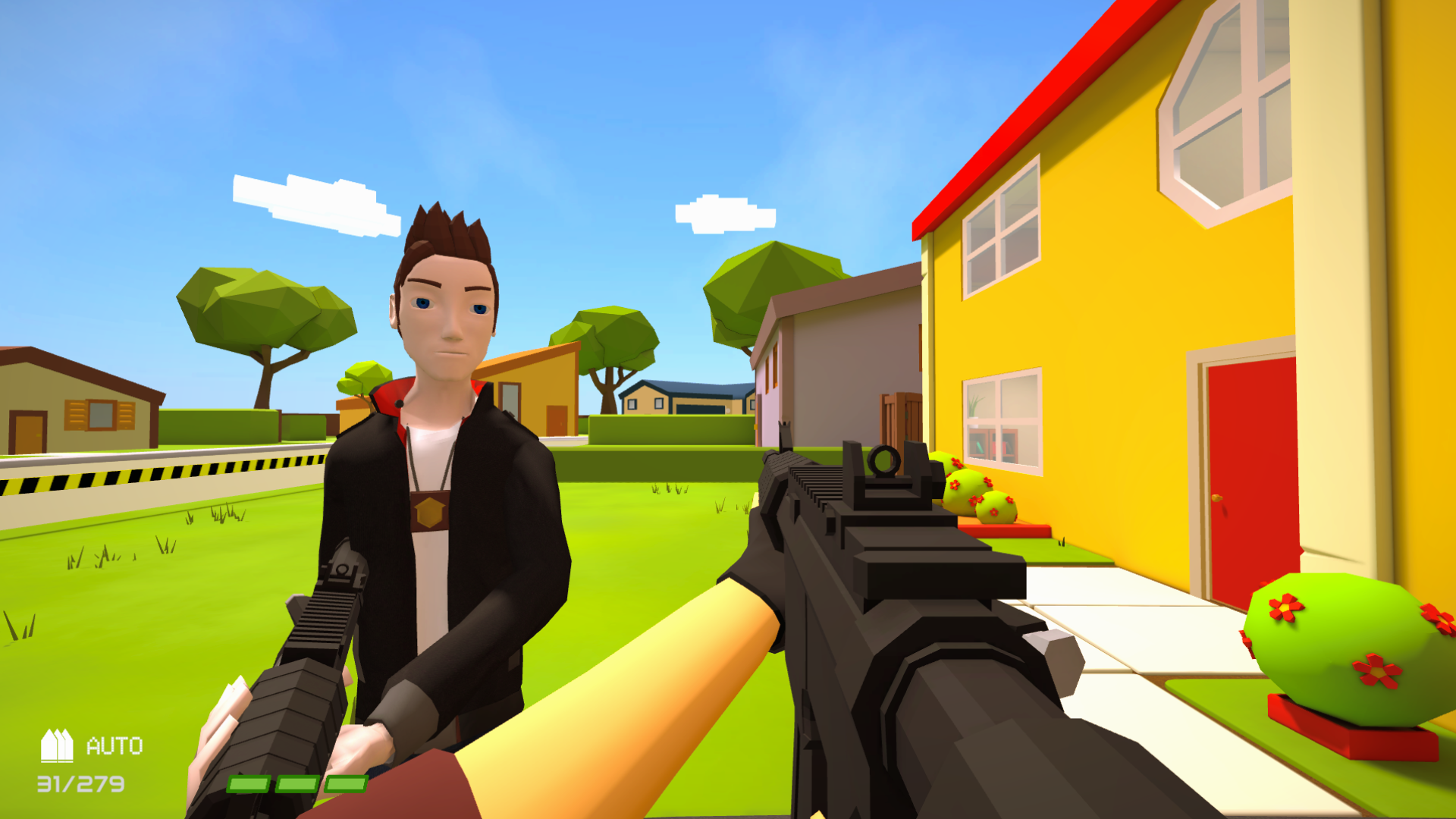
Choose loaded and reserve ammunition for your equipped firearm during desktop solo missions. This mission view shows 31 loaded rounds and 279 in reserve after a normal reload.
Set loaded rounds and reserve supplies separately.
View resources →Browse the Steam achievement names and descriptions for Fast and Low. Choose and unlock achievements for free with Bytonian Mods in the Windows app.
View all achievements →Download the Windows app and follow the setup prompts.
Open Fast and Low and select it in Bytonian Mods. Follow the app’s connection prompts.
Review the available options in the app and choose the ones that suit how you play.