

Resources
1 optionSet the current balance in your Custom Mode farm.
View resources →Farmer's Life combines crop growing, animal care, building and cooking with a valley to explore. Choose what you want to change in your Custom Mode farm: adjust your budget, open more kitchen recipes, reveal map points or see the countryside from above.

Start with free mods
Download Bytonian Mods for Windows and try these free features. Choose one to see how it works and any requirements.
Reveal hidden points and travel markers on your farm map.
Use the action in Custom Mode, then open the map.
Normal travel, vehicle and recovery requirements still apply.
Unlock eligible recipes in your farm's kitchen.
Use the action in Custom Mode, then open the kitchen recipe list.
Normal ingredients, cooking supplies and owned downloadable content still apply.
Switch the game's affected player state on or off.
Press once to switch states, then again to switch back.
Requires a loaded Custom Mode farm.
Money lets you set your balance for a bigger project or a tighter budget. Cooking recipes and map discovery have separate actions, so you can choose which parts of progression to open.
Movement brings Fly, Free Walk and Board into one card. The player-state action separately switches between the game's affected and clear-headed states.
Install the Bytonian Mods Windows launcher, choose Farmer's Life and start the game. Choose Custom Mode in the game's new-farm setup, then enter your farm and wait for loading to finish before using these controls.
The game disables achievements in Custom Mode. Keep a separate normal playthrough if you want to pursue them. Each category explains its controls and the normal requirements that still apply.
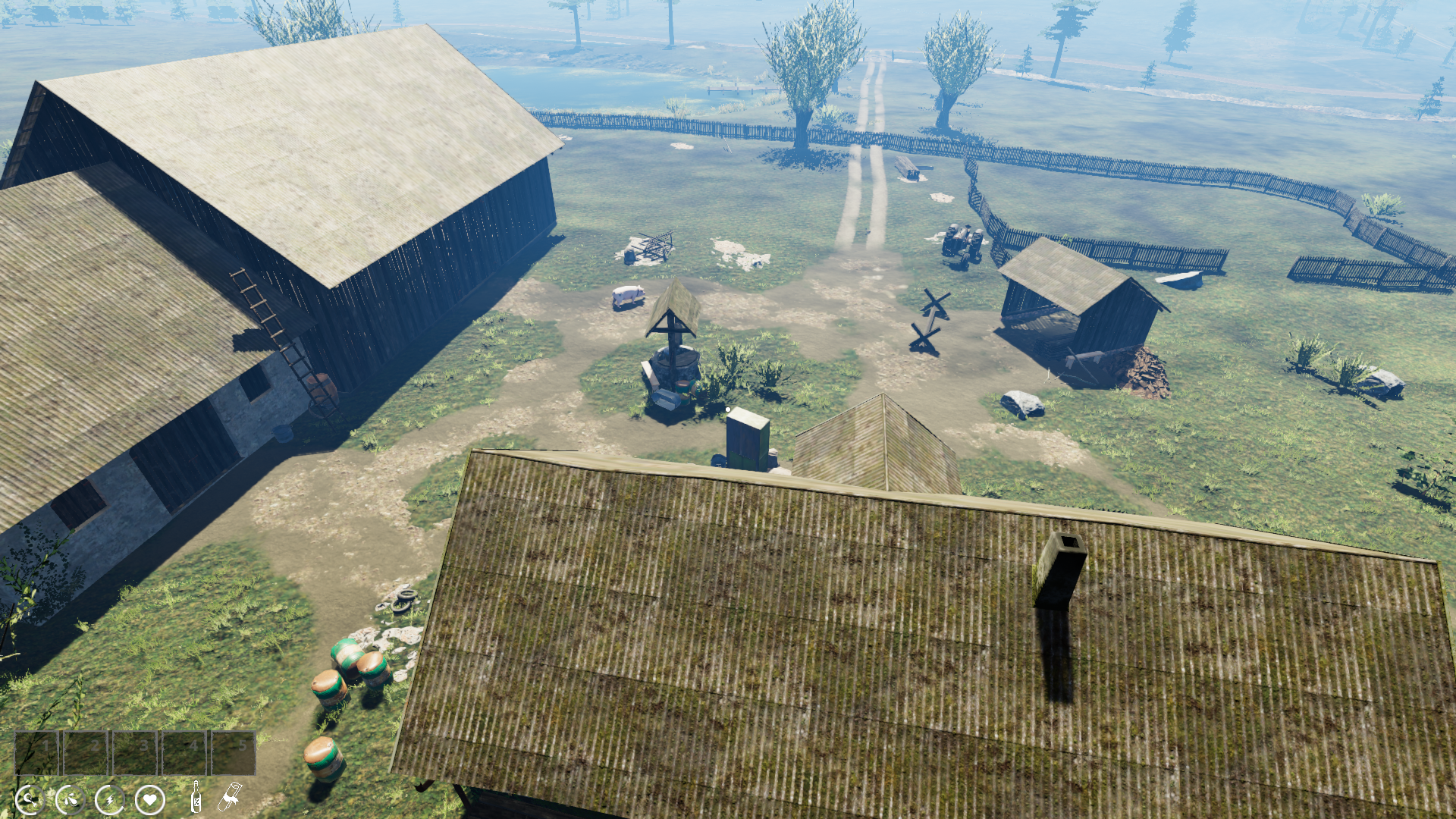
Your farm, from a different angle
Explore the valley and shape your farming plans with Custom Mode tools.
Set the current balance in your Custom Mode farm.
View resources →Separate actions for available kitchen recipes and hidden map points.
View unlocks →Three movement styles for the active player on foot in Custom Mode.
View ability modifiers →A separate action for switching the game's affected player state.
View game actions →Browse the Steam achievement names and descriptions for Farmer's Life. Choose and unlock achievements for free with Bytonian Mods in the Windows app.
View all achievements →Download the Windows app and follow the setup prompts.
Open Farmer's Life and select it in Bytonian Mods. Follow the app’s connection prompts.
Review the available options in the app and choose the ones that suit how you play.