
Resources
1 optionSet, add or subtract stamina between 0 and 100% of the normal maximum.
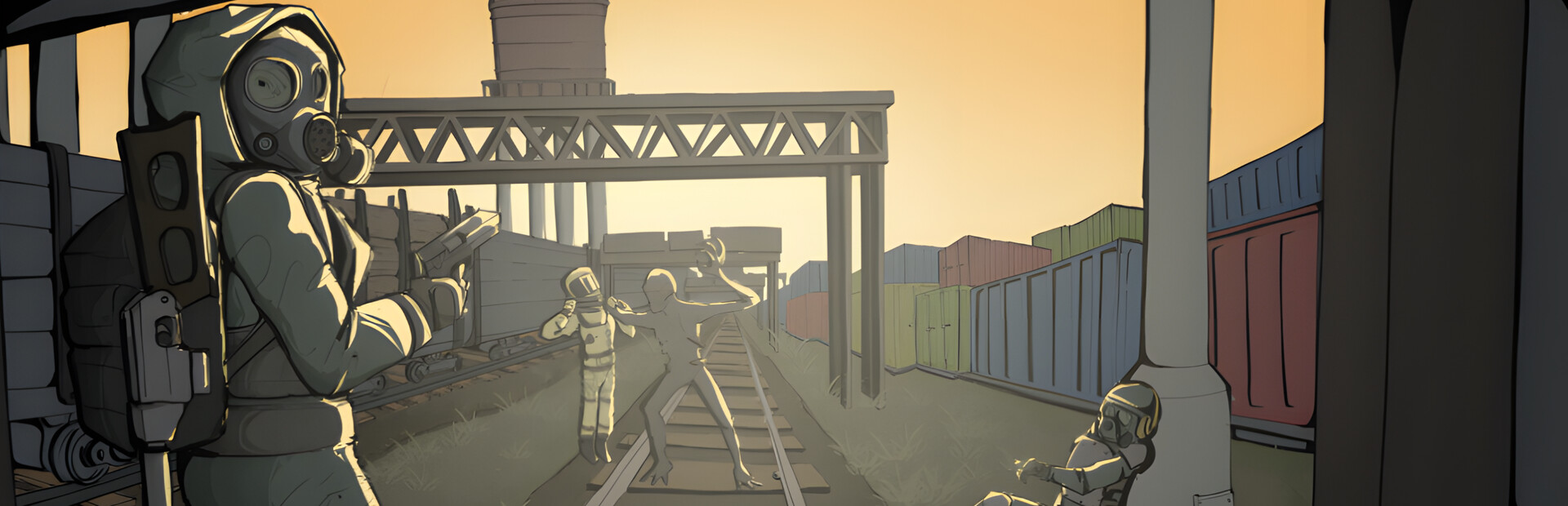
View resources →Explore the Barrens, scavenge for supplies and build a place among its surviving factions. The free Stamina control lets you choose how much stamina your character has before continuing your journey.
Start with free mods
Download Bytonian Mods for Windows and try these free features. Choose one to see how it works and any requirements.
Set your character's current stamina as a percentage of their maximum, or add and subtract percentage points.
Resume play, close menus and finish your current action. Refresh the stamina card, then set a value from 0 to 100 or use add and subtract.
Normal stamina spending and recovery continue after each edit.
Top up stamina to its normal maximum or choose a smaller amount. You can set a percentage directly, or add and subtract percentage points using the stamina card.
This changes your current stamina once. The game continues to spend and recover stamina normally, so the control fits around Fargone's existing survival systems. Resume play, close menus and finish your current action before editing.
Prepare for the Barrens
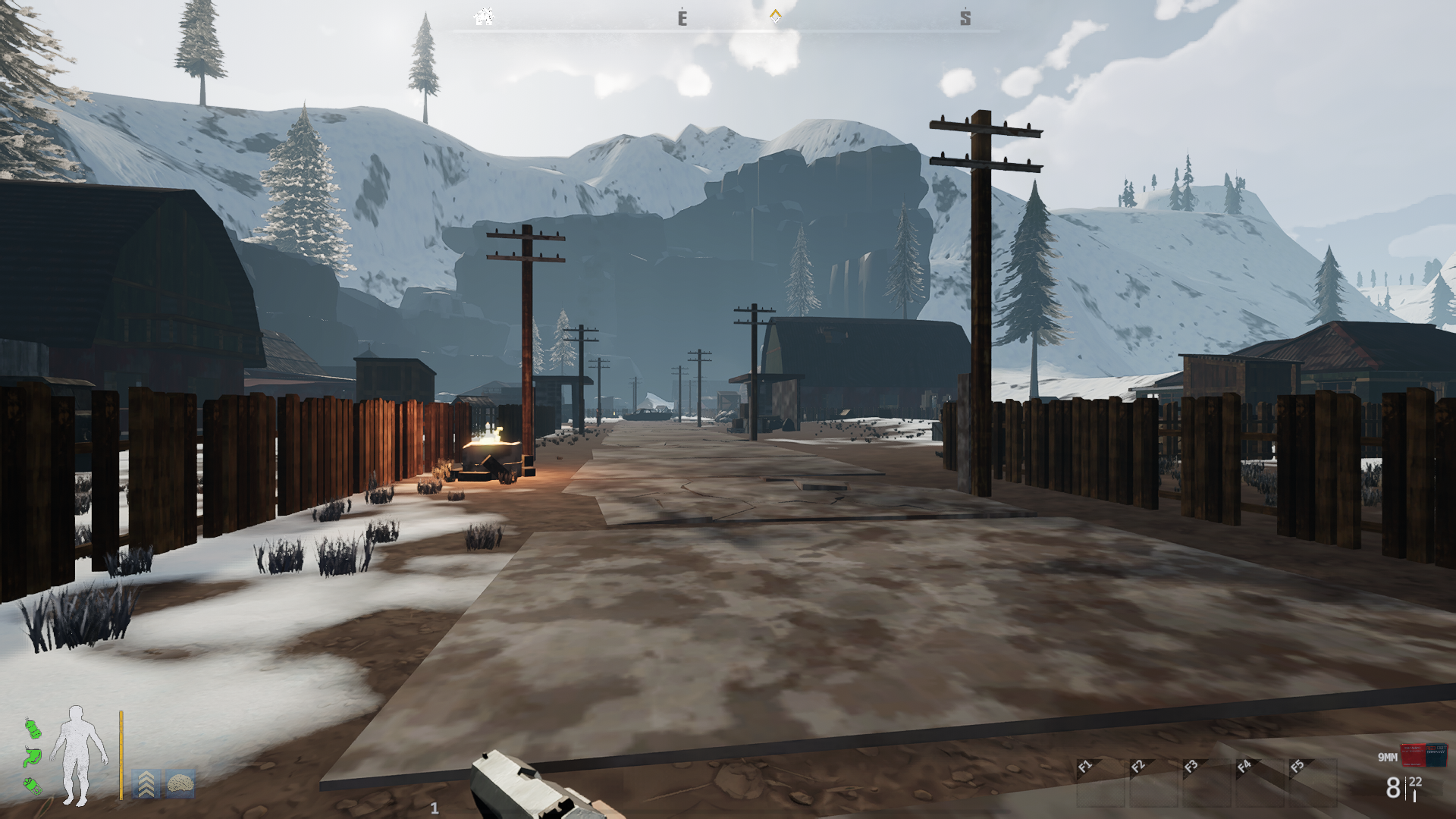
Adjust your stamina while exploring Fargone's open world, then continue with the game's normal stamina use and recovery.
Set, add or subtract stamina between 0 and 100% of the normal maximum.
View resources →Browse the Steam achievement names and descriptions for Fargone. Choose and unlock achievements for free with Bytonian Mods in the Windows app.
View all achievements →Download the Windows app and follow the setup prompts.
Open Fargone and select it in Bytonian Mods. Follow the app’s connection prompts.
Review the available options in the app and choose the ones that suit how you play.