

Refill your vault essentials
Use Refill Vault Essentials to bring food, power and water up to your current storage limits. One action covers all three supplies.

Storage capacity still comes from your rooms
Build the matching production rooms before refilling. The action fills available capacity rather than increasing the limit, so a resource with no storage capacity will not gain supplies.
Use the refill when supplies run low
Your vault continues to use resources normally after the action. Select Refill Vault Essentials again whenever you want another top-up.
Available game actions
Refill Vault EssentialsFree
Top up food, power and water to your ordinary vault’s current storage capacity.
Load an ordinary vault, enable Vault Essentials and select Refill Vault Essentials. Build the matching rooms first to provide storage capacity.
Seasonal vaults are refused. Storage limits and normal resource consumption remain in place.
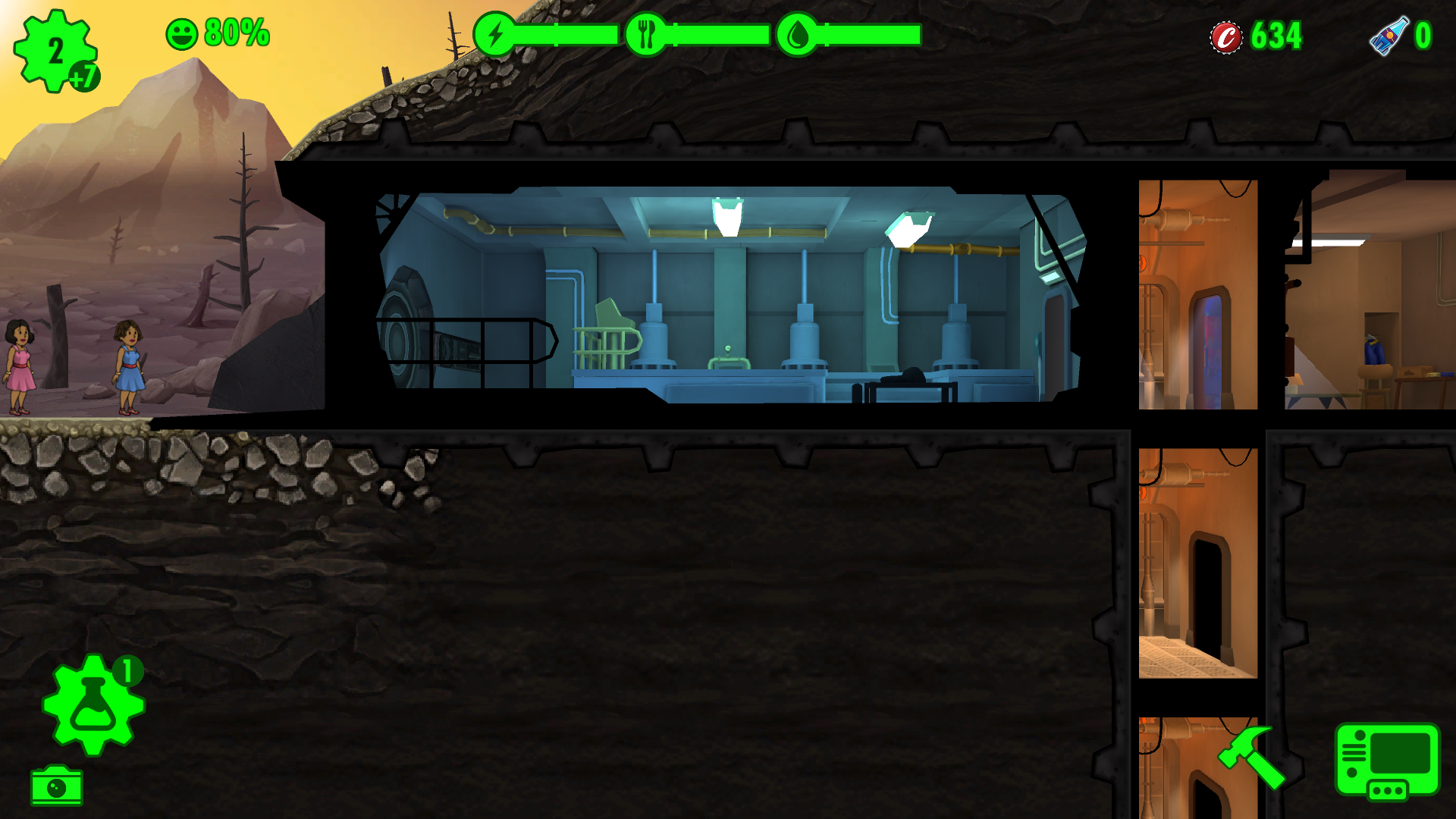
Refill your vault’s food, power and water
Top up food, power and water to the storage capacity of your current ordinary vault. Rooms still determine capacity, and normal resource use continues after the refill.
Using these features
Choose the feature in the Windows app after connecting your game. Check its requirements before making a change.
Setup for Fallout Shelter →