
Presentation Mods
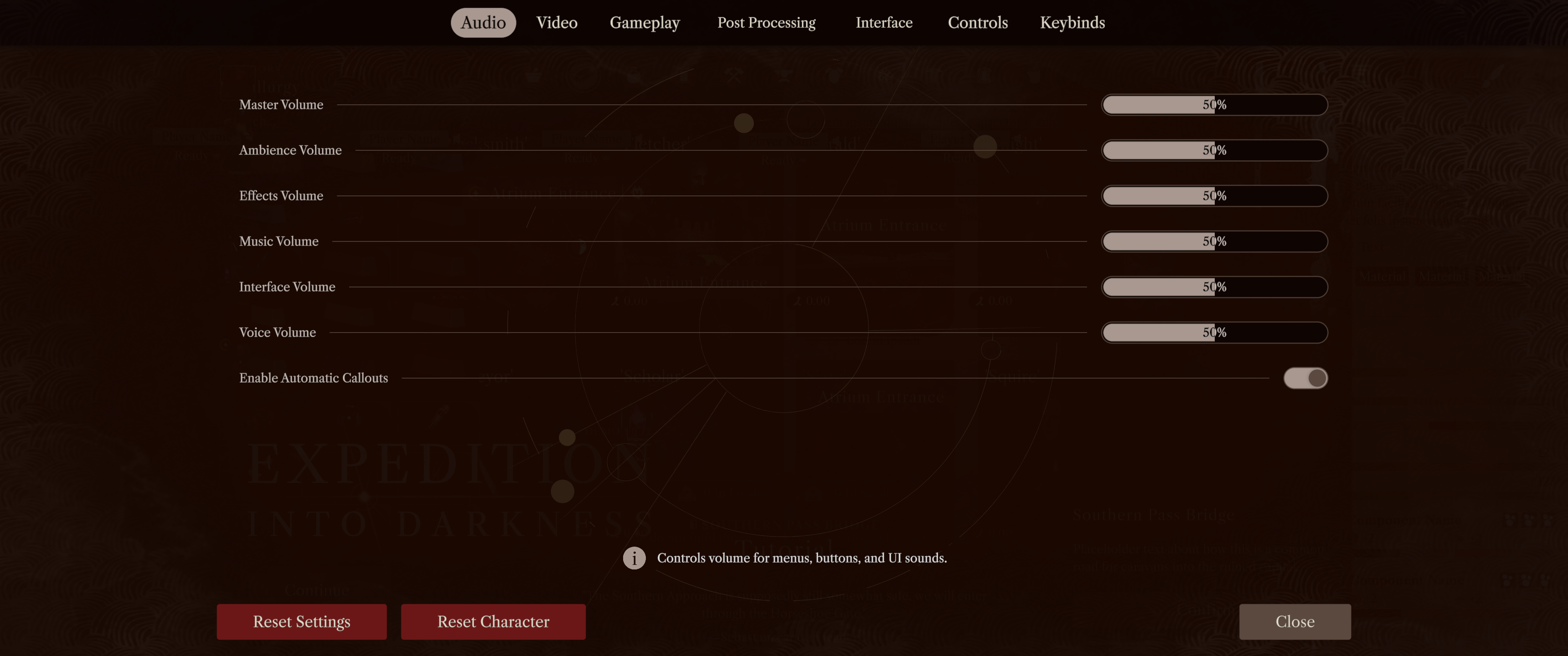
Use Brighter Settings Help to read an option's explanation before changing it. Point at a setting such as Interface Volume to see the brighter text.
Works with the Steam version of the game.
Available presentation modifiers
Brighter Settings HelpFree
Brighten the help text that appears when you point at a setting.
Enable Brighter Settings Help in Mods, then point at an option in the demo’s Settings menu.
Brighter Settings Help
Brighter Settings Help makes the Interface Volume explanation easier to read below the Audio settings.
Using these features
Choose the feature in the Windows app after connecting your game. Check its requirements before making a change.
Setup for Expedition: Into Darkness Demo →