

Choose your walking speed
Set a comfortable pace for on-foot exploration. Walking speed starts at 150% when enabled, with a slider from 50% to 250%.

Adjust the percentage
Enable Walking speed and expand its card to choose a percentage. Use 100% for the normal pace, a lower value for slower movement or a higher value to travel faster.
Normal pace during menus
The control returns to normal while the game menu is open, then resumes your chosen pace when you continue. Turn it off whenever you want to return to normal walking.
Available stat modifiers
Walking speedFree
Choose your walking pace while exploring on foot, from a slower sightseeing stroll to quicker travel along familiar paths.
Enable the card and expand it to select 50% to 250%. The starting value is 150%.
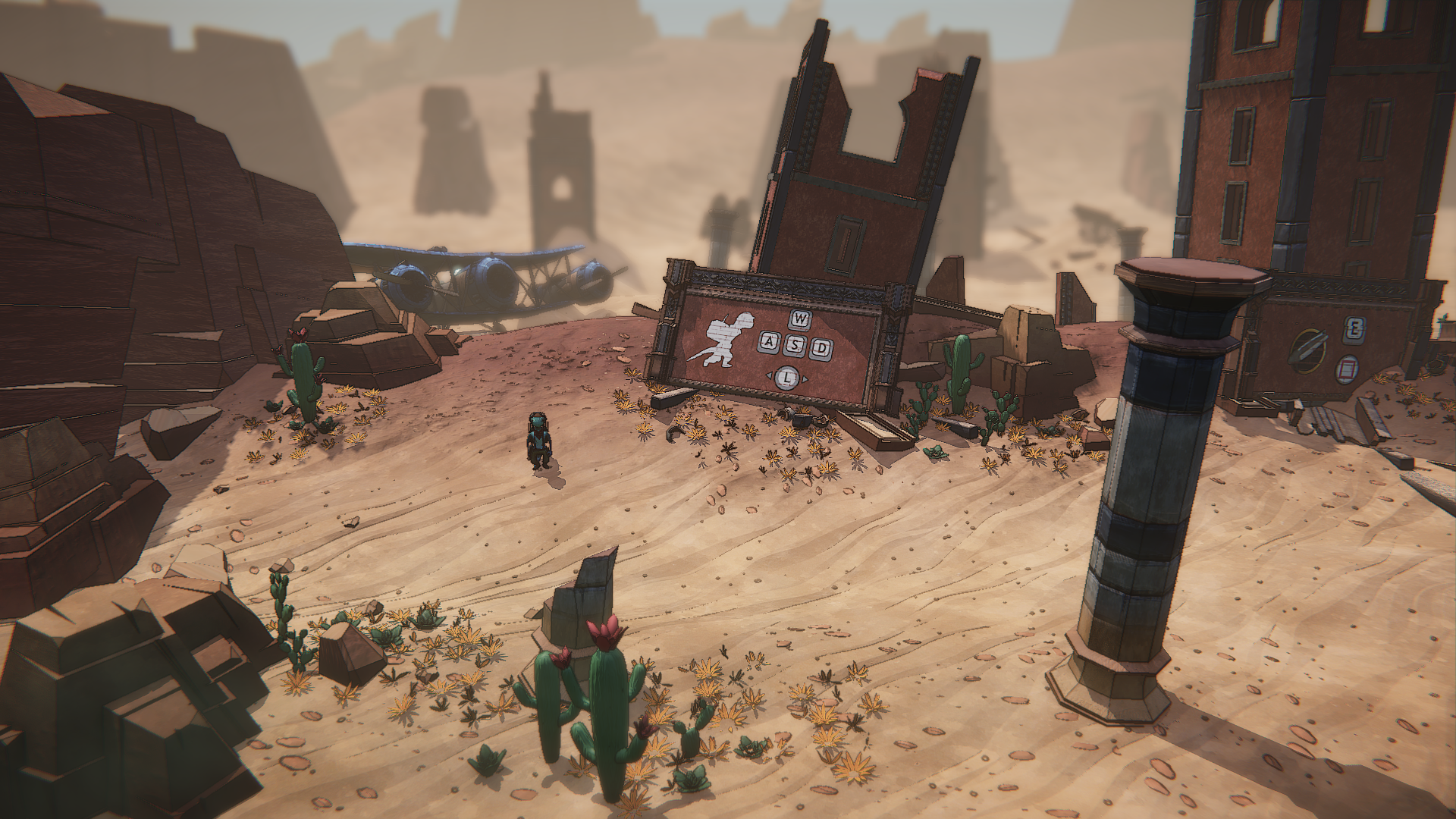
Explore Evergrow at your own pace
Adjust your walking pace as you explore Evergrow’s ruined world on foot.
Questions about stat modifiers
- Does Walking speed change vehicles?
- This control is for walking on foot. It does not change cart or spacecraft speed.
Using these features
Choose the feature in the Windows app after connecting your game. Check its requirements before making a change.
Setup for Evergrow: Shards of Tomorrow →