

Choose your spending money
Give yourself a larger budget for exploring town, or lower your balance for a different challenge. The Money card lets you read, set, add or remove funds while playing.

Set a balance or make a quick adjustment
Enter the balance you want, or use an amount to add or remove money. Your balance updates in the game’s HUD. The control supports whole-number balances from 0 to 1,000,000.
Available resources
MoneyFree
Read, set, add or remove your character’s money and see the balance update in the game.
Enter the game with your living character before using this card. Whole-number balances from 0 to 1,000,000 are supported.
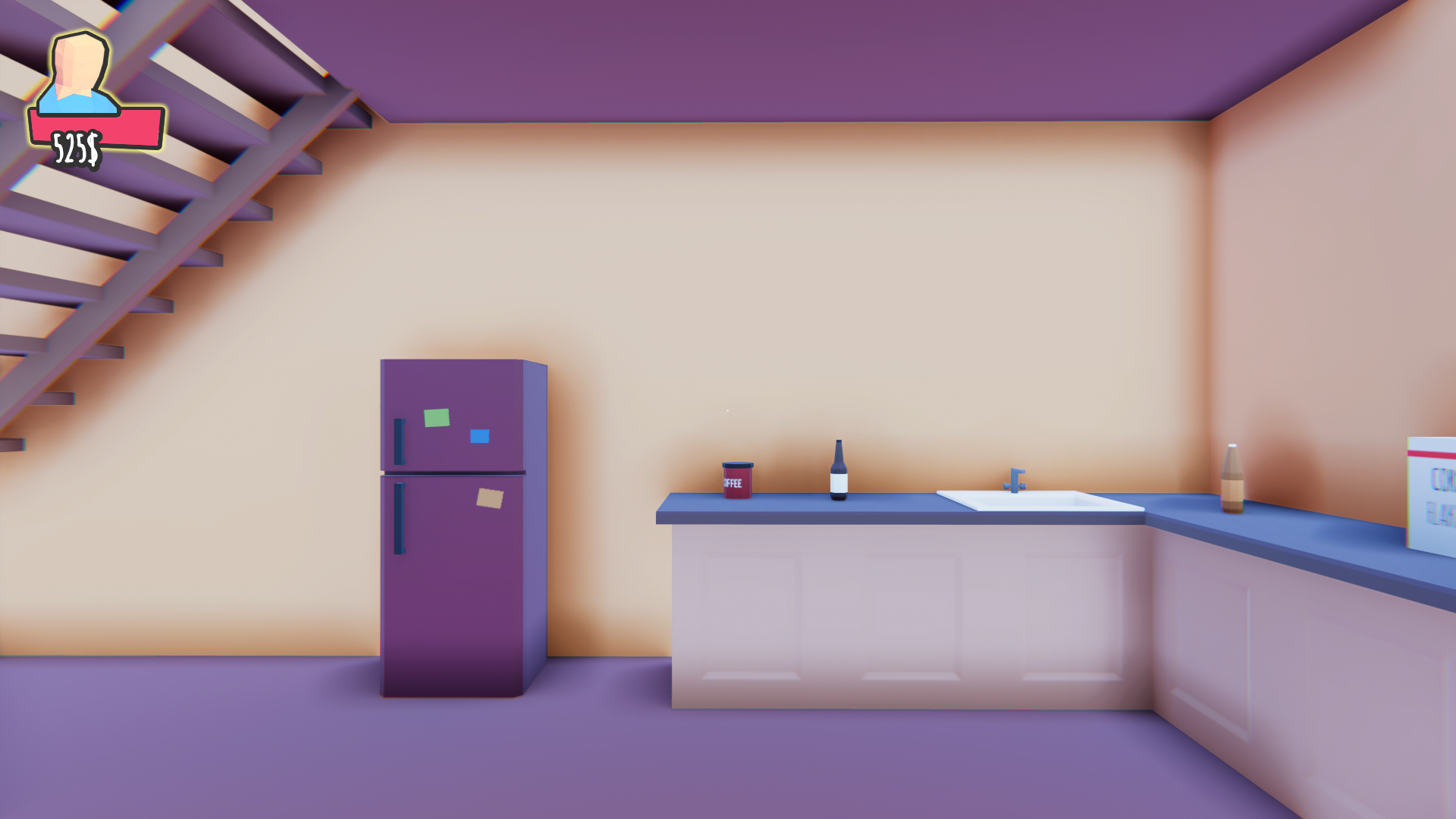
Choose your spending money
Set your balance before exploring town. The money control updates the amount shown in the game’s HUD.
More ways to customise Dude Simulator Six
- Dude Simulator Six rule modifiers
Block normal incoming damage with a simple toggle.
- Dude Simulator Six ability modifiers
Walking, sprinting and jumping settings in one place.
Questions about resources
- Do I need to enter the game first?
- Yes. Use the Money card once your living character is ready in the game world.
Using these features
Choose the feature in the Windows app after connecting your game. Check its requirements before making a change.
Setup for Dude Simulator Six →