

Resources
1 optionSet your cash total or add money to your existing balance.
View resources →Make the journey your own in Dude Simulator 3. Set your cash balance, add people to the streets, adjust your walking speed or prevent incoming damage while exploring on foot.

Start with free mods
Download Bytonian Mods for Windows and try these free features. Choose one to see how it works and any requirements.
Choose your cash balance or add money to the amount you already carry.
Refresh your balance, then use Set for a chosen total or Add to increase it.
Balances must be whole numbers between 0 and 999,999.
Add pedestrians or police at nearby street spawn points to change the activity around town.
Resume gameplay on foot near the streets, choose a character in Spawn and add one to five at a time.
Nearby population limits apply. Characters follow normal behavior and may move away or disappear; police can be hostile.
Set or add money and spawn pedestrians or police with free controls. Movement Speed and Invincibility require Premium and apply while you are on foot.
Spawn characters near the streets during active gameplay. Invincibility prevents incoming damage while you are alive; it does not revive you or protect you in a vehicle.
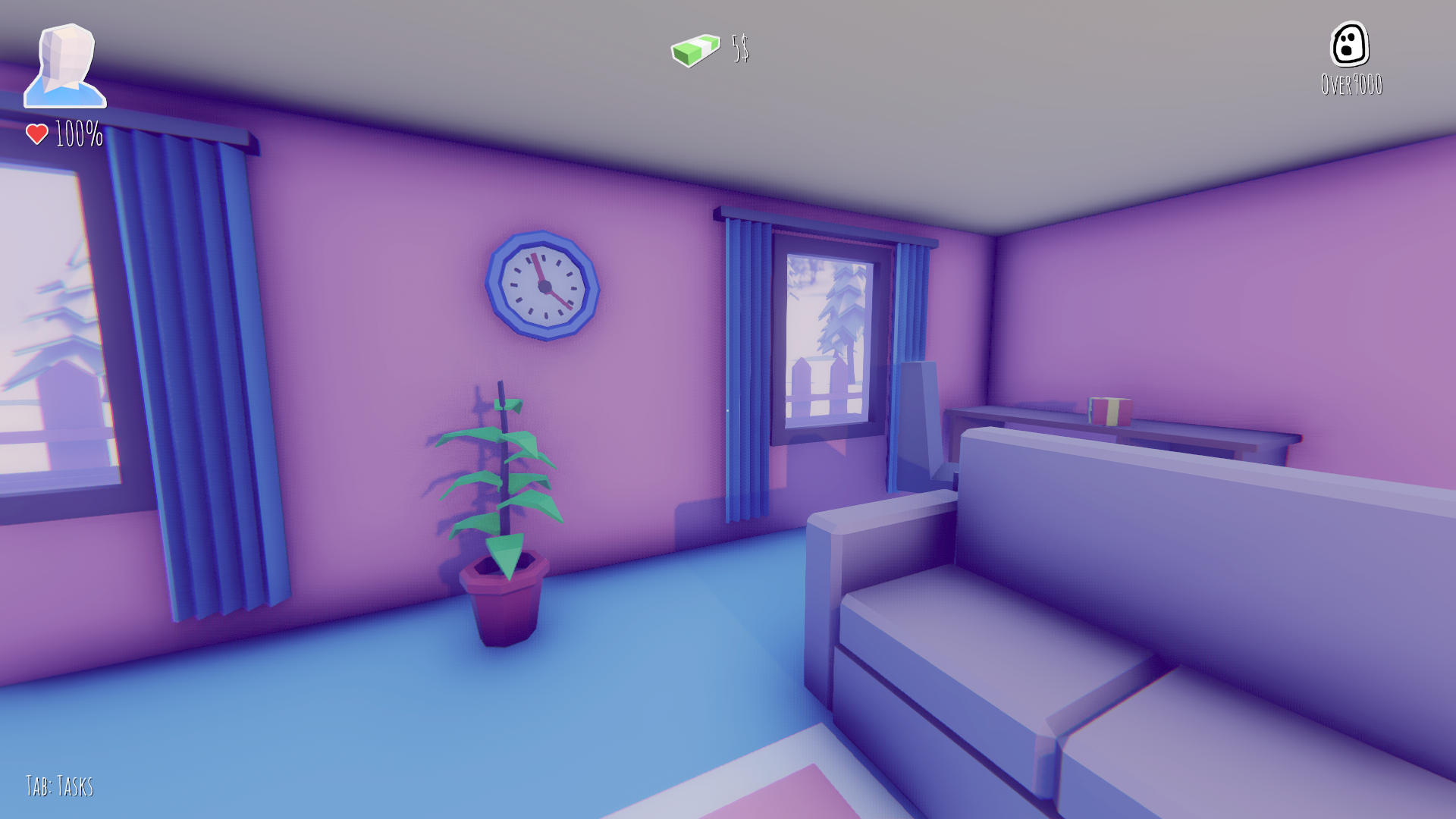
Dude Simulator 3 gameplay
Start your journey from home in Dude Simulator 3.
Set your cash total or add money to your existing balance.
View resources →Slow down or speed up walking and sprinting on foot.
View stat modifiers →Switch incoming damage protection on or off for on-foot play.
View rule modifiers →Choose pedestrians or police and add them near the streets.
View game actions →Download the Windows app and follow the setup prompts.
Open Dude Simulator 3 and select it in Bytonian Mods. Follow the app’s connection prompts.
Review the available options in the app and choose the ones that suit how you play.