
Presentation Modifiers
1 optionAdd base item values to the usual inventory tooltips.
View presentation modifiers →See item base values in your inventory and collect nearby loose drops automatically in Dinkum Demo. These two free controls make it easier to check your belongings and pick up items within normal reach.

Start with free mods
Download Bytonian Mods for Windows and try these free features. Choose one to see how it works and any requirements.
Automatically collect loose drops within normal pickup reach in front of you.
Switch the feature on, walk up to a loose item and face it. Switch off to pick items up yourself.
Your pockets need room. Pickup pauses while your inventory is open.
See an item's base value in Dinks alongside its original inventory tooltip description.
Switch on Show Item Values, open your inventory and hover over an item.
Final shop offers can differ from the base value.
Show Item Values adds a base-value label to the usual item description. Automatic Nearby Pickup collects loose drops in front of you while your pockets have room. Each feature has its own toggle.
Start Dinkum Demo through Bytonian Mods, enable Convenience Tools and switch on the features you want. Switch either toggle off to return to its normal behavior.
Begin your island adventure
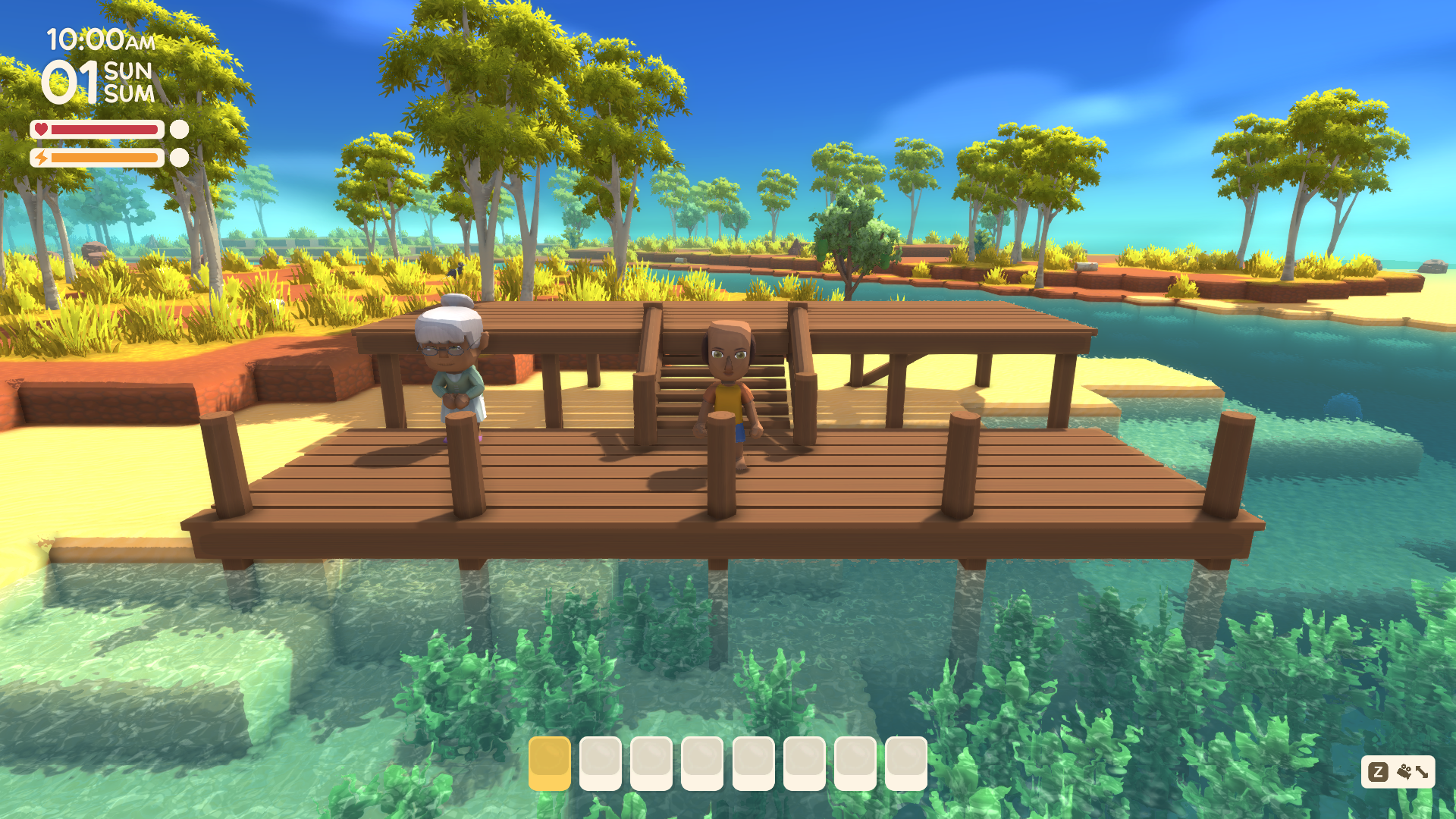
Start the Dinkum Demo on the island's dock, with Fletch nearby.
Add base item values to the usual inventory tooltips.
View presentation modifiers →Collect loose drops automatically within normal reach.
View utilities →Download the Windows app and follow the setup prompts.
Open Dinkum Demo and select it in Bytonian Mods. Follow the app’s connection prompts.
Review the available options in the app and choose the ones that suit how you play.