
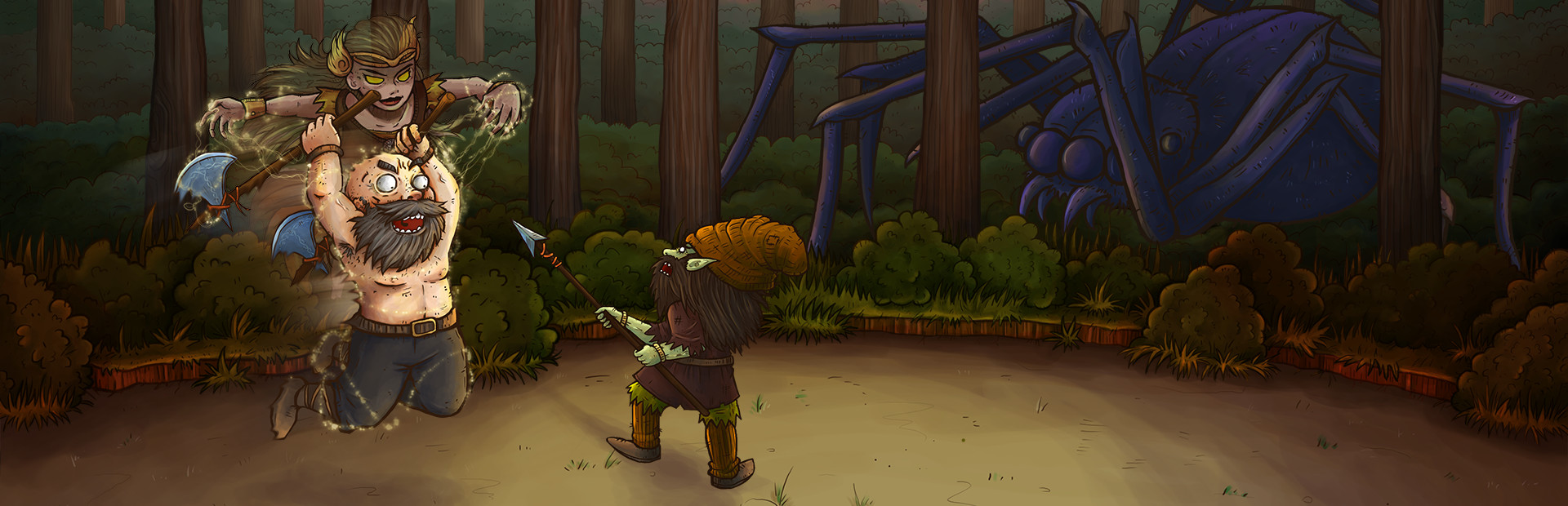
Game Actions
2 optionsRestore your current hero's health or add one enemy at a time.
View game actions →Keep your Viking fighting or bring a new enemy into the adventure in Die for Valhalla! These free actions restore your living hero's health and let you choose enemies to spawn in solo Normal play.
Start with free mods
Download Bytonian Mods for Windows and try these free features. Choose one to see how it works and any requirements.
Browse 32 enemies in seven categories and add one to your solo Normal adventure.
Open Spawn while gameplay is running, choose an enemy and add it to the level. Turn Spawn enemies off to clear its surviving unpossessed enemies.
Add one enemy per action. Enemies keep their normal behaviour and may attack you. Some preview images are unavailable. Use outside co-op, Hardcore and competitive or challenge modes.
Restore your living Viking's health to its normal maximum.
Possess a living Viking, resume a solo Normal adventure and press Heal current hero.
This does not revive a defeated Viking. Use it outside co-op, Hardcore, Deathmatch, Survival and challenges.
Heal current hero restores your living Viking to full health. Use the action when you need to recover during an adventure; it does not bring a defeated Viking back to life.
Spawn enemies lets you browse 32 enemies across seven categories and add one through the Spawn tab. Enemies keep their normal behaviour, so some can attack you.
Install the Bytonian Mods Windows app, open Die for Valhalla! and enter a Normal adventure on your own. Enable the mod you want and use its control while gameplay is running.
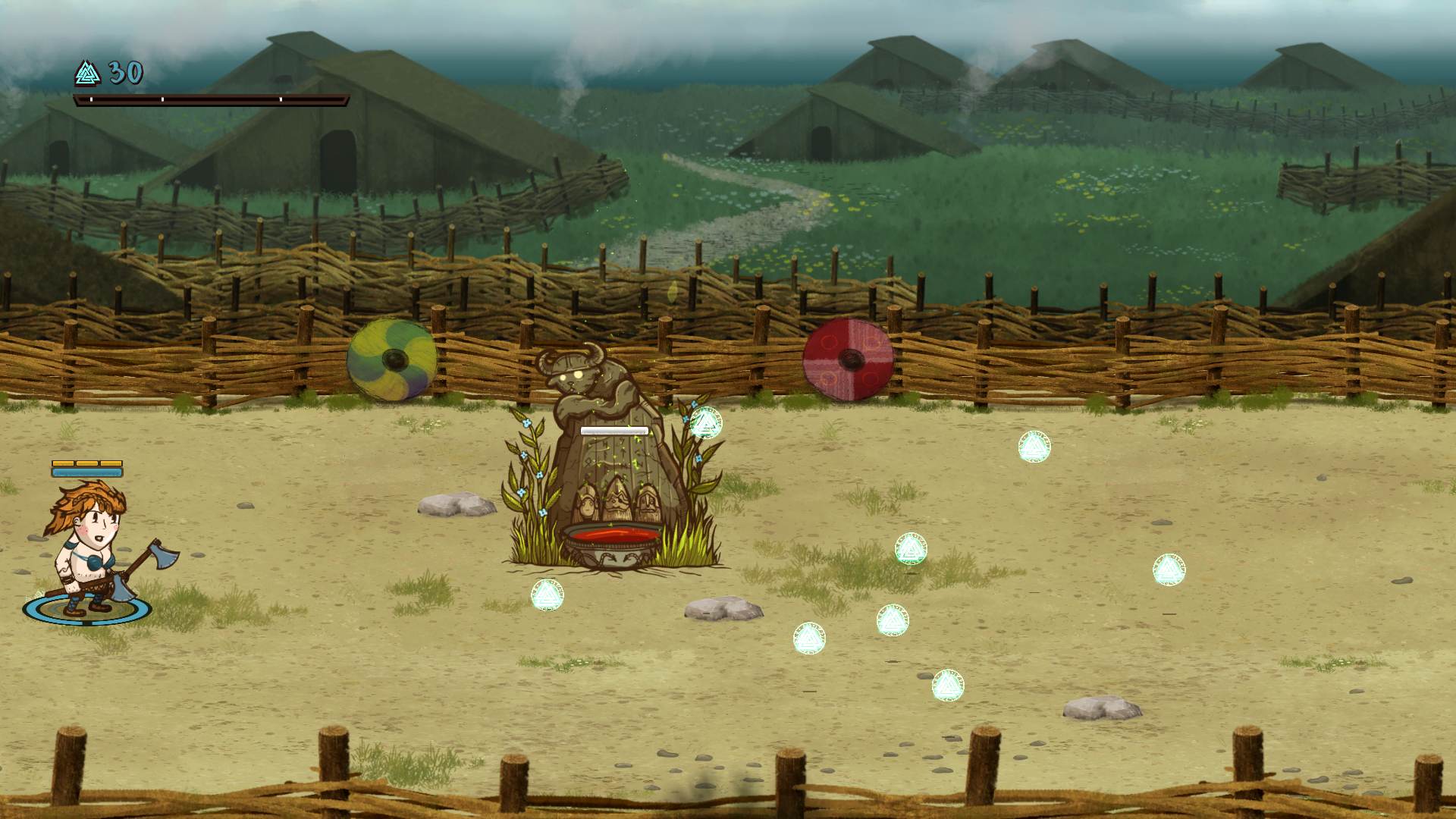
A Viking adventure in the village
Take control of a Viking and explore Die for Valhalla!'s side-scrolling adventure. Free healing and enemy spawning are available for solo Normal adventures.
Restore your current hero's health or add one enemy at a time.
View game actions →Browse the Steam achievement names and descriptions for Die for Valhalla!. Choose and unlock achievements for free with Bytonian Mods in the Windows app.
View all achievements →Download the Windows app and follow the setup prompts.
Open Die for Valhalla! and select it in Bytonian Mods. Follow the app’s connection prompts.
Review the available options in the app and choose the ones that suit how you play.