
Resources
1 optionRead your company cash, set a new balance or adjust the amount from one control.
View resources →Choose your company cash balance as you build your demolition business in Demolish & Build 3. Use the free Cash control to make room in your budget while taking on jobs with tools and heavy machinery.

Start with free mods
Download Bytonian Mods for Windows and try these free features. Choose one to see how it works and any requirements.
View or change your company cash balance after loading a career.
Refresh to read the current balance, then enter a whole-number amount or use the adjustment controls.
A career must be loaded before you can read or change Cash.
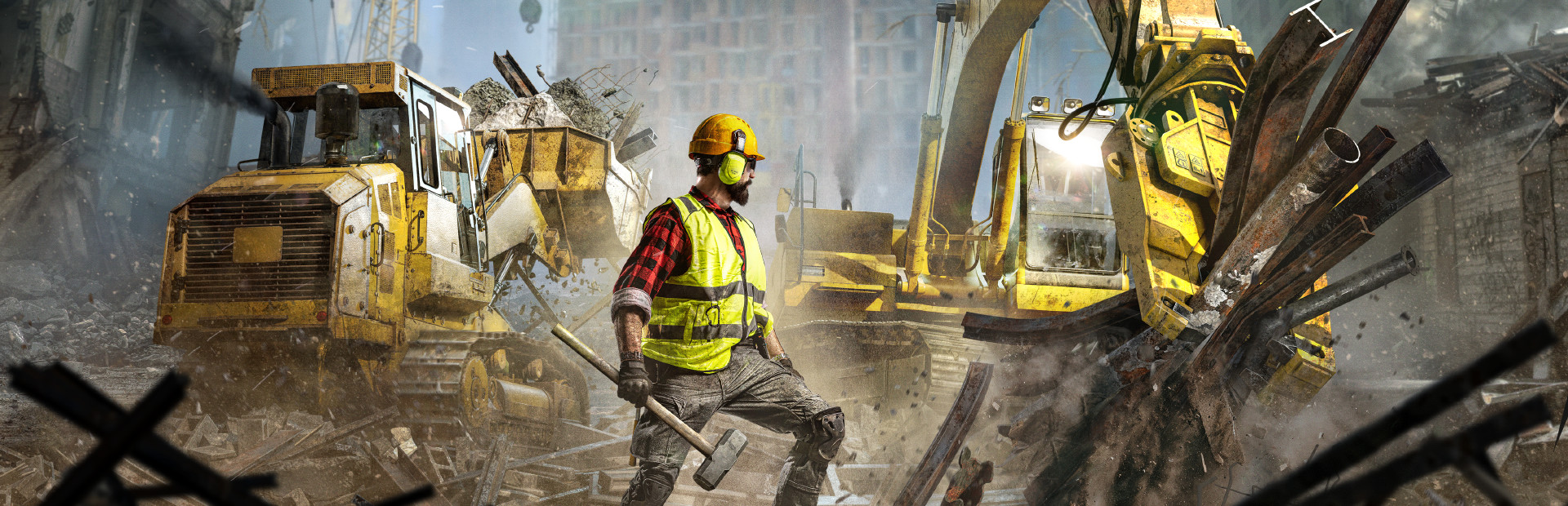
Demolish & Build 3 combines hands-on demolition with running a construction business. Work through contracts, choose equipment and manage the company behind each job.
Open the Cash control after loading your career to read the current balance or enter a new whole-number amount. Refresh the control when you want to check the latest value.
Install Bytonian Mods for Windows, select Demolish & Build 3 and enable Cash. Load your career before reading or changing the balance.
Start your demolition company
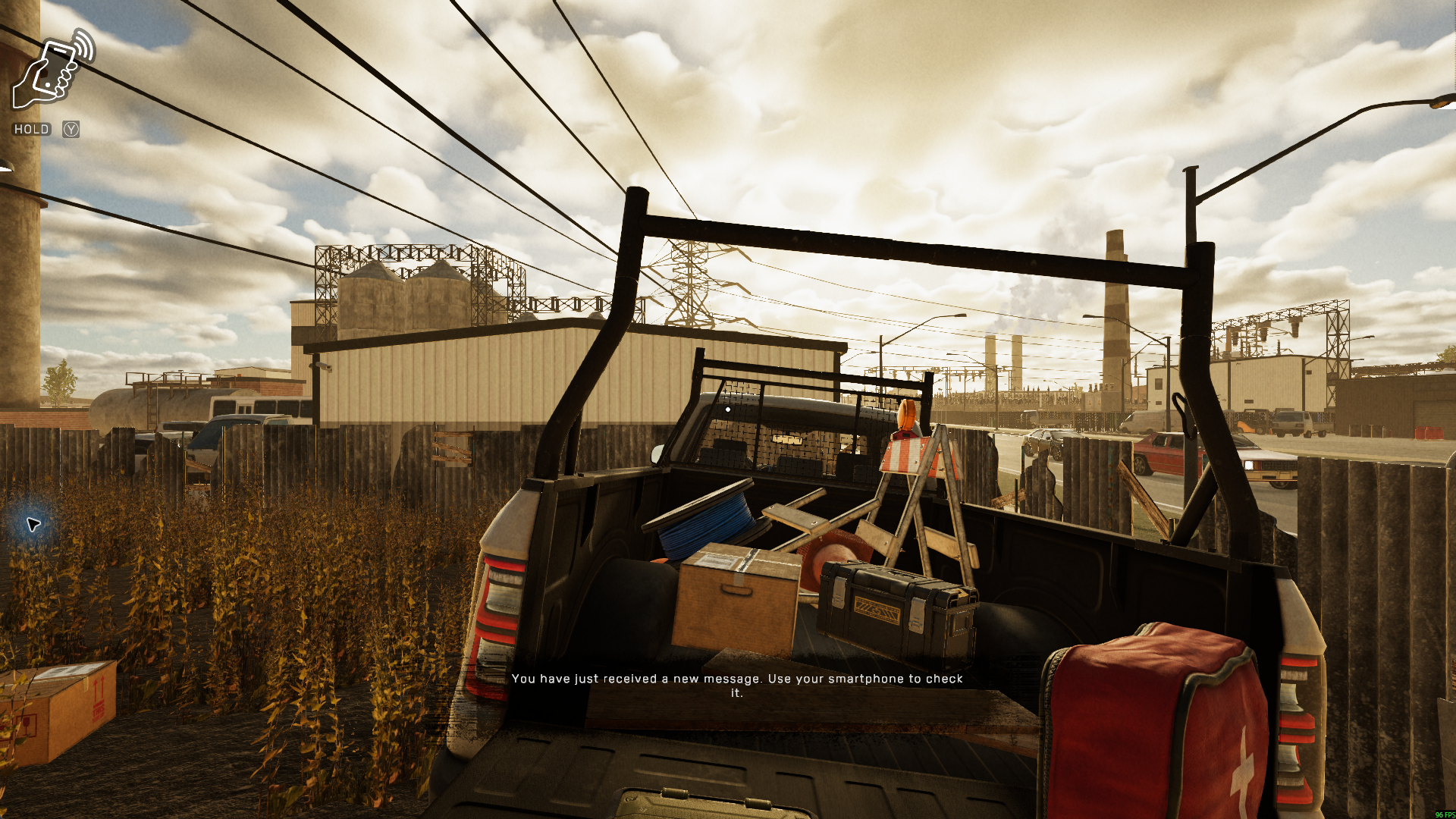
Take on your first demolition job at the work site, with your truck and equipment close by.
Read your company cash, set a new balance or adjust the amount from one control.
View resources →Browse the Steam achievement names and descriptions for Demolish & Build 3. Choose and unlock achievements for free with Bytonian Mods in the Windows app.
View all achievements →Download the Windows app and follow the setup prompts.
Open Demolish & Build 3 and select it in Bytonian Mods. Follow the app’s connection prompts.
Review the available options in the app and choose the ones that suit how you play.