

Choose your hour and keep your fuel
Set the scene for your next job with a chosen hour of day, or keep your current vehicle from consuming fuel while you drive.

Set the clock
Choose an hour from 0 to 23 and apply it while playing. The clock continues to advance afterward.
Keep fuel for the drive
Enable No Fuel Drain before operating your vehicle. It prevents fuel consumption while enabled; it does not refill an empty tank.
Available ability modifiers
No Fuel DrainPremium
Prevent fuel consumption while operating your current vehicle.
Enable No Fuel Drain while playing. It does not refill an empty tank.
Time of DayFree
Choose an hour from 0 to 23 and set the game clock to it.
Apply your chosen hour while playing. The clock continues to advance afterward.
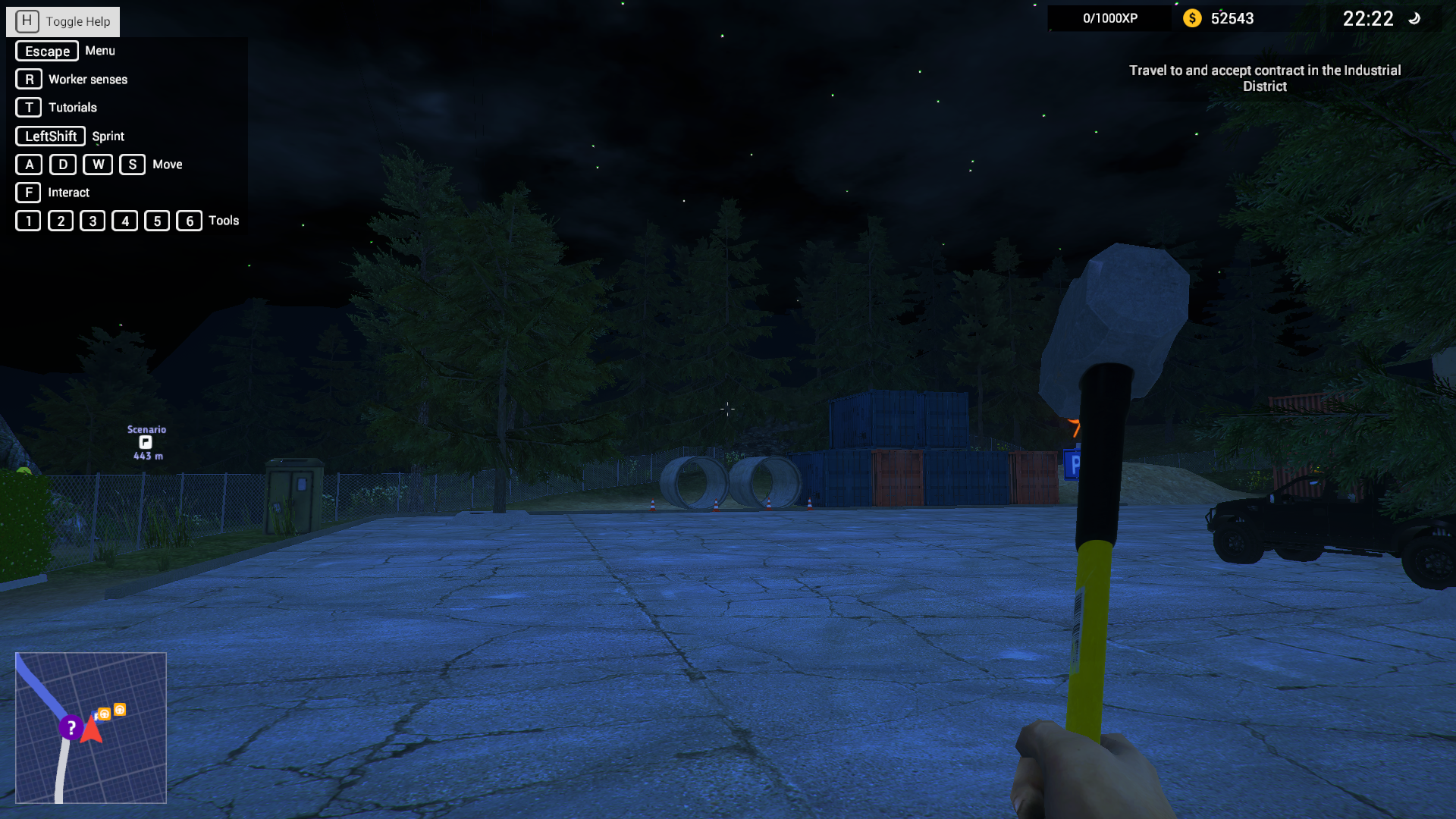
Choose the hour of day
Set the clock to the hour you want, including a nighttime setting.
More ways to customise Demolish & Build 2017
- Demolish & Build 2017 resources
Choose how much cash to add.
- Demolish & Build 2017 stat modifiers
Adjust walking pace from normal to twice normal speed.
Using these features
Choose the feature in the Windows app after connecting your game. Check its requirements before making a change.
Setup for Demolish & Build 2017 →