

Resources
4 optionsAdjust Cuphead player health and coins, with controls for setting values and maintaining a minimum.
View all resources →Practice Cuphead boss fights with health protection, faster firing and charging, adjustable movement or a quick retry. Choose equipment, coins and progression controls for your next run-and-gun challenge.

Start with free mods
Download Bytonian Mods for Windows and try these free features. Choose one to see how it works and any requirements.
Prevent health loss while learning attacks. Hits can still interrupt your movement.
Explore this free feature →Reduce the push and upward bounce when you take a hit. Set the multiplier to zero to remove that movement; health loss follows your other settings.
Explore this free feature →Restart the current level with one action through the game’s normal retry flow.
Explore this free feature →Show Expert difficulty in boss menus without completing the game first.
Turn it off to restore normal difficulty availability.
Cuphead - Rapid Fire versus the Root Pack
A rapid-fire Cuphead attempt against the Root Pack.
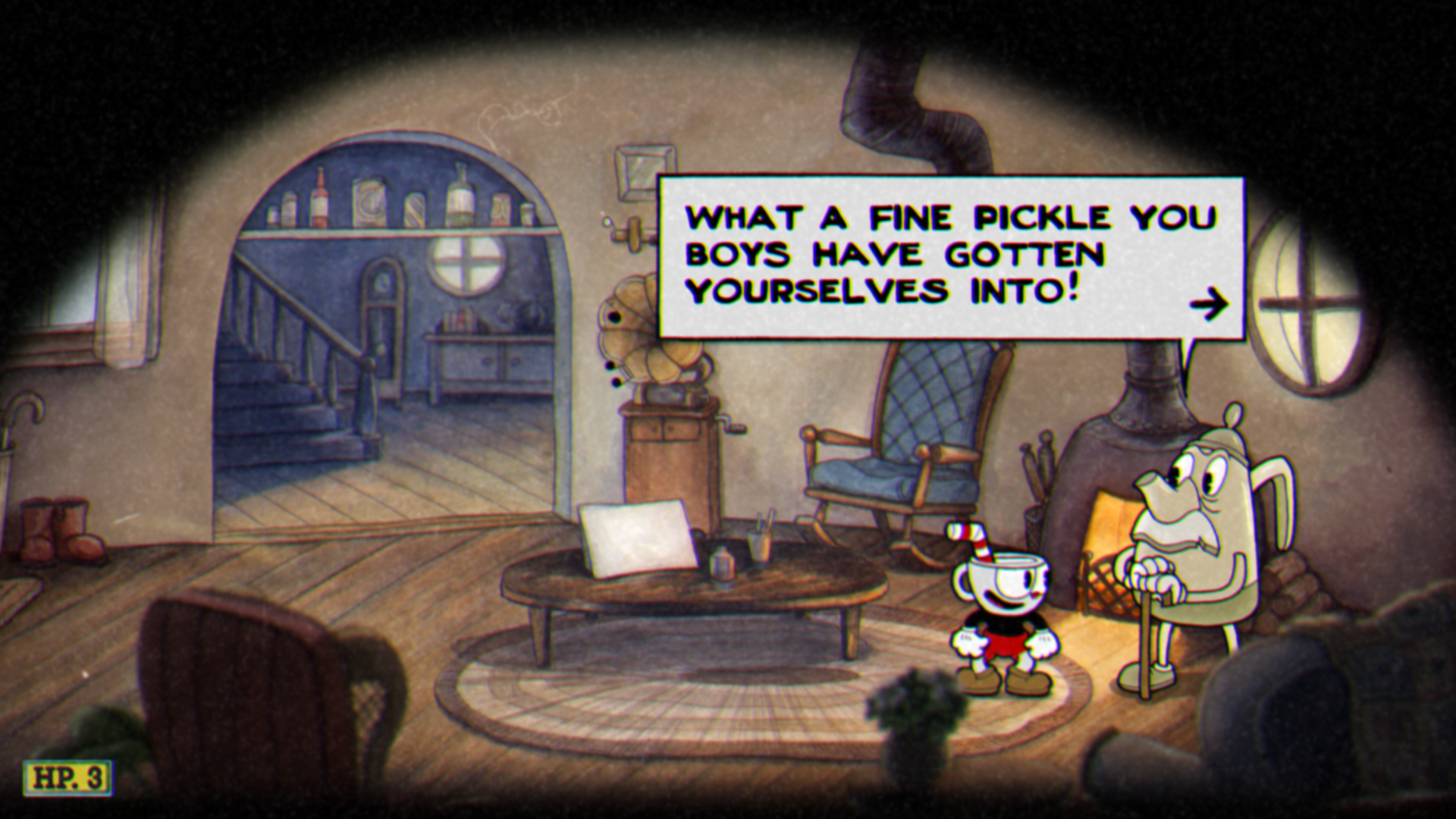
Cuphead at Elder Kettle’s house
Cuphead begins his adventure at Elder Kettle’s house. This image shows the game’s opening setting.
Adjust Cuphead player health and coins, with controls for setting values and maintaining a minimum.
View all resources →Choose Cuphead equipment and show Expert difficulty in boss menus.
View all unlocks →Adjust attacks and projectiles or choose extra protection during fights.
View all stat modifiers →Refill Cuphead's Super Meter and change completed-level grades.
View rule modifiers →Tune normal movement, repeat air dashes or choose Fly and Classic Board abilities.
View all ability modifiers →Restart the current level or complete it through the game's normal results.
View game actions →Browse the Steam achievement names and descriptions for Cuphead. Choose and unlock achievements for free with Bytonian Mods in the Windows app.
View all achievements →Download the Windows app and follow the setup prompts.
Open Cuphead and select it in Bytonian Mods. Follow the app’s connection prompts.
Review the available options in the app and choose the ones that suit how you play.