

Choose how you move in Content Warning
Switch between Fly, Free Walk and Board, or use repeated jumps. Fly through the air, walk with adjustable movement, or coast and hold then release Space for a board jump. Turn Movement off to restore normal physics.

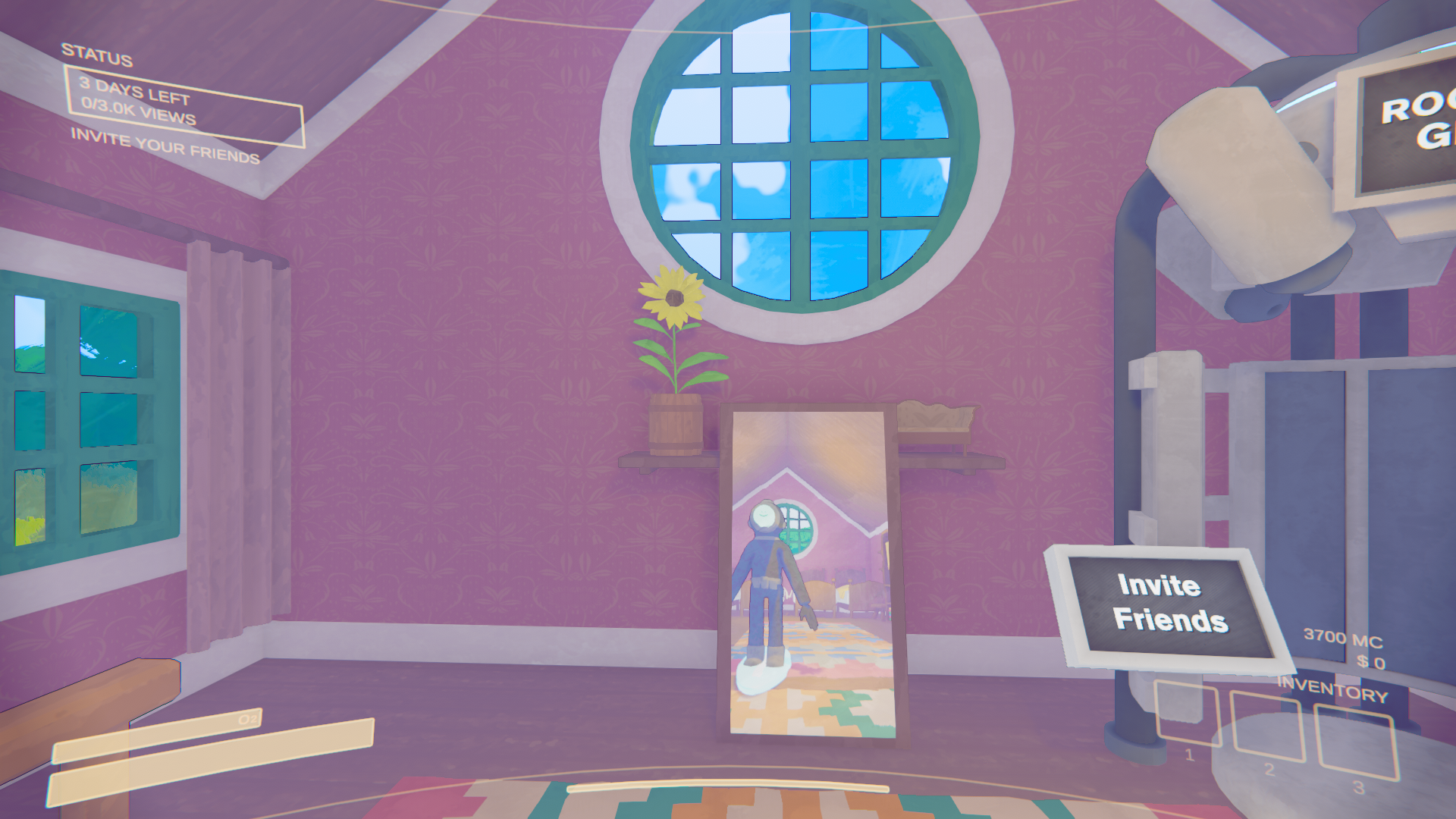
Cruise on a board
Switch to Board to roll around, build momentum and charge a jump.
Available ability modifiers
Infinite JumpsFree
Repeat jumps without waiting for the usual grounded jump window.
Enable Infinite Jumps in a private game, then use the game’s jump control.
MovementFree
Choose Fly for flight through obstacles, Free Walk for adjustable movement on solid ground, or Board for steering, coasting, braking and charged jumps.
Enable Movement and choose a Style. Use the movement keys to travel. Space rises in Fly, jumps on foot, and charges a board jump while held; release it to jump. Ctrl descends or brakes, and Shift boosts in Fly. Turn Movement off for normal physics.
Supported movement styles: Fly, Free Walk, Board
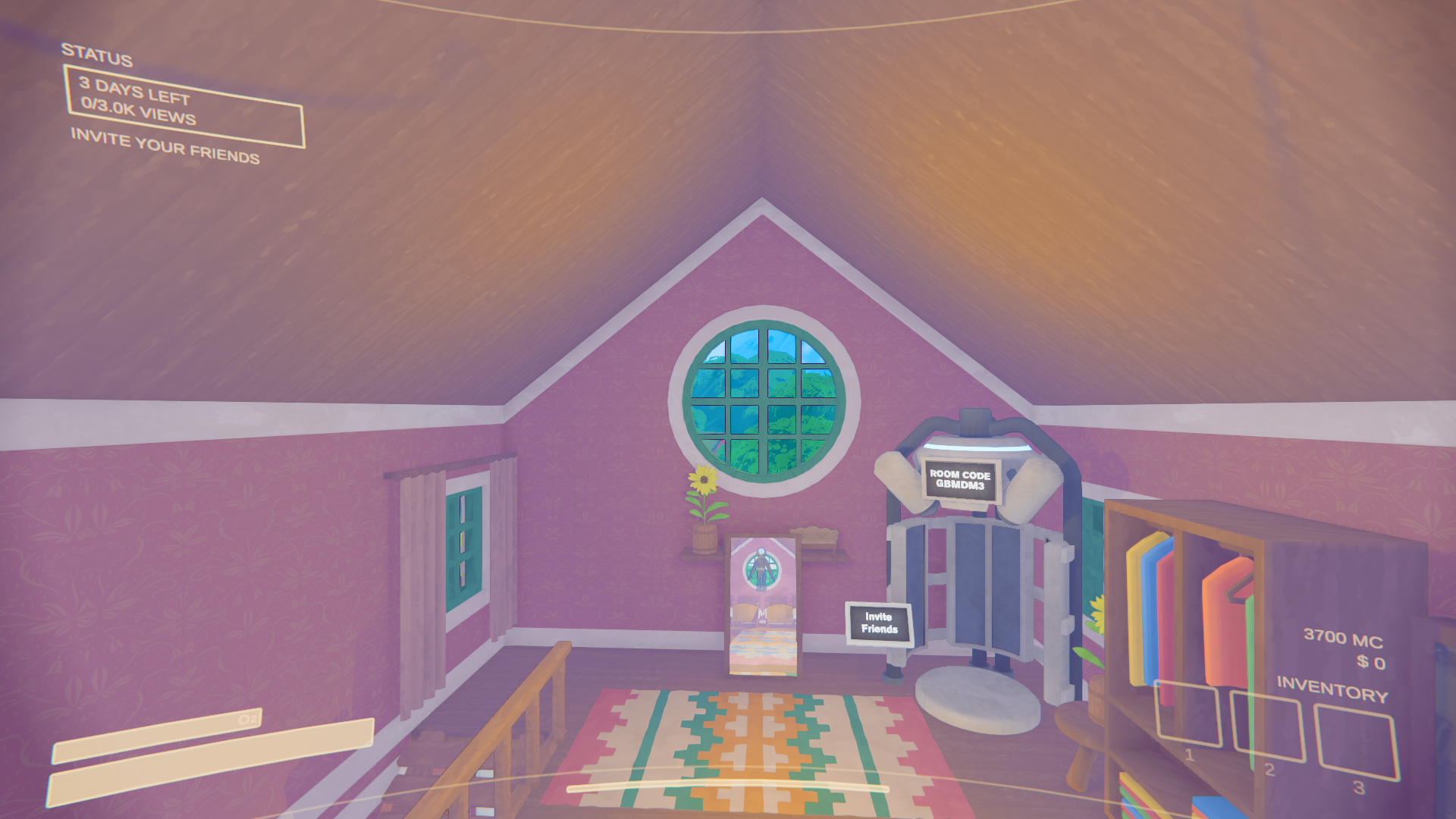
Fly above the floor
Move your character through the air in a private game with friends.
More ways to customise Content Warning
- Content Warning resources
Adjust group money and views as host, or your own Meta Coins.
- Content Warning stat modifiers
Separate survival, filming, lighting, camera and recovery controls for private games.
- Content Warning game actions
Free Spawn browsing, diving-bell return and position bookmarks.
Using these features
Choose the feature in the Windows app after connecting your game. Check its requirements before making a change.
Setup for Content Warning →