
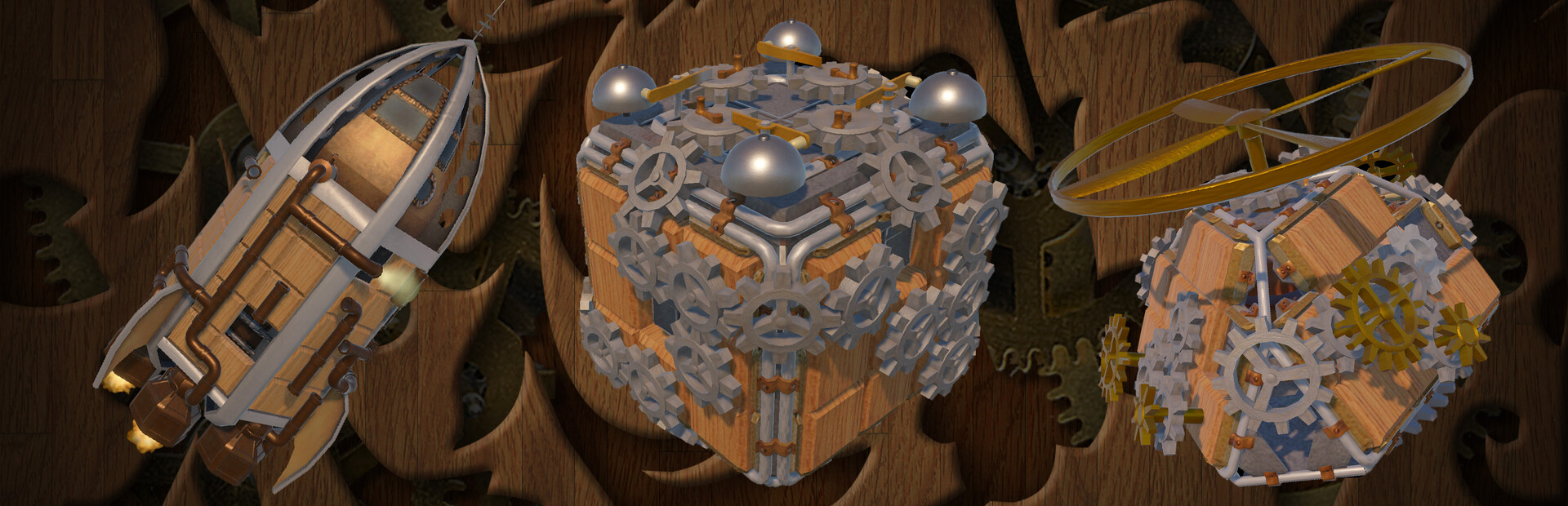
Rule Modifiers
1 optionPause the Inventor Mode elapsed timer.
View rule modifiers →Take your time sliding tiles and building machines in Cogs. Pause the elapsed timer in Inventor Mode with a free control, then resume it when you are ready.

Start with free mods
Download Bytonian Mods for Windows and try these free features. Choose one to see how it works and any requirements.
Pause the elapsed timer while you work on an Inventor Mode puzzle.
Turn the control on to pause the timer, and off to let it run again.
The timer settles at the next readable second. Challenge Mode uses separate timers.
Enable Pause Puzzle Timer to stop the elapsed timer in Inventor Mode. Turn it off to let the timer run again.
Install Bytonian Mods for Windows, select Cogs, and enable the mod before choosing its timer control.
Pause the Inventor Mode elapsed timer.
View rule modifiers →Browse the Steam achievement names and descriptions for Cogs. Choose and unlock achievements for free with Bytonian Mods in the Windows app.
View all achievements →Download the Windows app and follow the setup prompts.
Open Cogs and select it in Bytonian Mods. Follow the app’s connection prompts.
Review the available options in the app and choose the ones that suit how you play.