

Camera Mods for Clone Drone in the Danger Zone Demo
Use Camera Field of View when you want more of the arena in frame. Set an angle that feels comfortable, then turn off the toggle to return to the game’s normal view.
Works with the Steam version of the game.

Available presentation modifiers
Camera Field of ViewFree
Adjust your robot’s field of view in the demo’s Story mode.
Enable Camera Field of View and increase the angle for a wider view. Turn the toggle off to restore the normal camera.
Available in Story mode of the Windows demo.
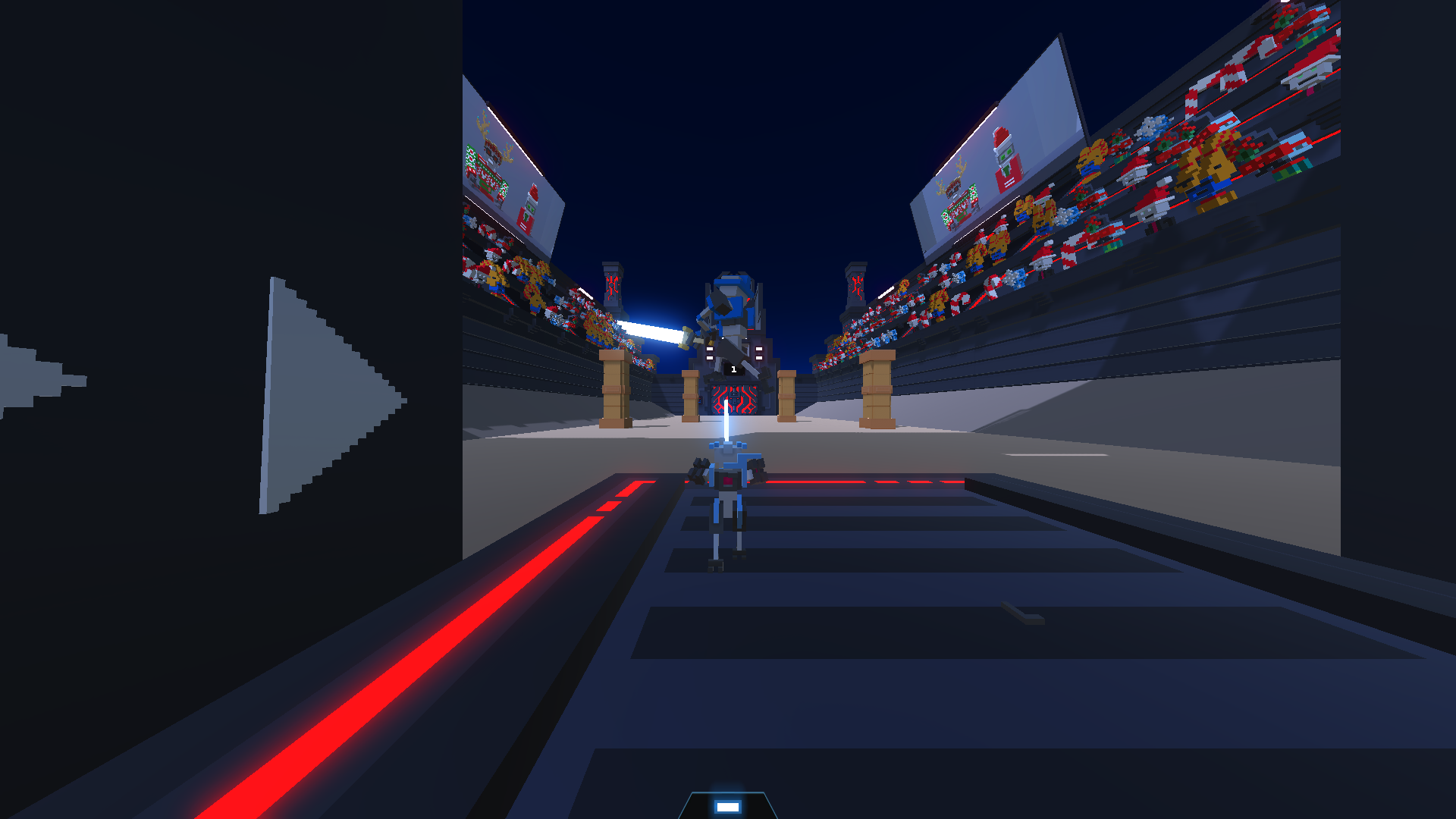
Wide arena view
Widen your robot’s camera to see more of the arena in Story mode.
Using these features
Choose the feature in the Windows app after connecting your game. Check its requirements before making a change.
Setup for Clone Drone in the Danger Zone Demo →