
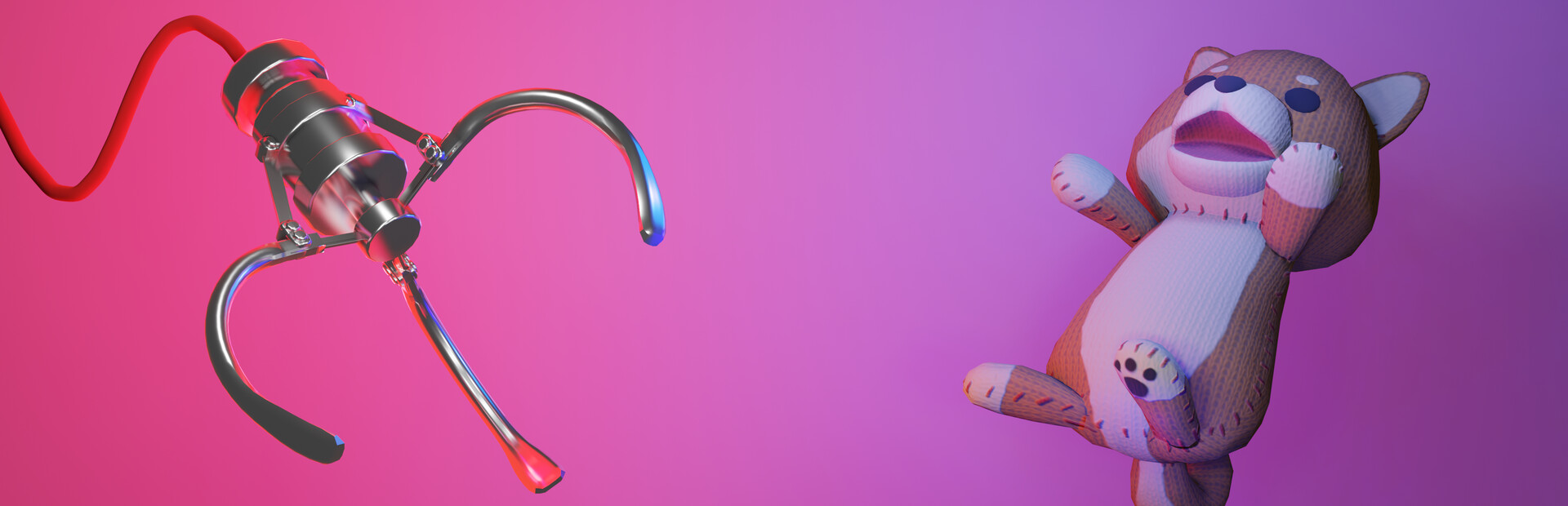
Perspective Modifiers
1 optionAdjust view-switch duration; disabling restores the original transition.
View perspective modifiers →Switch between viewpoints at your own pace while lining up prizes in Claw Machine Sim. The free camera control can make the change immediate or give it a longer transition.
Start with free mods
Download Bytonian Mods for Windows and try these free features. Choose one to see how it works and any requirements.
Choose how long the camera blends between viewpoints.
Enable the control and set the duration. Zero makes viewpoint changes immediate.
Disabling restores the original transition. This changes camera movement, not claw physics or prize outcomes.
A closer look at the prizes
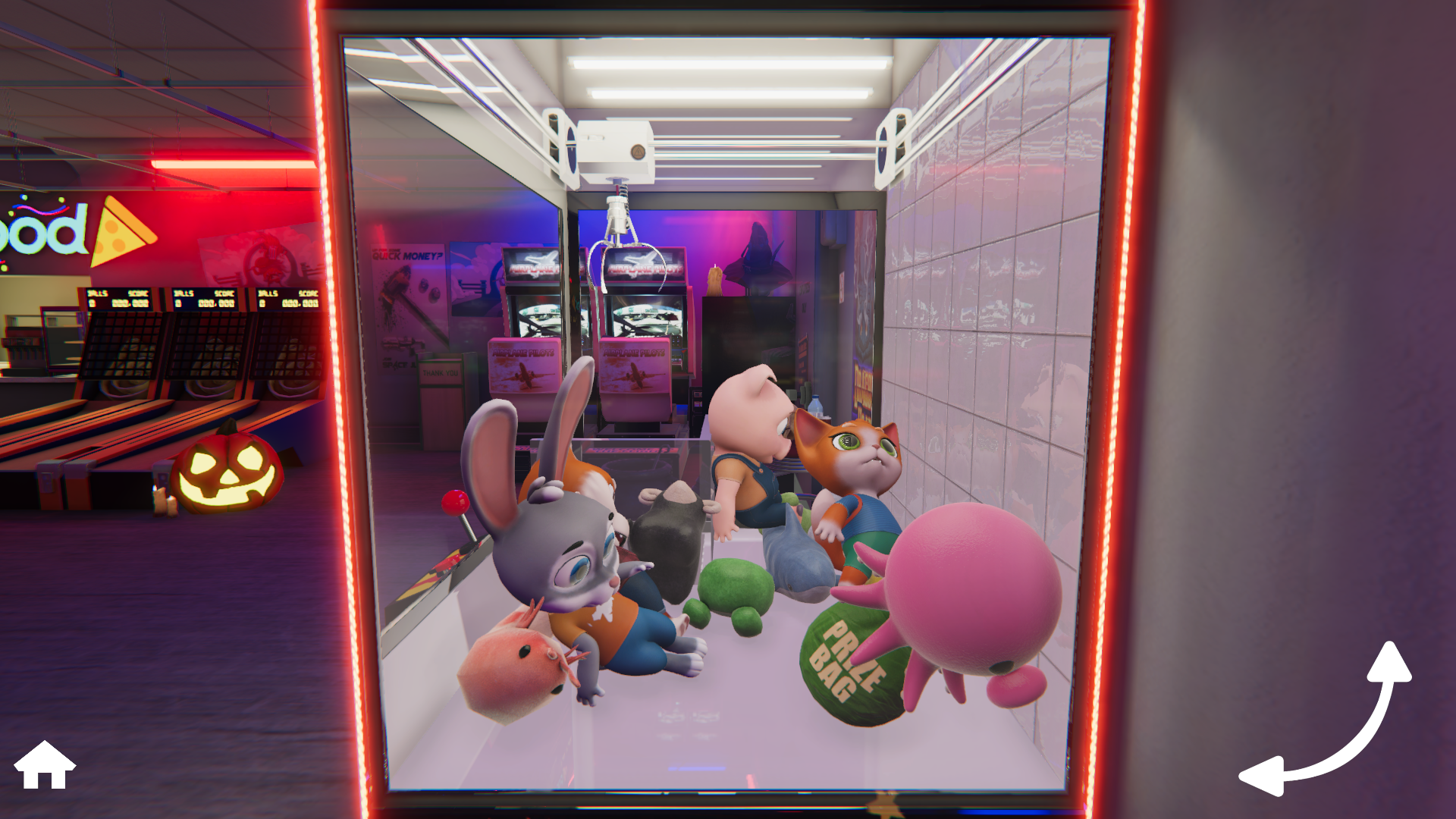
Line up the claw over a cabinet full of toys in Claw Machine Sim.
Choose how long the camera takes to move between positions, from an immediate switch to a slower blend. The setting leaves the claw and prize physics unchanged.
Install Bytonian Mods, open Claw Machine Sim and select it in the app. Follow the connection prompts, then enable the camera setting and choose a duration.
Adjust view-switch duration; disabling restores the original transition.
View perspective modifiers →Browse the Steam achievement names and descriptions for Claw Machine Sim. Choose and unlock achievements for free with Bytonian Mods in the Windows app.
View all achievements →Download the Windows app and follow the setup prompts.
Open Claw Machine Sim and select it in Bytonian Mods. Follow the app’s connection prompts.
Review the available options in the app and choose the ones that suit how you play.