

Survival actions
Choose which survival bar to refill with two separate actions. Each press restores its bar to 100; use the control again whenever you want another refill.

Restore Energy
Energy represents your Sleeper's need for food and falls as cycles pass. Restore Energy fills that bar to 100, letting you decide when to top it up.
Restore Condition
Condition reflects the state of your Sleeper's body. Restore Condition brings the bar back to 100 and its Stable state. Use it before condition reaches zero.
When the controls are available
Use these actions in a loaded station game with condition above zero. The bars continue to follow the game's normal rules after a refill. See the overview for setup.
Available game actions
Restore ConditionFree
Refill your Sleeper's condition to 100 and return the bar to Stable.
Select Restore Condition before the bar reaches zero.
Requires a loaded station game with condition above zero.
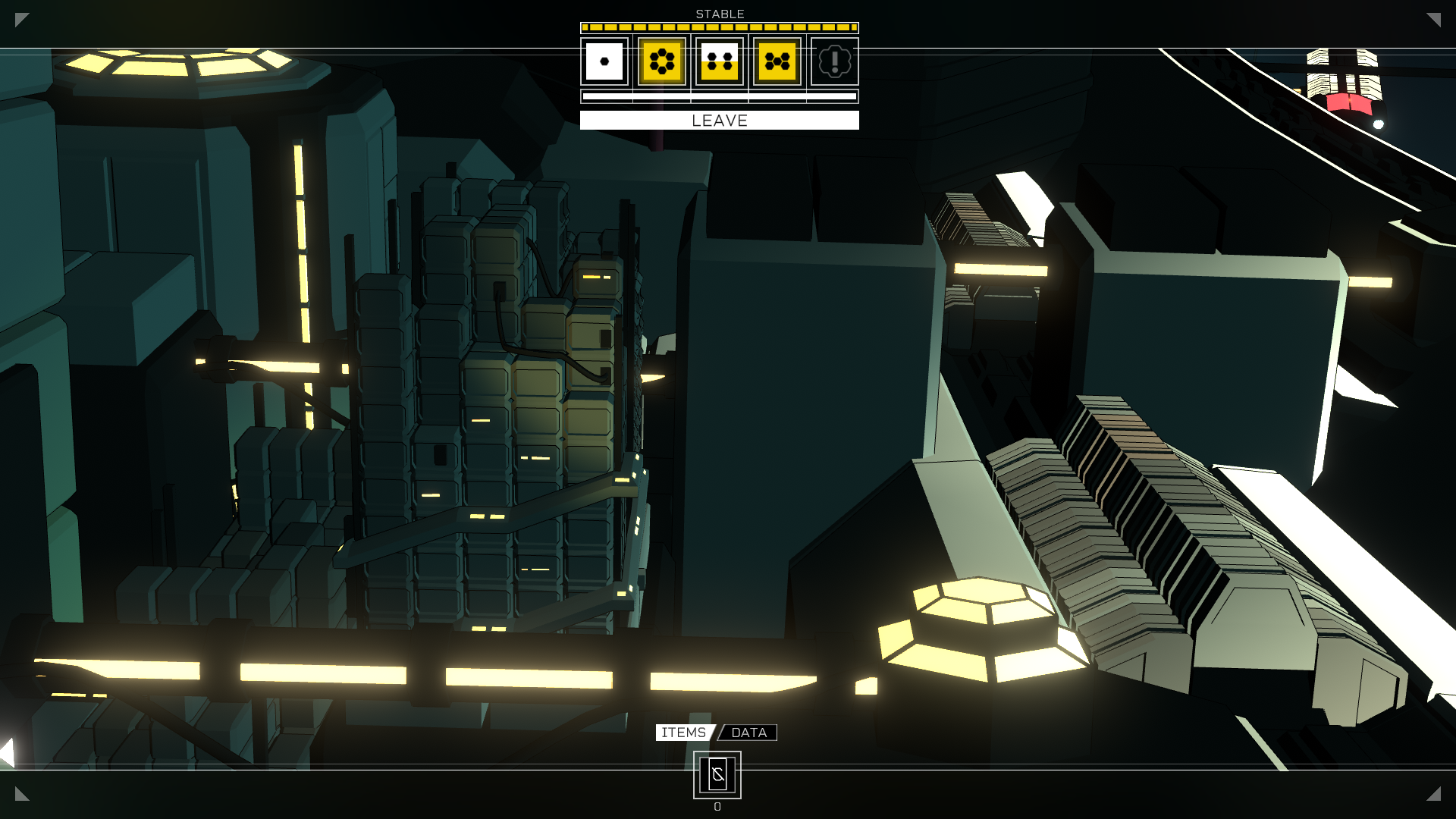
Restore your Sleeper's condition
Bring condition back to 100 while your Sleeper is alive.
Restore EnergyFree
Refill your Sleeper's energy bar to 100.
Select Restore Energy whenever you want a manual refill.
Requires a loaded station game with condition above zero.
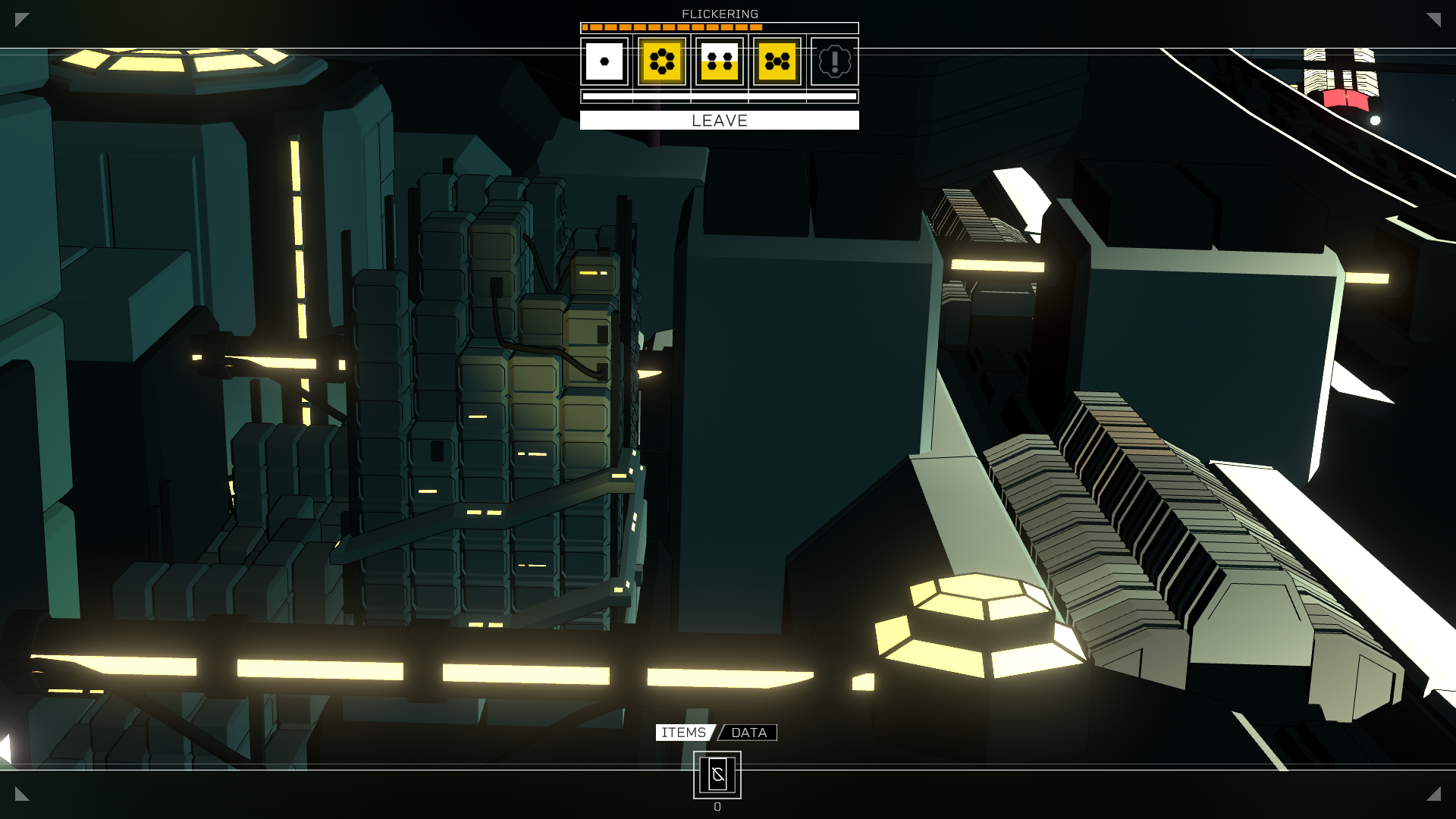
Refill your energy
Restore your Sleeper's energy bar to 100.
Using these features
Choose the feature in the Windows app after connecting your game. Check its requirements before making a change.
Setup for Citizen Sleeper →