

Cities: Skylines city funds
A bigger treasury gives you more room to plan roads, services and new development. Add the amount you need before starting the next part of your city.

Add the amount you choose
Enter an amount beside Add city funds, then press the button. The amount is added once to the loaded city. Change the amount before pressing again when you want a different top-up.
Available game actions
Add city fundsFree
Add a chosen amount to your city's treasury so you can put more money toward roads, services and expansion.
Load a normal city, choose an amount from 1 to 1,000,000 and press Add city funds. Each press adds that amount once.
Use in a normal city, outside editors and scenarios.
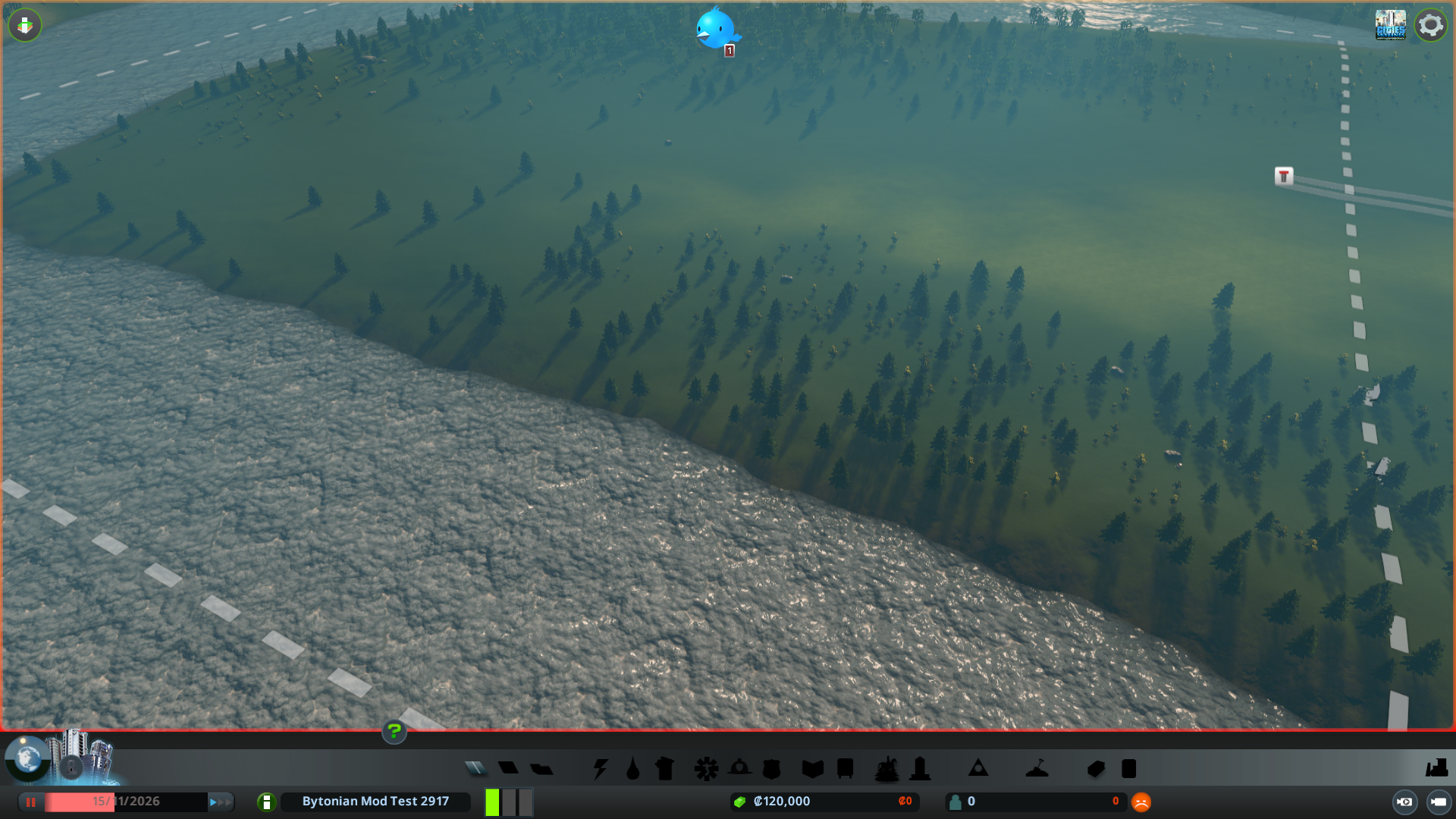
Add money to your city treasury
Choose an amount to add to your city treasury and put more money toward roads, services and your next expansion.
More ways to customise Cities: Skylines
- Cities: Skylines presentation modifiers
Adjust the camera's near and far zoom limits.
Using these features
Choose the feature in the Windows app after connecting your game. Check its requirements before making a change.
Setup for Cities: Skylines →