
Start your rune notes afresh
Clear Annotations removes all your saved rune notes while leaving discovery and translation states unchanged. It is useful when you want to replace a notebook full of old guesses.

A clean start for your own hypotheses
Copy any notes you want to keep before using Clear Annotations. The action clears every annotation and closes an open note editor so its old text cannot be saved back by accident.
There is no undo for cleared notes. Reopen a glyph afterward to write a fresh hypothesis.
Available utilities
Clear AnnotationsFree
Delete all saved rune notes while keeping discovery and translation states.
Copy any notes you want to keep first. An open note editor closes when you clear annotations.
Cleared notes have no undo.
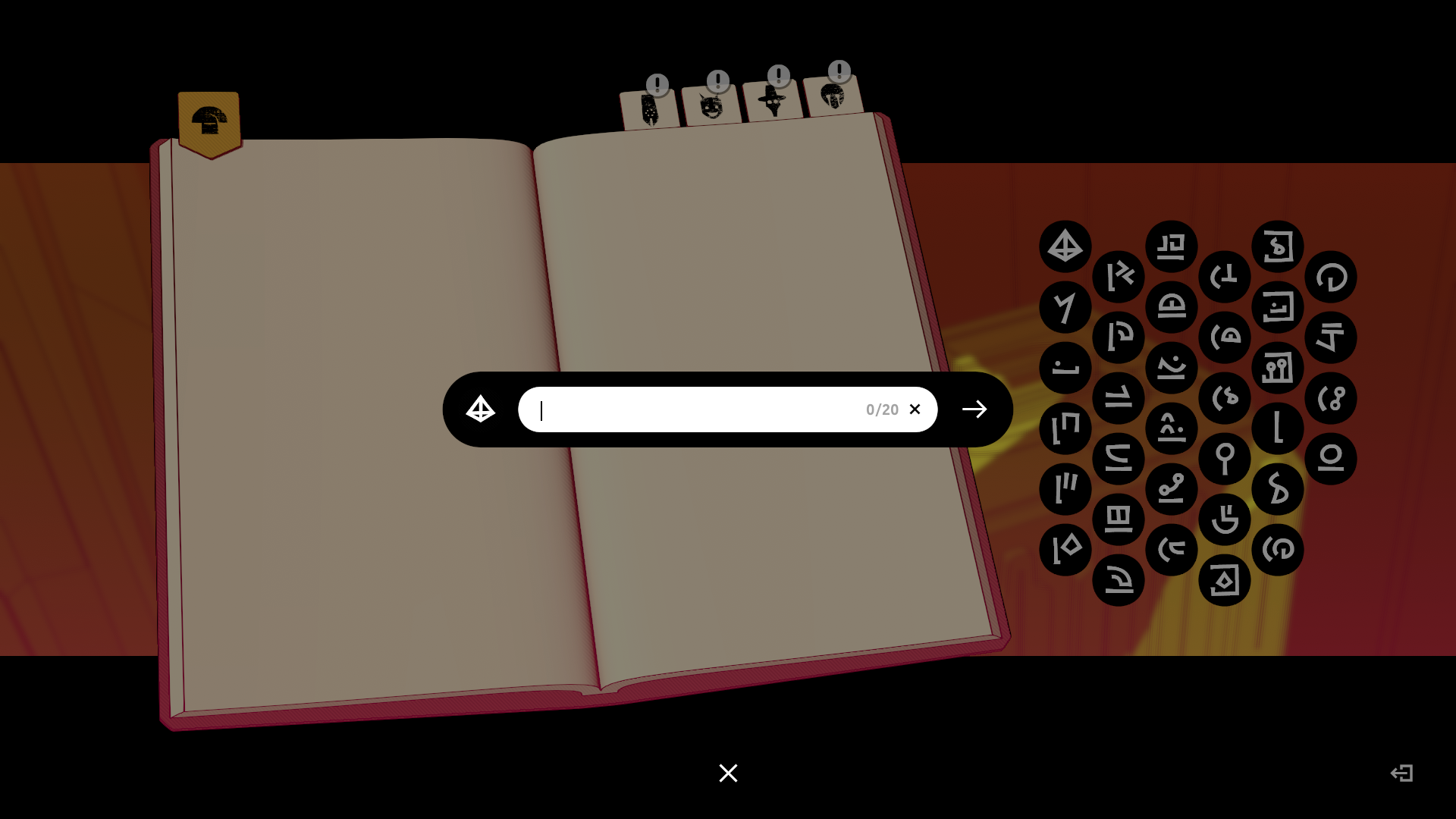
Start fresh with empty rune notes
After clearing all annotations, reopening a glyph shows an empty note field. Discovered and translated rune states are kept.
More ways to customise Chants of Sennaar
- Chants of Sennaar unlocks
Reveal rune symbols without translating them.
- Chants of Sennaar rule modifiers
Write rune notes up to 1,000 characters.
- Chants of Sennaar progression systems
Translate discovered runes or reset their translated state.
Questions about utilities
- Will this hide runes or remove their translations?
- No. Clear Annotations changes your written notes, not rune discovery or translation states.
Using these features
Choose the feature in the Windows app after connecting your game. Check its requirements before making a change.
Setup for Chants of Sennaar →