
Give your rune hypotheses more room
Longer Annotations raises the journal editor's limit from 20 to 1,000 characters. Keep several ideas together instead of cutting your hypothesis down to a few words.

Write, save and return to longer notes
Enable Longer Annotations before opening a glyph's note. Write and confirm your note through the usual journal editor. The character counter shows the expanded allowance, and the single-line field scrolls as you write.
Keep the option enabled when editing long notes. Disabling it or turning off the package restores the game's normal editor limit.
Available rule modifiers
Your annotations can be longerFree
Write rune annotations up to 1,000 characters.
Enable before opening or editing a longer note, then save through the usual journal editor.
The editor stays single line. Disabling the option restores the normal character limit.
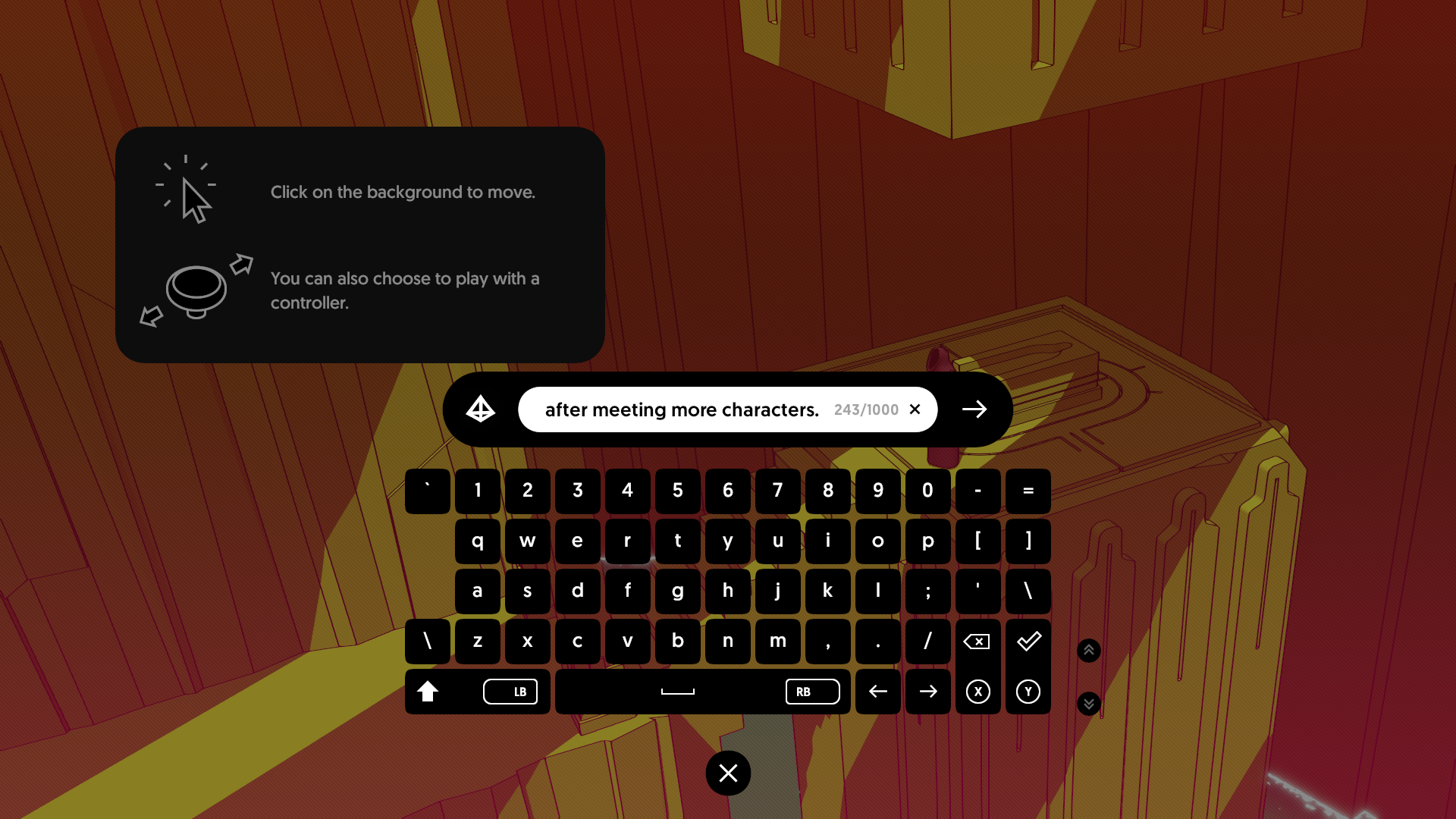
Room for longer rune notes
Keep detailed notes in the rune annotation editor, with a limit of 1,000 characters.
More ways to customise Chants of Sennaar Demo
- Chants of Sennaar Demo utilities
Clear all rune notes without resetting discovery or translations.
- Chants of Sennaar Demo progression systems
Translate discovered runes or reset their translated state.
Questions about rule modifiers
- Does this translate runes for me?
- No. It gives your own annotations more space without changing rune translations.
Using these features
Choose the feature in the Windows app after connecting your game. Check its requirements before making a change.
Setup for Chants of Sennaar Demo →