
Resources
1 optionA free Skill Points control for normal Cozy Mode upgrades.
View resources →Stack bottles, explore the cellar and choose how to build your skills. The free Skill Points mod lets you adjust your balance in Cozy Mode and spend those points through the game's normal skill tree.
Start with free mods
Download Bytonian Mods for Windows and try these free features. Choose one to see how it works and any requirements.
Set, add or subtract skill points in Cozy Mode, then spend them through the normal skill tree.
Start a Cozy Mode game and refresh your balance. Enter a new total or add or subtract points, then choose your upgrades in the skill tree.
Works in Cozy Mode. Close the pause menu or open the skill tree before changing your points.
Choose a point balance or add points to your existing total, then buy upgrades from the skill tree. You can also subtract points when you want a smaller budget.
Start a Cozy Mode game before using the control. Close the pause menu or open the skill tree to adjust your points.
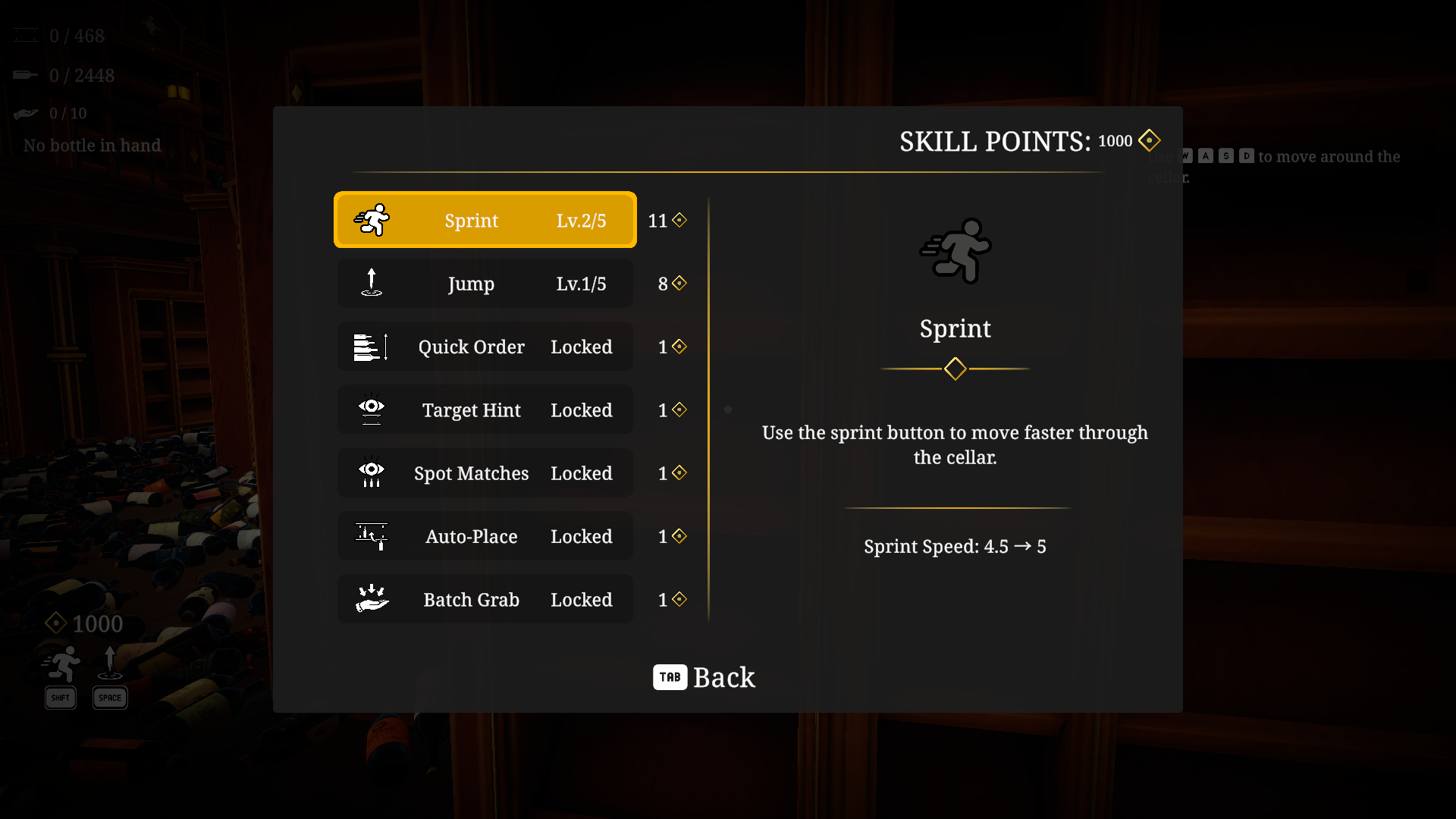
Choose your Cozy Mode upgrades
Adjust your skill points and spend them through Cellar Keeper's normal skill tree. The Skill Points control works in Cozy Mode.
A free Skill Points control for normal Cozy Mode upgrades.
View resources →Browse the Steam achievement names and descriptions for Cellar Keeper. Choose and unlock achievements for free with Bytonian Mods in the Windows app.
View all achievements →Download the Windows app and follow the setup prompts.
Open Cellar Keeper and select it in Bytonian Mods. Follow the app’s connection prompts.
Review the available options in the app and choose the ones that suit how you play.