

Choose a different route through the caves
Turn on Movement and choose Fly to rise above the cave floor, explore from a higher viewpoint and pass through solid scenery.

Set your pace
Use the normal flight speed for careful positioning, then hold the faster-flight key to cover more ground. Turn Movement off above a safe floor to return to normal movement.
Available ability modifiers
MovementPremium
Fly above rocky passages and through solid cave scenery with camera-relative movement.
Enable Movement and select Fly. Use W, A, S and D to move, Space to rise, Ctrl to descend and Shift for the faster flight speed. V toggles Movement with the default bindings. Turn it off above safe ground to resume normal movement.
Supported movement styles: Fly
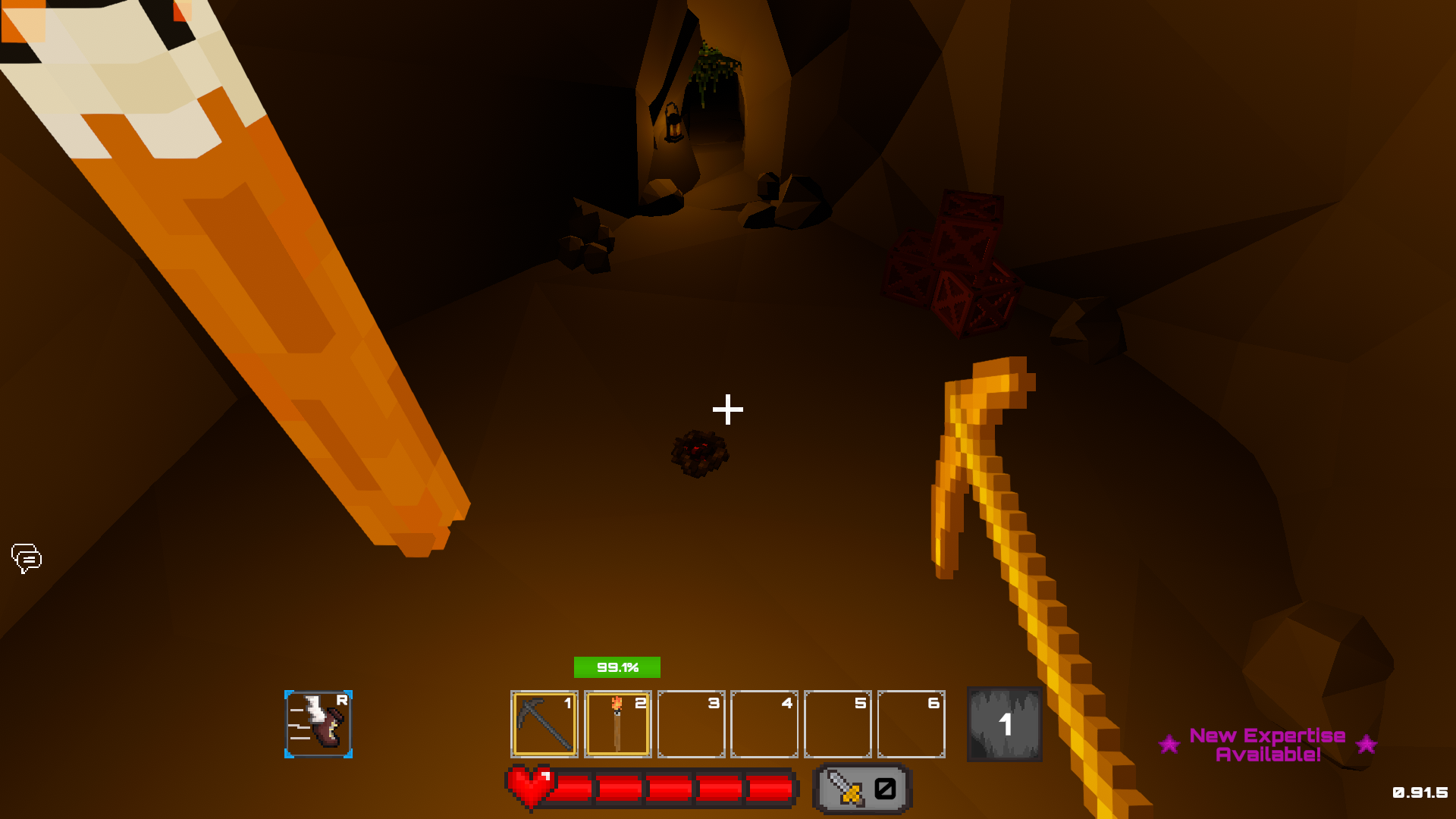
Float above the cave floor
Use Fly to rise above rocky passages and choose your route through the caves.
More ways to customise Cave Crawlers
- Cave Crawlers resources
Adjust expertise points for offline single-player.
- Cave Crawlers rule modifiers
Choose stronger attacks or damage protection in offline single-player.
Using these features
Choose the feature in the Windows app after connecting your game. Check its requirements before making a change.
Setup for Cave Crawlers →