
Stat Modifiers
2 optionsAdjust attack power and movement speed.
View stat modifiers →Explore the kingdoms of cats and dogs with controls for your feline and canine heroes. Adjust attack power and movement speed, or restore their health when they need a boost.
Start with free mods
Download Bytonian Mods for Windows and try these free features. Choose one to see how it works and any requirements.
Add attack power for the cat and dog, and choose the bonus you want.
Explore this free feature →Adjust movement speed for the cat and dog.
Explore this free feature →Restore health for the cat and dog while they are standing.
Revive a knocked-out hero before using this action on them.
Exploring the overworld
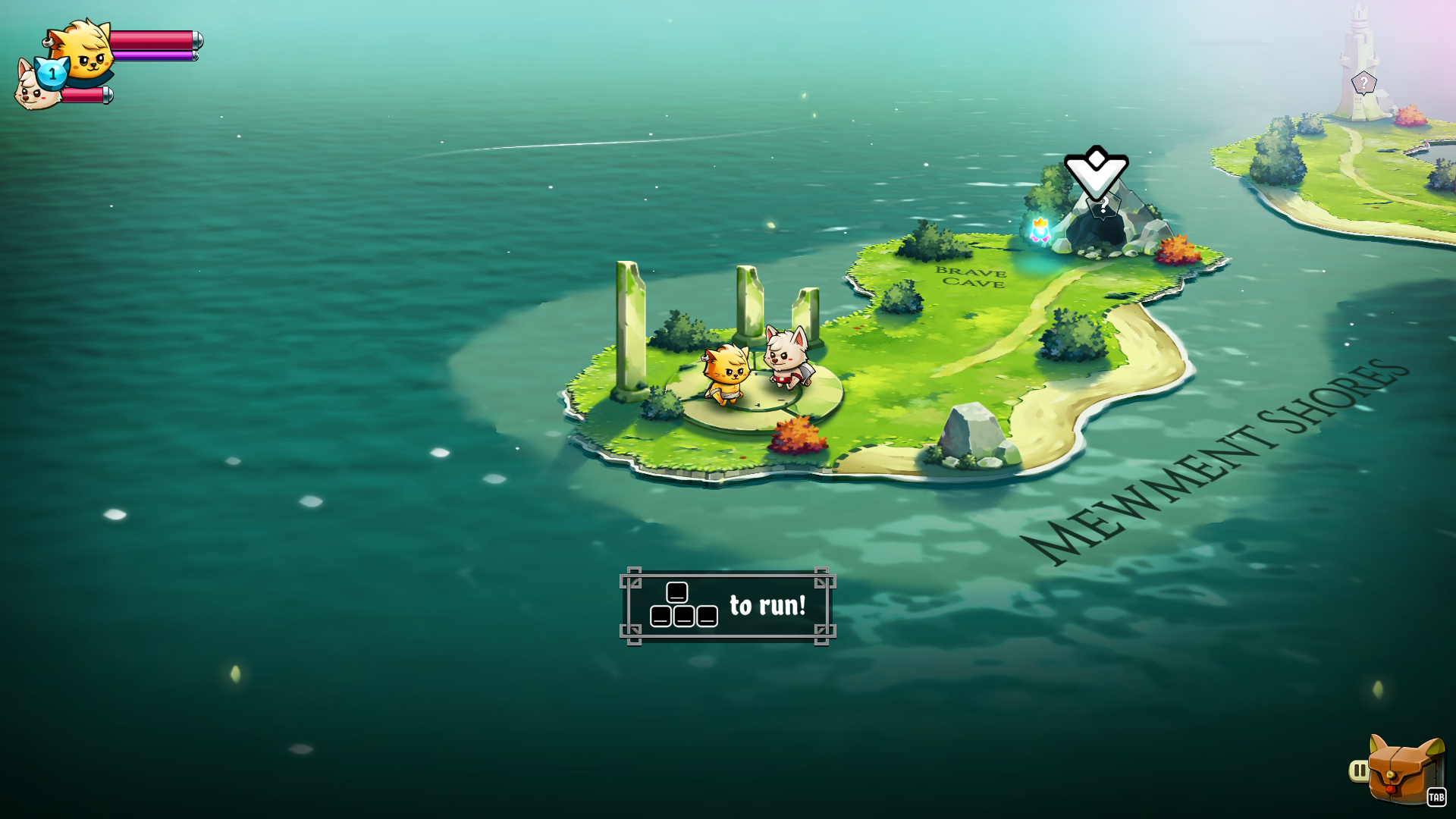
The cat and dog explore the overworld together.
Use the health action when your heroes need healing, and adjust their attack power or movement speed to suit your adventure.
Install Bytonian Mods for Windows, select Cat Quest II and enable the controls you want to use.
Adjust attack power and movement speed.
View stat modifiers →Restore health for living heroes.
View game actions →Browse the Steam achievement names and descriptions for Cat Quest II. Choose and unlock achievements for free with Bytonian Mods in the Windows app.
View all achievements →Download the Windows app and follow the setup prompts.
Open Cat Quest II and select it in Bytonian Mods. Follow the app’s connection prompts.
Review the available options in the app and choose the ones that suit how you play.