
Game Actions
1 optionA simple nutrient top-up for active Survival missions.
View game actions →Give your swarm an extra supply of nutrients in Survival. The Nutrients mod adds 100 nutrients each time you use its action during an active mission.
Start with free mods
Download Bytonian Mods for Windows and try these free features. Choose one to see how it works and any requirements.
Add 100 nutrients during an active Survival mission.
Start Survival, resume gameplay, and press the action for each extra 100 nutrients.
Survival missions only. Close menus before use; additions are limited to a total of 100,000 nutrients.
Start a Survival mission, resume play, and use Add 100 nutrients when you want another boost to your supply. The control adds a fixed amount each time you press it.
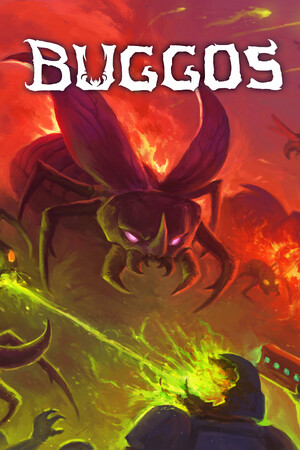
Buggos is a swarm strategy game where you grow a hive and face waves of human forces in Survival mode.
Install Bytonian Mods for Windows, select Buggos and enable Nutrients. Start a Survival mission and resume gameplay before using the action.
Defend the hive in Survival
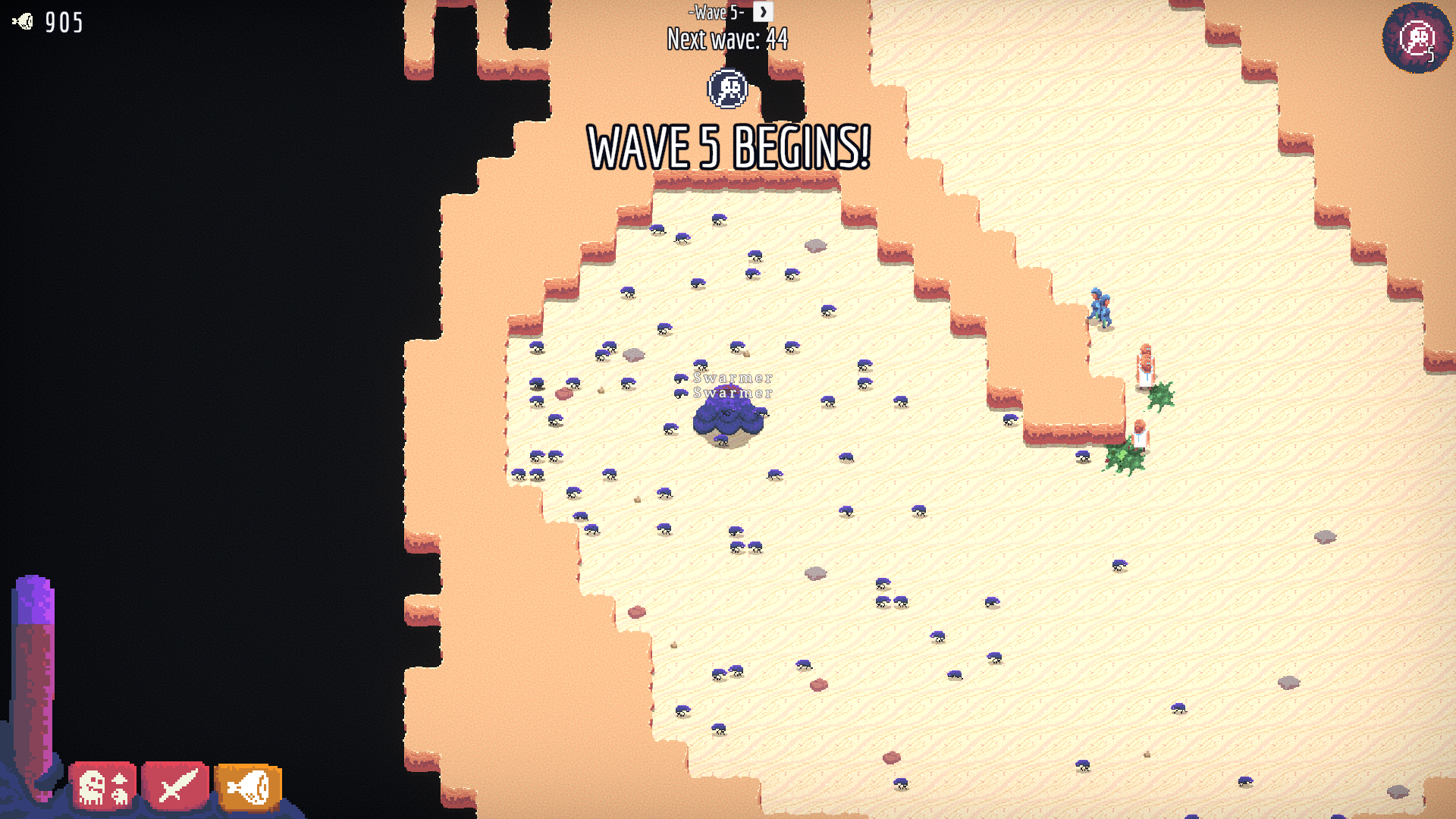
A growing swarm meets another wave of human attackers on a desert Survival map.
A simple nutrient top-up for active Survival missions.
View game actions →Browse the Steam achievement names and descriptions for Buggos. Choose and unlock achievements for free with Bytonian Mods in the Windows app.
View all achievements →Download the Windows app and follow the setup prompts.
Open Buggos and select it in Bytonian Mods. Follow the app’s connection prompts.
Review the available options in the app and choose the ones that suit how you play.