

Stat Modifiers
3 optionsMaintain race resources and adjust boost acceleration.
View stat modifiers →Restore machine health or boost energy and adjust boost acceleration in supported offline BREAK ARTS II races. Set up your racing machine and take it back onto the track.
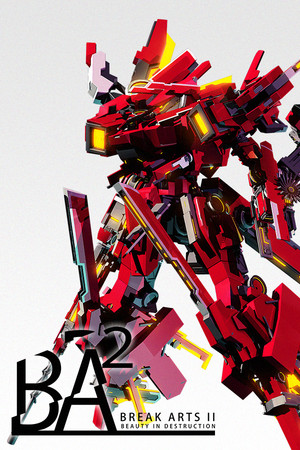
Start with free mods
Download Bytonian Mods for Windows and try these free features. Choose one to see how it works and any requirements.
Increase boost acceleration in supported offline races.
Choose a boost multiplier from 1 to 5.
Restore machine health during supported offline races so you can stay in the action.
Sudden destruction can still occur.
Restore energy during supported offline races to keep your boost available.
Explore this free feature →BREAK ARTS II combines robot and weapon customization with fast-paced racing and combat. Assemble a machine, then put it to work on the track.
Use Race Controls to keep your machine in the action or give its boost more power in supported solo races.
Maintain race resources and adjust boost acceleration.
View stat modifiers →Browse the Steam achievement names and descriptions for BREAK ARTS II. Choose and unlock achievements for free with Bytonian Mods in the Windows app.
View all achievements →Download the Windows app and follow the setup prompts.
Open BREAK ARTS II and select it in Bytonian Mods. Follow the app’s connection prompts.
Review the available options in the app and choose the ones that suit how you play.