

Get ready for the next hallway
A fresh stamina meter gives you another chance to run, while a well-chosen item can help with your route through the school. Use these free controls during Classic Story mode.

Refill before you sprint
Press Refill stamina when the Staminometer runs low. It restores the normal full meter without changing your walking or running speed.
Add the items you choose
Give items appears in Spawn's Inventory view. Search the native item list, choose a quantity from one to three and select an item. You need enough free inventory slots for the whole request.
Available game actions
Give itemsFree
Choose from 20 native item entries and add useful supplies to your empty inventory slots, including BSODA, Zesty Bars and Safety Scissors.
Load Classic Story mode. Open Spawn, choose Inventory, search or browse the list, set a quantity from one to three and select the item.
Free enough usable inventory slots for the whole request first. Existing items are kept, and items follow their usual in-game use rules.
What you can spawn
- Items (20)
- Including Dangerous Teleporter, Dirty Chalk Eraser, Portal Poster, Principal Whistle, Faculty Nametag.
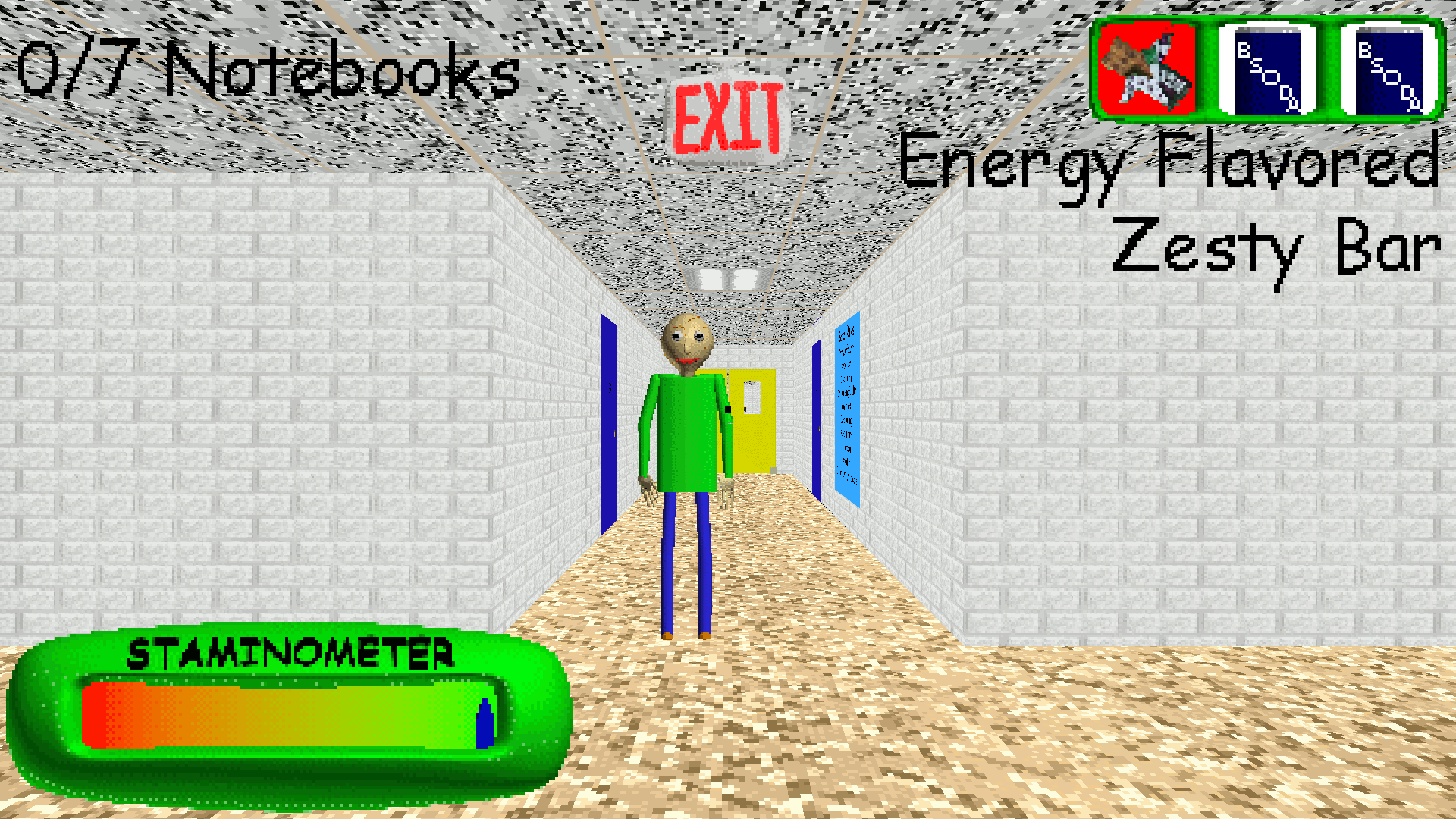
Stock your empty item slots
Give items adds the selected native items to free inventory slots. This Classic Story inventory holds a Zesty Bar and two BSODAs.
Refill staminaFree
Restore the Staminometer to full so you can sprint again while exploring the school.
Load Classic Story mode, then press Refill stamina in Game Actions when the meter runs low.
This is a one-time refill. Stamina drains normally afterward, and the action waits until you are back in active Classic Story gameplay.
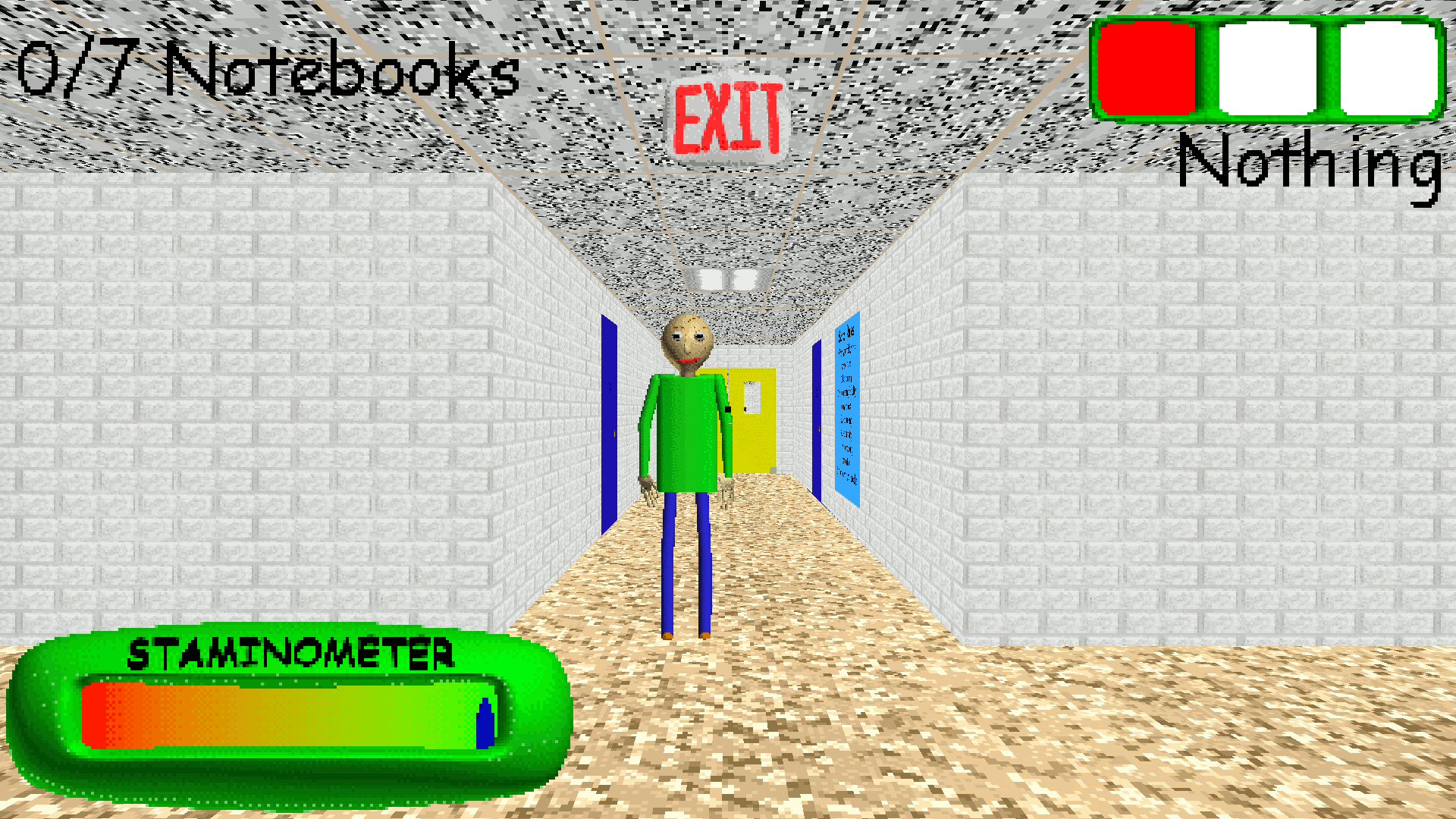
Ready to run again
Refill stamina restores the Staminometer to full in Classic Story mode.
Using these features
Choose the feature in the Windows app after connecting your game. Check its requirements before making a change.
Setup for Baldi's Basics Classic Remastered →