

Adjust the zoom in BABBDI
Choose a smaller angle for a closer look down a passage, or a larger angle to keep more of your surroundings in view.
Works with the Steam version of the game.

Available presentation modifiers
Zoom StrengthFree
Choose the angle used when you hold BABBDI’s zoom control, from 15 to 50 degrees.
Turn on Zoom Strength, set the angle, and hold your usual zoom control. Turn the mod off to restore the original zoom.
The setting applies to the held zoom. The normal walking view stays the same.
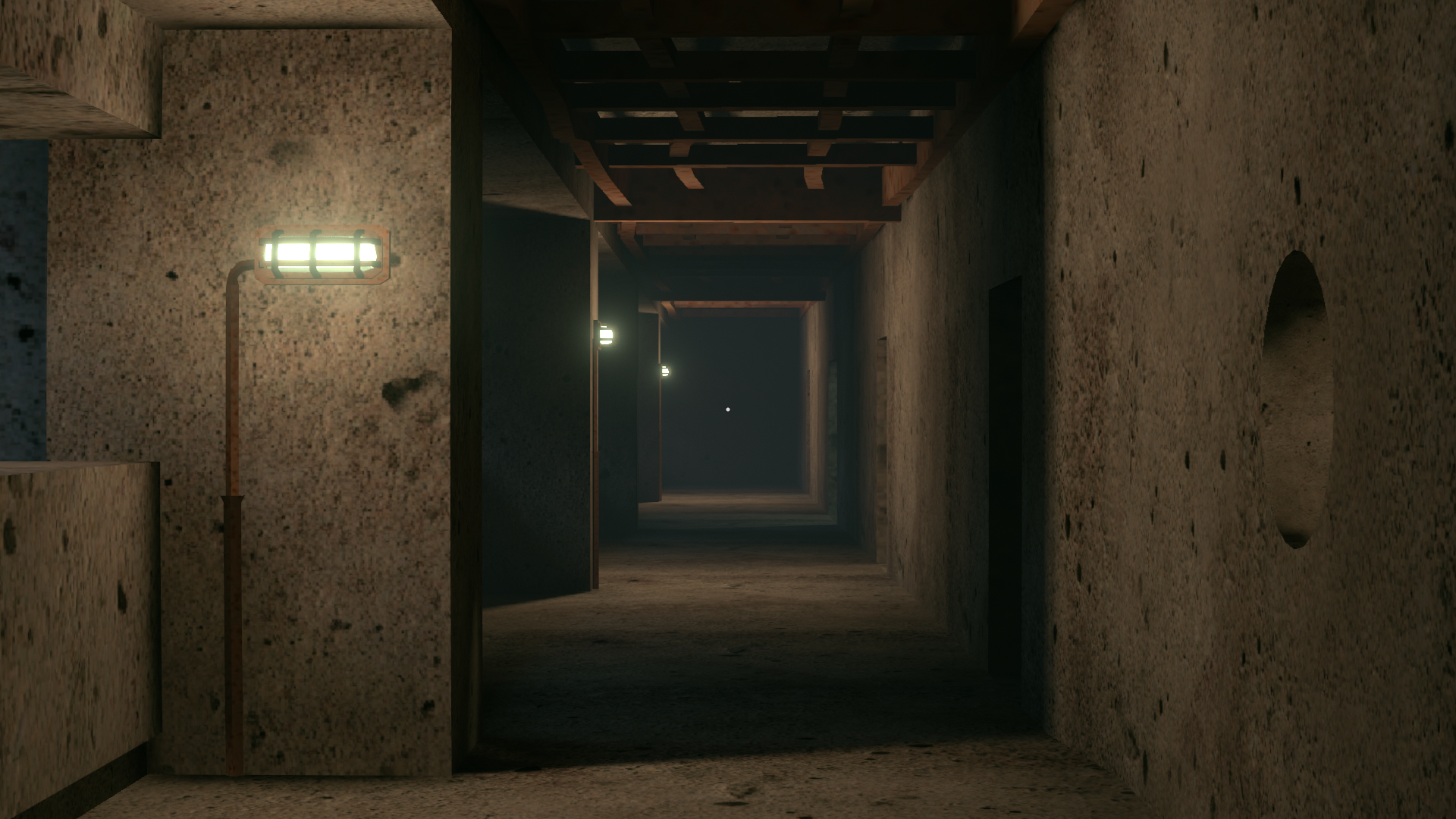
Closer zoom down the corridor
The 20-degree zoom setting brings the far end of the corridor into a closer view from the same spot.
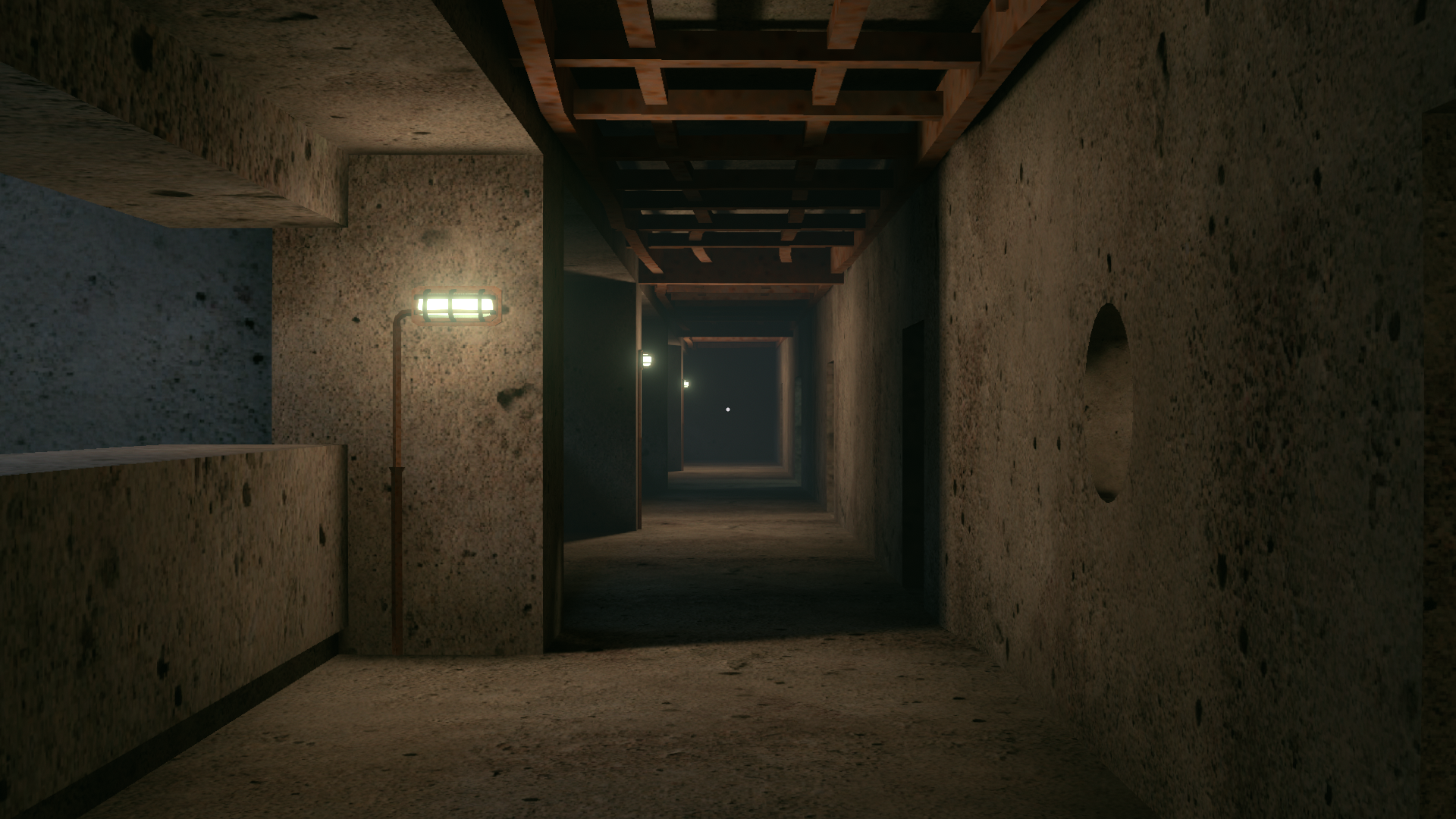
Stock zoom for comparison
BABBDI’s standard zoom from the same starting position.
1 / 2
Using these features
Choose the feature in the Windows app after connecting your game. Check its requirements before making a change.
Setup for BABBDI →