

Explore with free flight
Fly lets your character rise above the courtyard, hover and move freely through the world. Open Movement in Bytonian Mods, choose Fly and switch it on, then adjust your flight speed.

Flight controls
By default, W, A, S and D move relative to the camera. Space rises, Ctrl descends and Shift doubles your chosen flight speed while held. V toggles flight. You can change these keys to suit your controls.
Start and stop flight
Choose a flight speed from 0.5 to 15. Flight passes through walls and pauses during menus or cutscenes. Switch Movement off or press V to return to normal movement. Return near solid ground before stopping flight.
Available ability modifiers
MovementFree
Move your character freely through the world, including rising, descending and hovering.
Open Movement in Bytonian Mods, choose Fly and switch Movement on. V also switches it on or off. Adjust flight speed and directional keys in its controls.
Flight passes through walls. Return near solid ground before switching Movement off. Menus and cutscenes suspend flight.
Supported movement styles: Fly
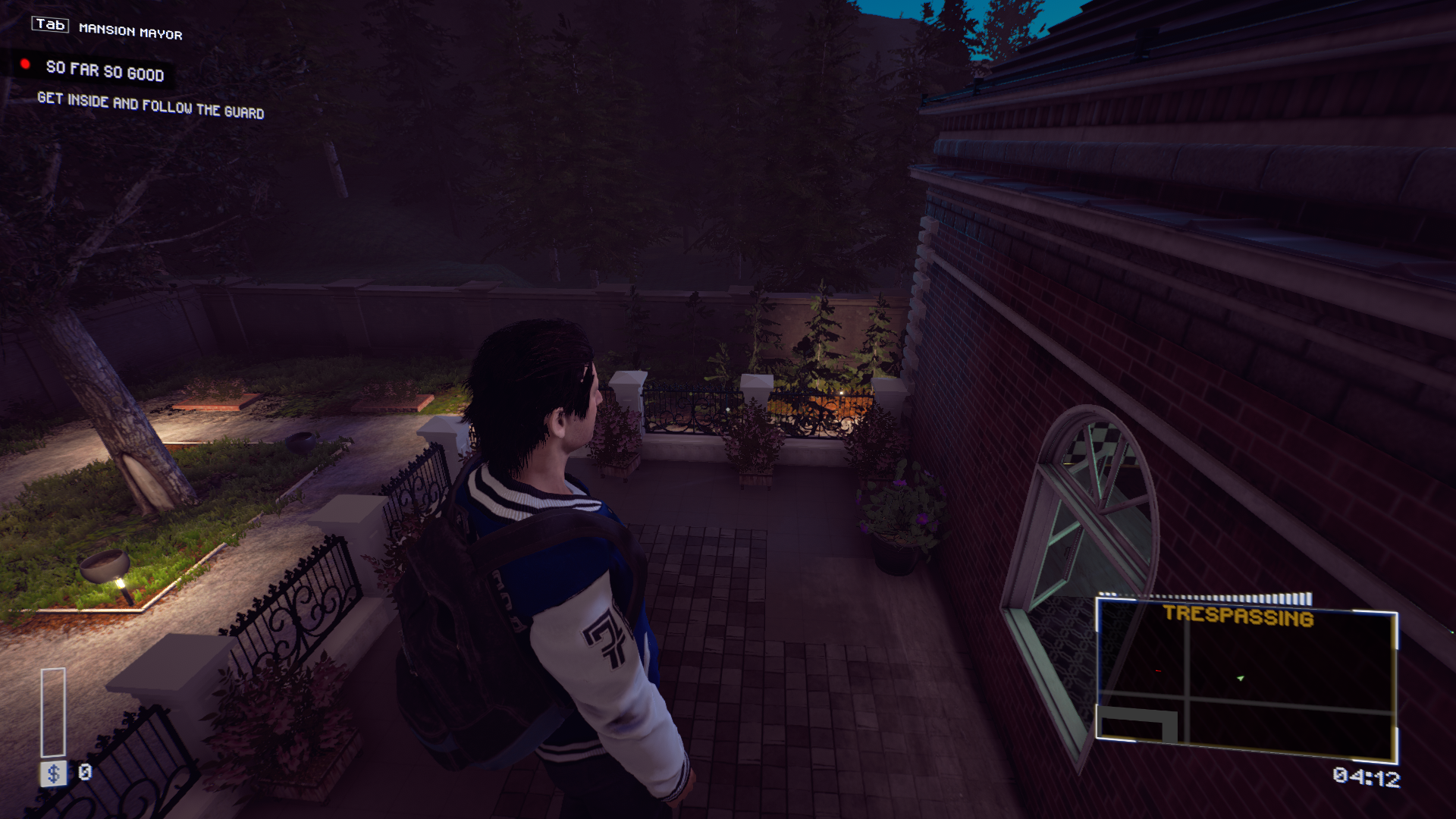
Fly above the mansion courtyard
Rise above the courtyard and move freely with the flight controls.
More ways to customise American Theft 80s
- American Theft 80s stat modifiers
Set movement speed from 50% to 300%.
- American Theft 80s rule modifiers
Run without normal stamina spending.
- American Theft 80s game actions
Refill health and choose how much cash to add.
Questions about ability modifiers
- Will Fly move just the camera?
- No. Fly moves your character, including rising, descending and hovering.
Using these features
Choose the feature in the Windows app after connecting your game. Check its requirements before making a change.
Setup for American Theft 80s →