

Resources
1 optionSet, add and subtract cash during your own solo turn.
View resources →Give yourself more room to explore Amalgamated's market. Adjust your cash in a solo game against AI, then choose companies, buy shares and manage your holdings through the normal trading controls.
Start with free mods
Download Bytonian Mods for Windows and try these free features. Choose one to see how it works and any requirements.
Set cash from 0 to 1,000,000 BJK, or add and subtract funds in a solo game against AI. Fractional amounts are supported.
Use during your own Trading or Operations turn. Close Settings and wait for actions or reports to finish, then refresh the card and choose an amount.
Unavailable in online and hot-seat games. Normal purchases still deduct cash.
Set a cash balance up to 1,000,000 BJK, or add and subtract an amount as your strategy changes. Company purchases still charge their usual price, so your cash and holdings continue to reflect each trade.
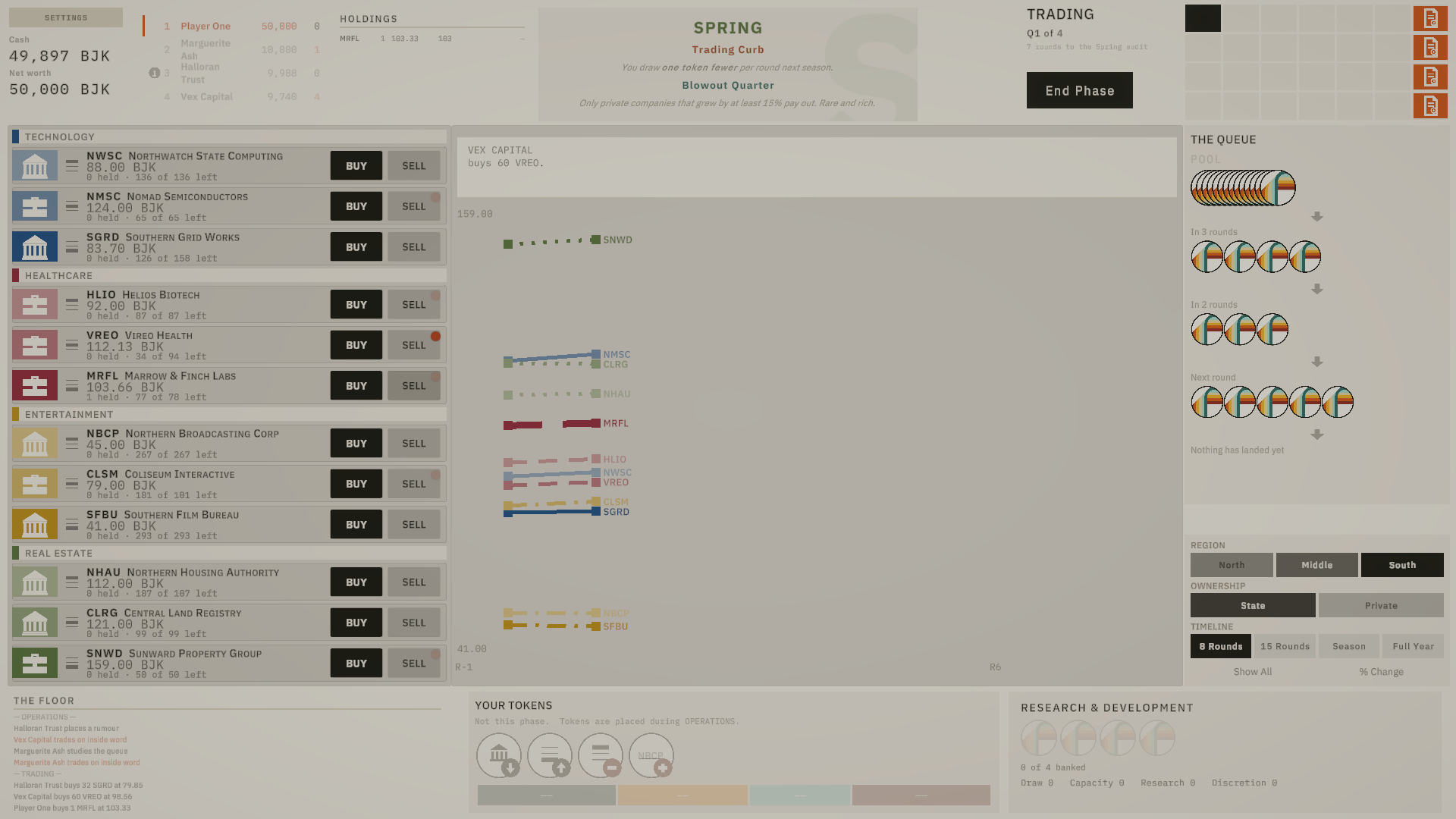
Amalgamated mixes trading, token actions, delayed events and seasonal audits. Cash gives you buying power, while company prices and the action queue keep each round moving.
Build your solo portfolio
Adjust your solo-game cash before trading, then watch your holdings and market value as the year unfolds.
Set, add and subtract cash during your own solo turn.
View resources →Download the Windows app and follow the setup prompts.
Open Amalgamated and select it in Bytonian Mods. Follow the app’s connection prompts.
Review the available options in the app and choose the ones that suit how you play.