
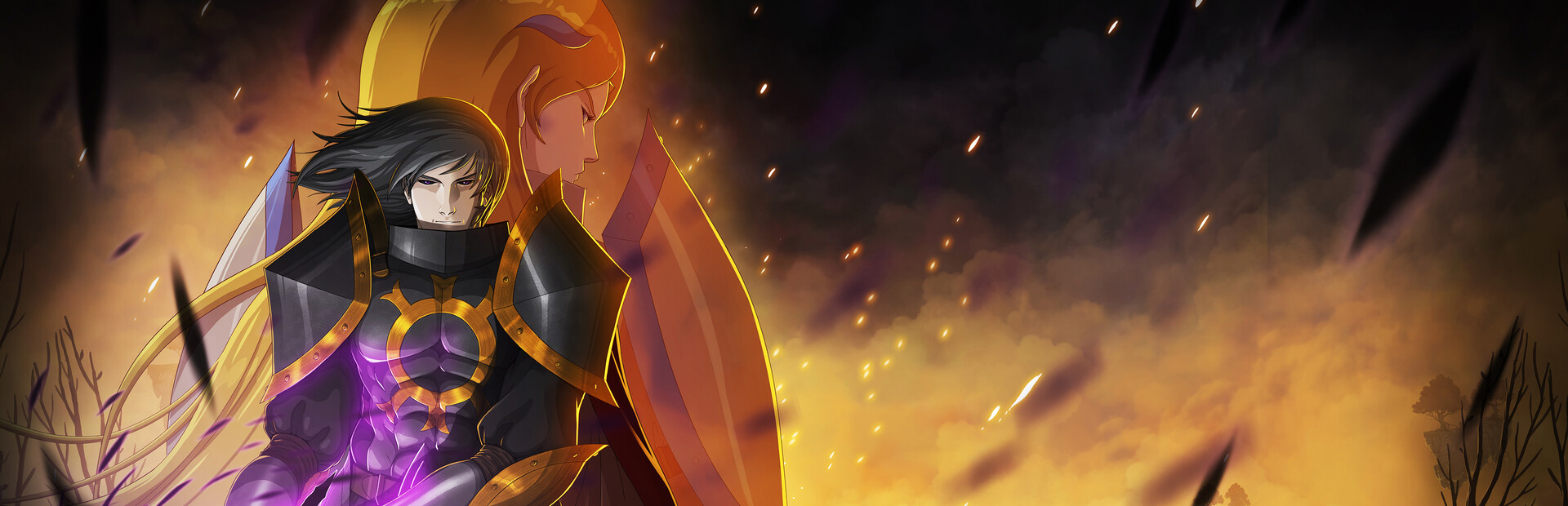
Move the King freely through the scene
Fly gives you direct horizontal and vertical movement, letting you pass through scenery and look around beyond ordinary jumps. This Premium option is separate from the free infinite-jump rule.
Check flight settings
Open the Movement tab, enable Movement and choose Fly. Review the left, right, up, down and faster-flight bindings, along with both speed settings. Return near solid ground before turning Movement off to resume ordinary movement.
Return to the intended route
Flying can carry you past the usual path, but it does not guarantee that doors, quests or progression requirements are satisfied. Return to the playable route to continue the game normally.
Available ability modifiers
MovementPremium
Move the King horizontally and vertically through the environment, including through scenery.
Check the configured direction keys and two speed settings, then enable Fly.
Changes movement rather than progression. Return to a clear landing spot before disabling.
Supported movement styles: Fly
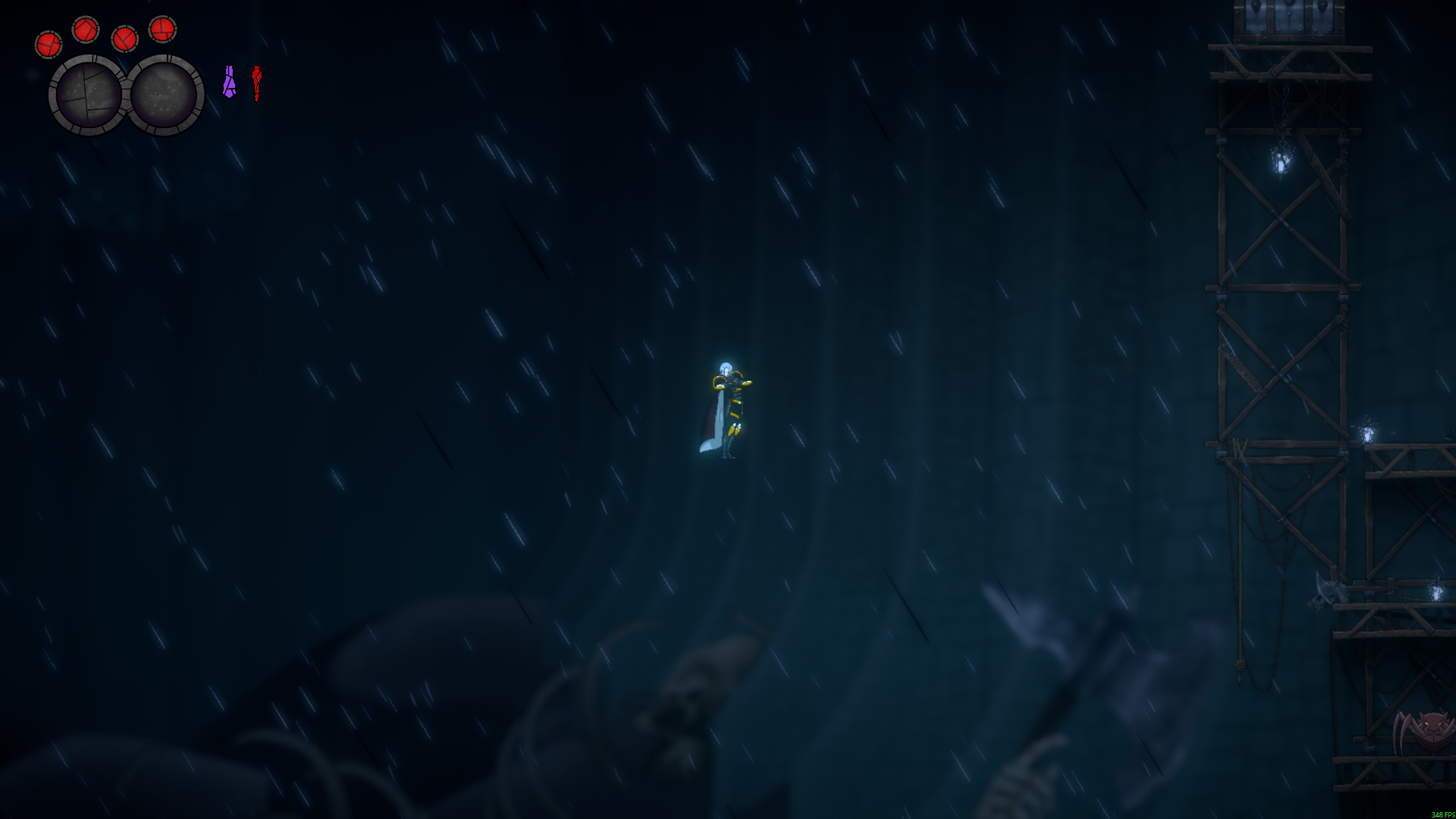
Fly above the scaffolding
Use Fly to rise above the platforms and hover in open air.
More ways to customise Aeterna Noctis
- Aeterna Noctis resources
Separate balances for purchases and perks.
- Aeterna Noctis rule modifiers
Repeated jumps, health refill and damage prevention are separate toggles.
Using these features
Choose the feature in the Windows app after connecting your game. Check its requirements before making a change.
Setup for Aeterna Noctis →