
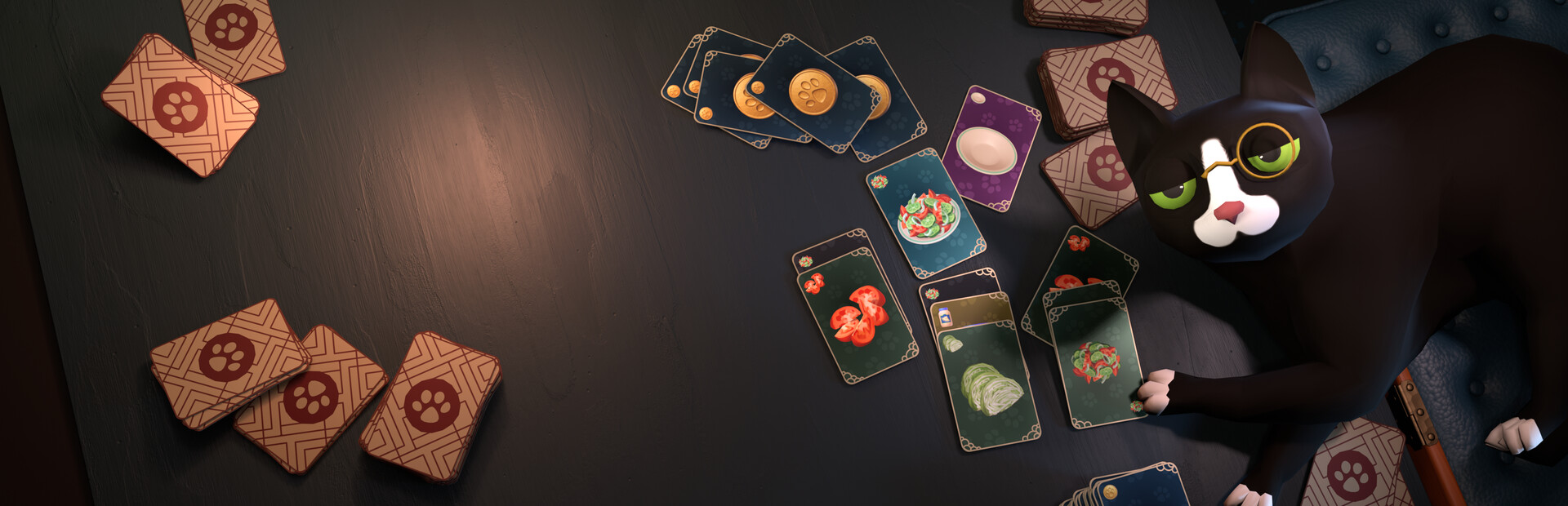
Resources
1 optionAdjust your Stars while the Mad Hatter Shop is open.
View resources →Finish active card tasks, adjust shop Stars or make cards available to buy as you cook through Abra-Cooking-Dabra's Wonderland kitchen. Choose the help that fits your next order or shop visit.

Start with free mods
Download Bytonian Mods for Windows and try these free features. Choose one to see how it works and any requirements.
Make Mad Hatter Shop cards available to purchase.
Enable the toggle while browsing the shop, then choose cards to buy.
You still need enough Stars; cards are not granted automatically.
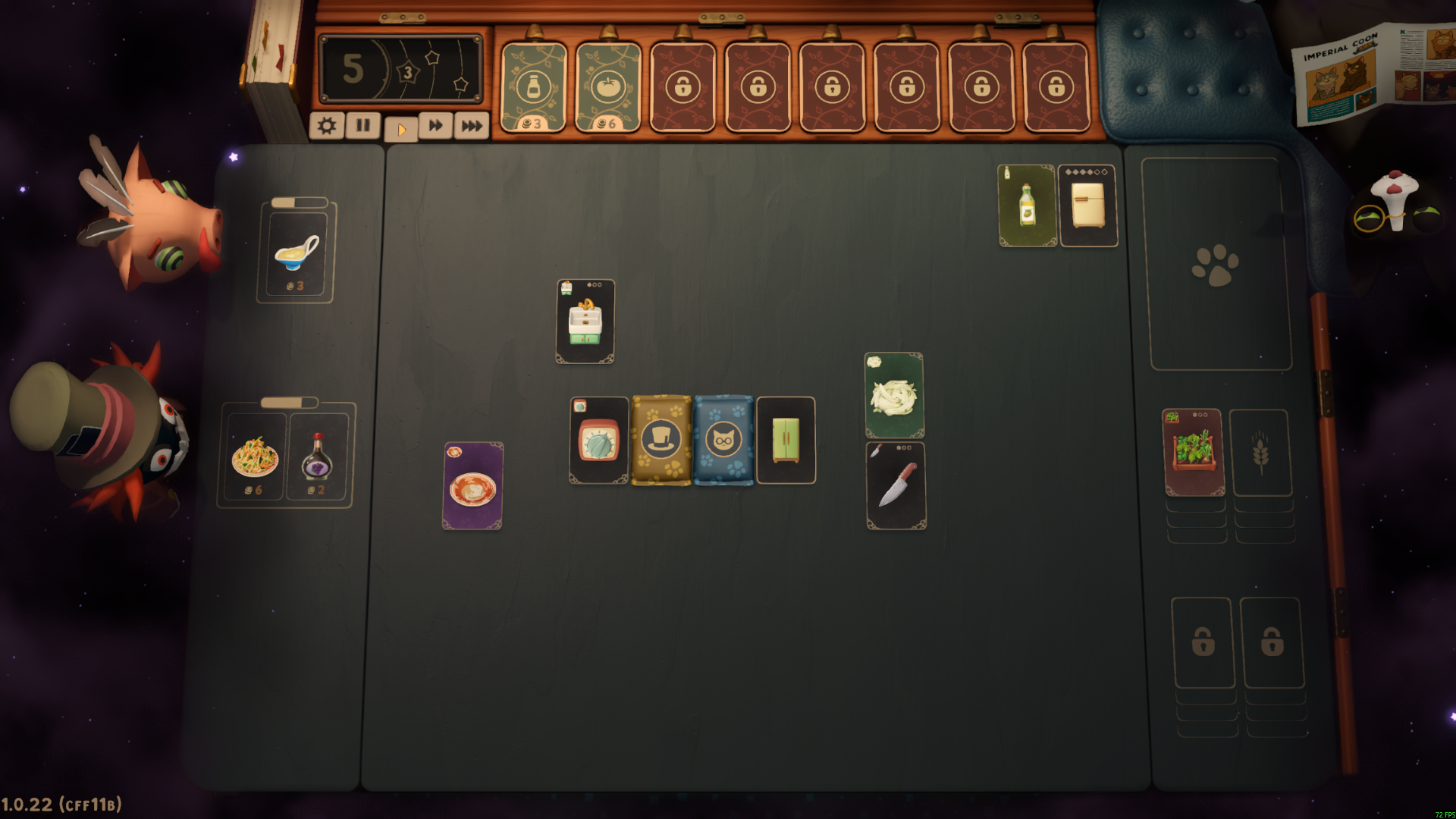
Cooking for Wonderland's guests
Combine ingredient and equipment cards while keeping an eye on your guests' orders in Abra-Cooking-Dabra.
Game Actions finishes active card tasks, Resources adjusts Stars in the shop, and Unlocks makes shop cards available to purchase. The unlock is free; Stars and Finish Card Actions are Premium.
Install Bytonian Mods, open Abra-Cooking-Dabra and select it in the app. Follow the connection prompts, then enter the kitchen or Mad Hatter Shop for the relevant control.
Adjust your Stars while the Mad Hatter Shop is open.
View resources →Unlock card availability without making purchases free.
View unlocks →Complete active card tasks while order timers remain separate.
View game actions →Download the Windows app and follow the setup prompts.
Open Abra-Cooking-Dabra and select it in Bytonian Mods. Follow the app’s connection prompts.
Review the available options in the app and choose the ones that suit how you play.