
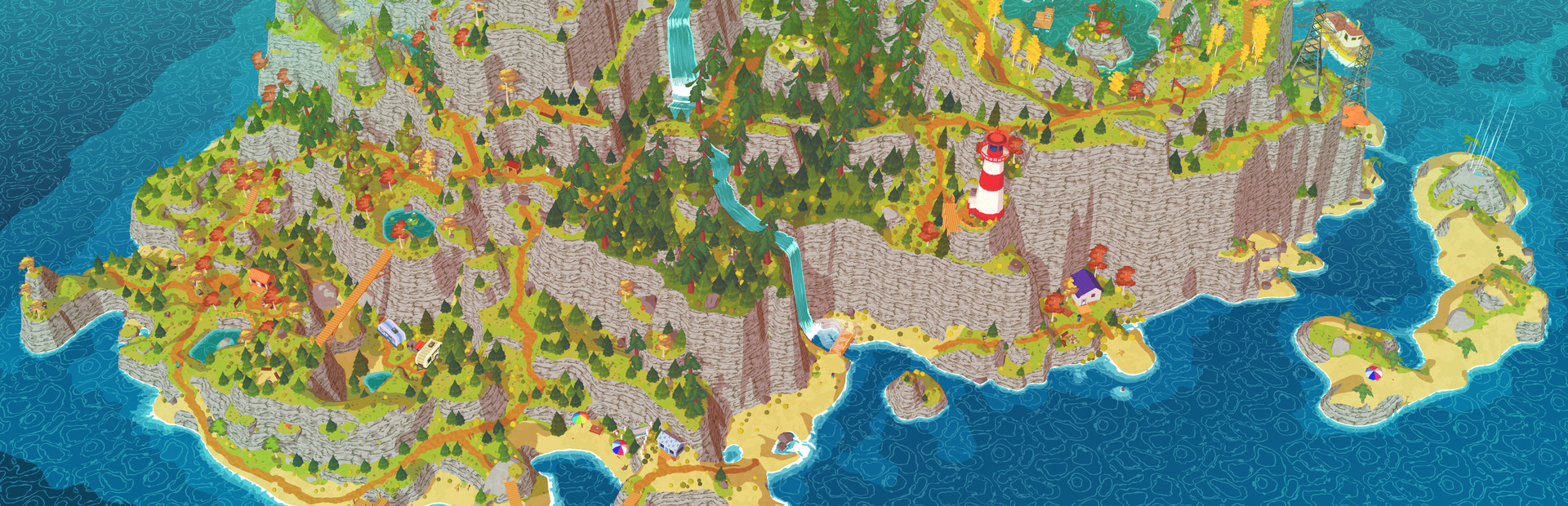
Presentation Modifiers
1 optionCustomize Claire's shirt color.
View presentation modifiers →Explore the trails, climb the mountains and meet the hikers of Hawk Peak Provincial Park. Give Claire a new look with a free shirt-color control as you explore.

Start with free mods
Download Bytonian Mods for Windows and try these free features. Choose one to see how it works and any requirements.
Choose Claire's shirt color using red, green and blue controls.
Enable Shirt Colors, then expand the card to adjust each color.
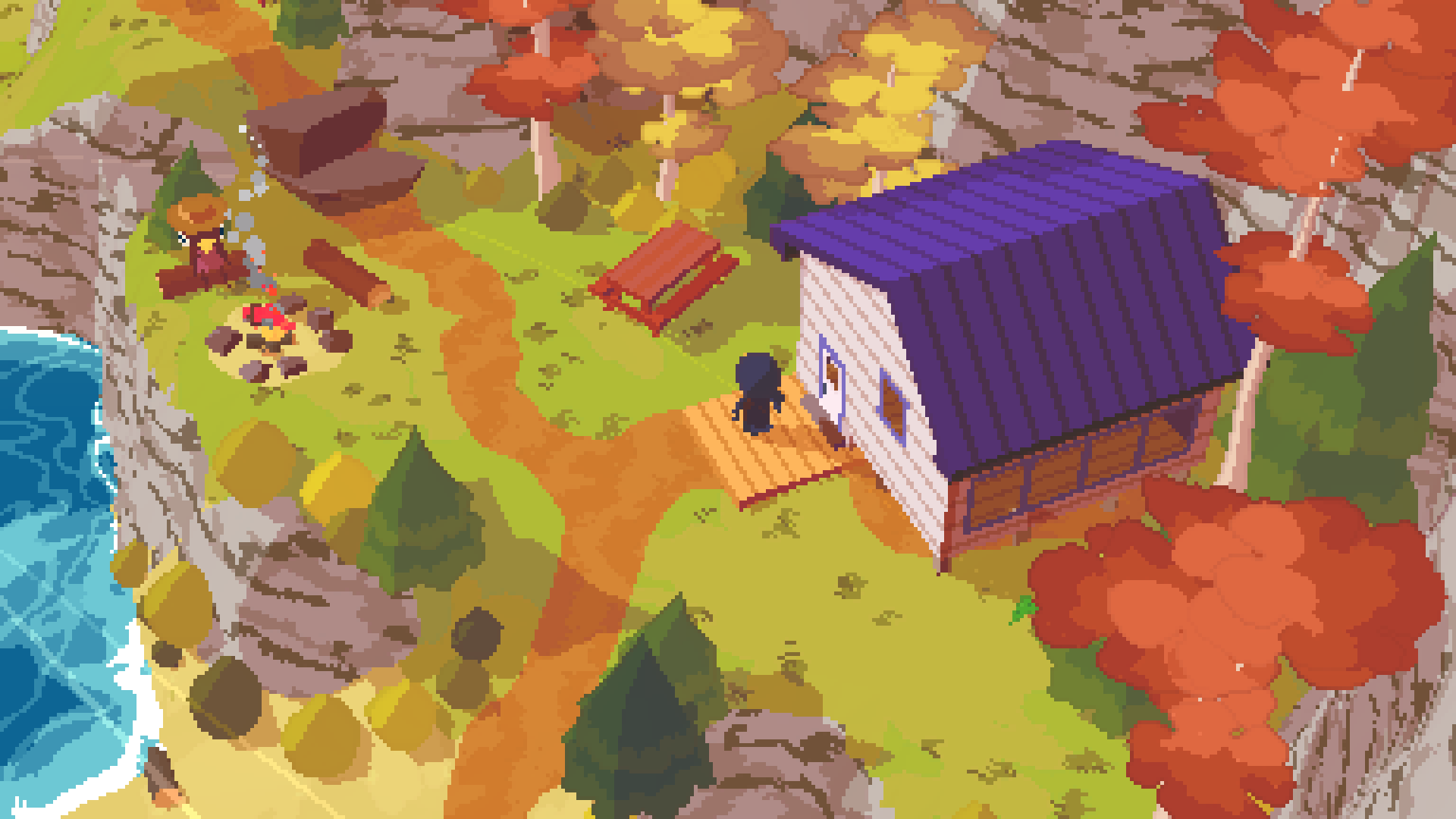
Explore Hawk Peak
Take in the island scenery as you explore at your own pace.
Use the shirt-color control to mix red, green and blue. The shirt keeps a darker shade when Claire has no feathers available.
Install Bytonian Mods for Windows, add A Short Hike and enable Shirt Colors. Open its settings to choose the color you want.
Customize Claire's shirt color.
View presentation modifiers →Browse the Steam achievement names and descriptions for A Short Hike. Choose and unlock achievements for free with Bytonian Mods in the Windows app.
View all achievements →Download the Windows app and follow the setup prompts.
Open A Short Hike and select it in Bytonian Mods. Follow the app’s connection prompts.
Review the available options in the app and choose the ones that suit how you play.