

A Little to the Left game actions
Use Align rotating objects when you want help finding the right angle for a rotating puzzle piece.
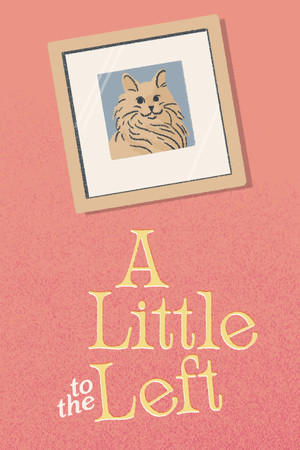
Finish the placement yourself
With the puzzle menus closed and no object held, select Align rotating objects. Then click and release an aligned object so the puzzle can register its placement. The action changes orientation; it does not move sliding pieces or rearrange stacks.
Available game actions
Align rotating objectsFree
Turn supported rotating objects to their target angles.
Open an ordinary puzzle, close menus and release any held object. Select Align rotating objects, then click and release an aligned object to register its placement.
Unavailable in Daily Tidy. Sliding and stacked objects are unchanged.
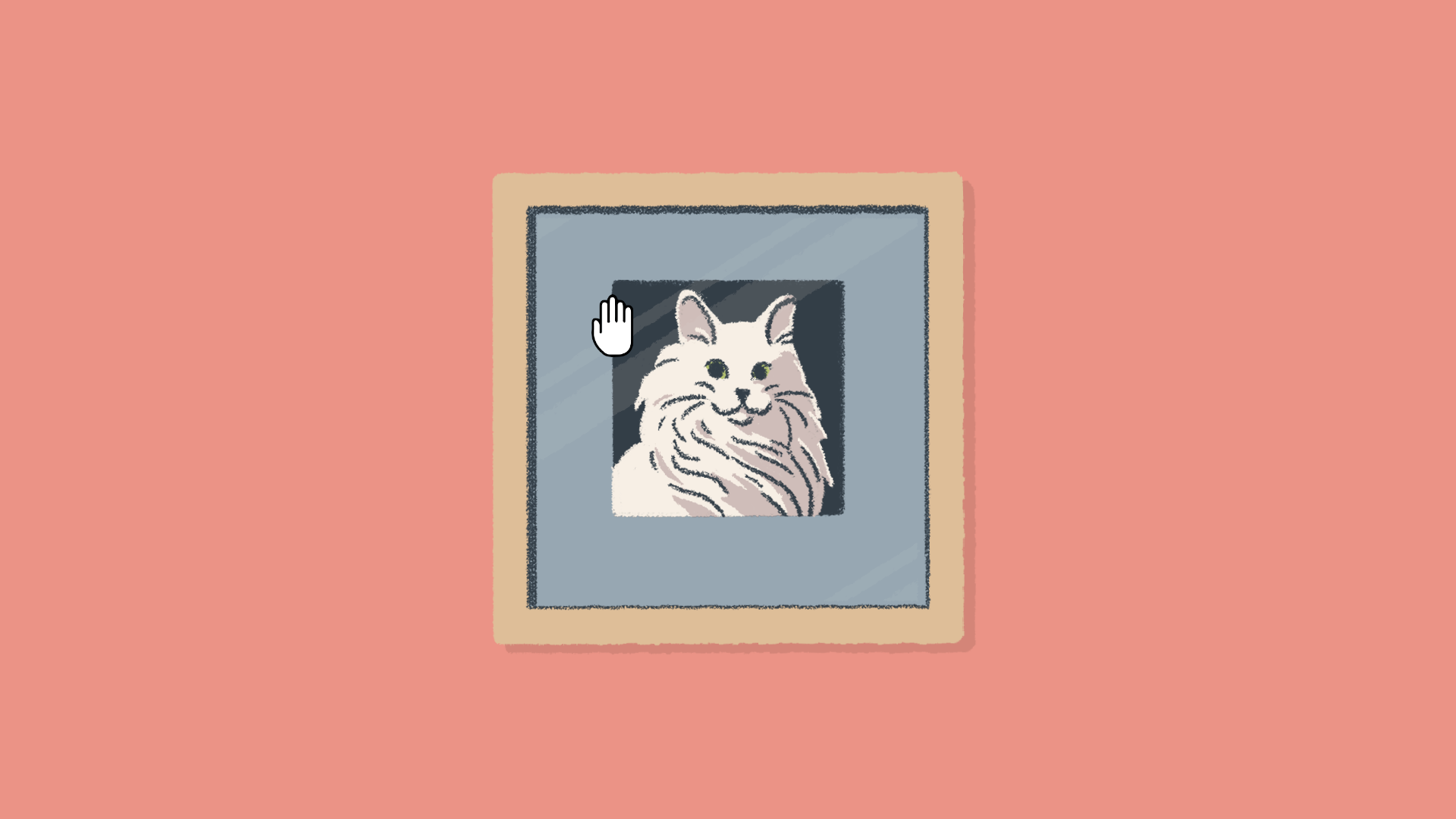
Straighten a tilted picture frame
Align the picture frame with its target angle using Align rotating objects.
Using these features
Choose the feature in the Windows app after connecting your game. Check its requirements before making a change.
Setup for A Little to the Left →