

Set your pace and jump strength
Travel faster between stops or slow your movement to a gentler pace. Jump strength is separate, so you can change how strongly you jump without changing your walking and running speed.
Anti-cheat must be disabled. Easy Anti-Cheat setup guide

Use percentages to tune the feel
100% keeps the normal value. Lower percentages reduce the selected movement setting, while higher percentages increase it. Adjustments take effect while the control is enabled; switch it off to use the game's normal calculation again.
Keep normal survival costs
Changing travel speed does not remove sprint stamina costs. Stronger jumps still cost stamina and can cause normal fall damage when you land.
Available stat modifiers
Jump strengthPremium
Make jumps stronger or gentler in your offline single-player world.
Enable Jump strength and choose a percentage from 50% to 300%. 100% keeps normal strength. Switch off for normal jumps.
Requires anti-cheat disabled and an offline single-player world. Normal stamina costs and fall damage still apply.
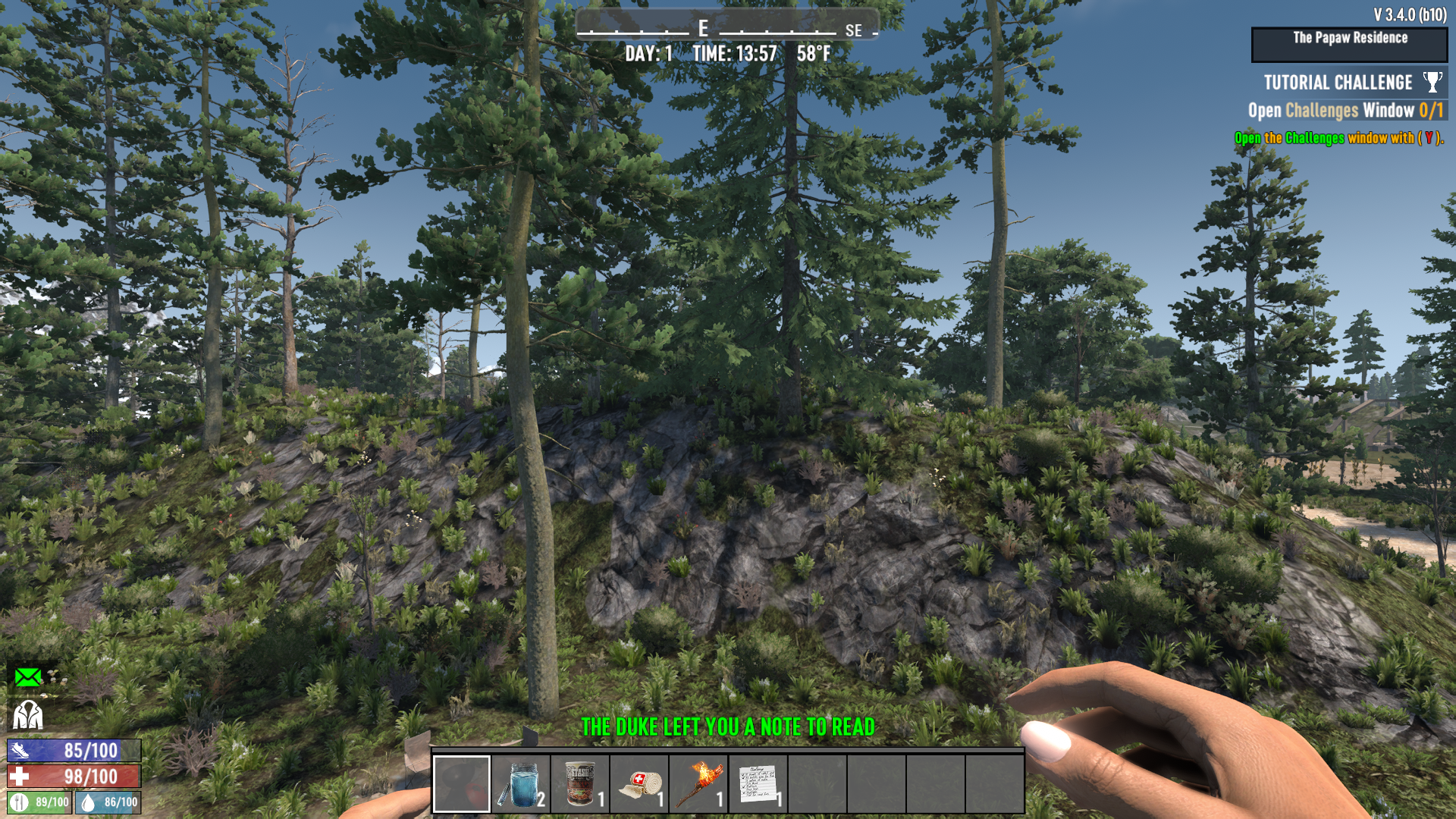
A stronger jump in Navezgane
An elevated view across a rocky hillside after a stronger jump. Adjust jump strength for higher or gentler jumps; normal fall damage still applies.
Walk and run speedFree
Choose a faster or gentler walking and running pace in your offline single-player world.
Enable Walk and run speed and choose a percentage from 50% to 500%. 100% is normal speed. Switch off to return to normal movement.
Requires anti-cheat disabled and an offline single-player world. Normal sprint stamina costs still apply.
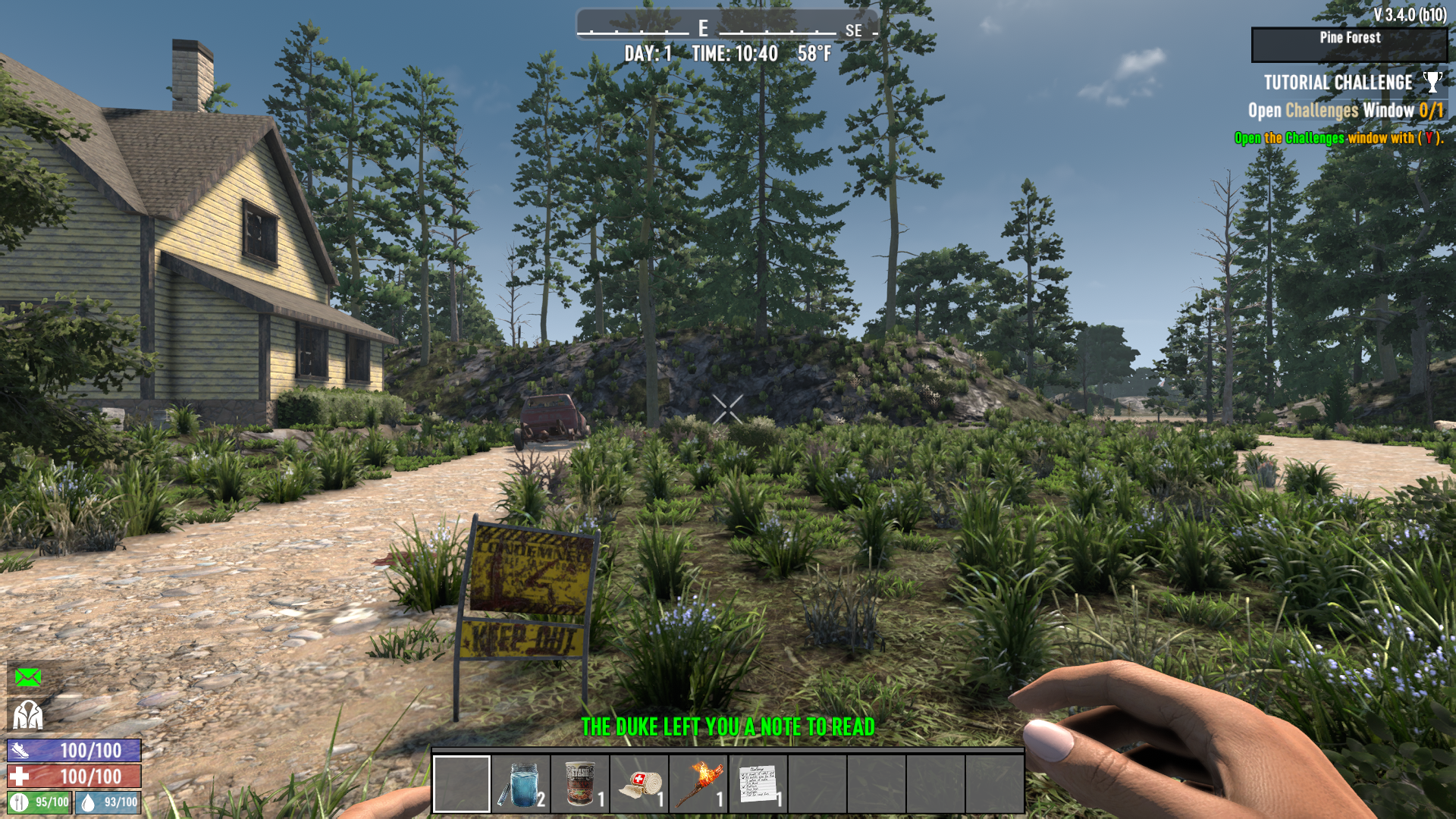
Walk and run speed in Navezgane
Explore Navezgane with adjustable walking and running speed. This view was captured with the speed control enabled at 200% in offline single-player.
Using these features
Choose the feature in the Windows app after connecting your game. Check its requirements before making a change.
Setup for 7 Days to Die →